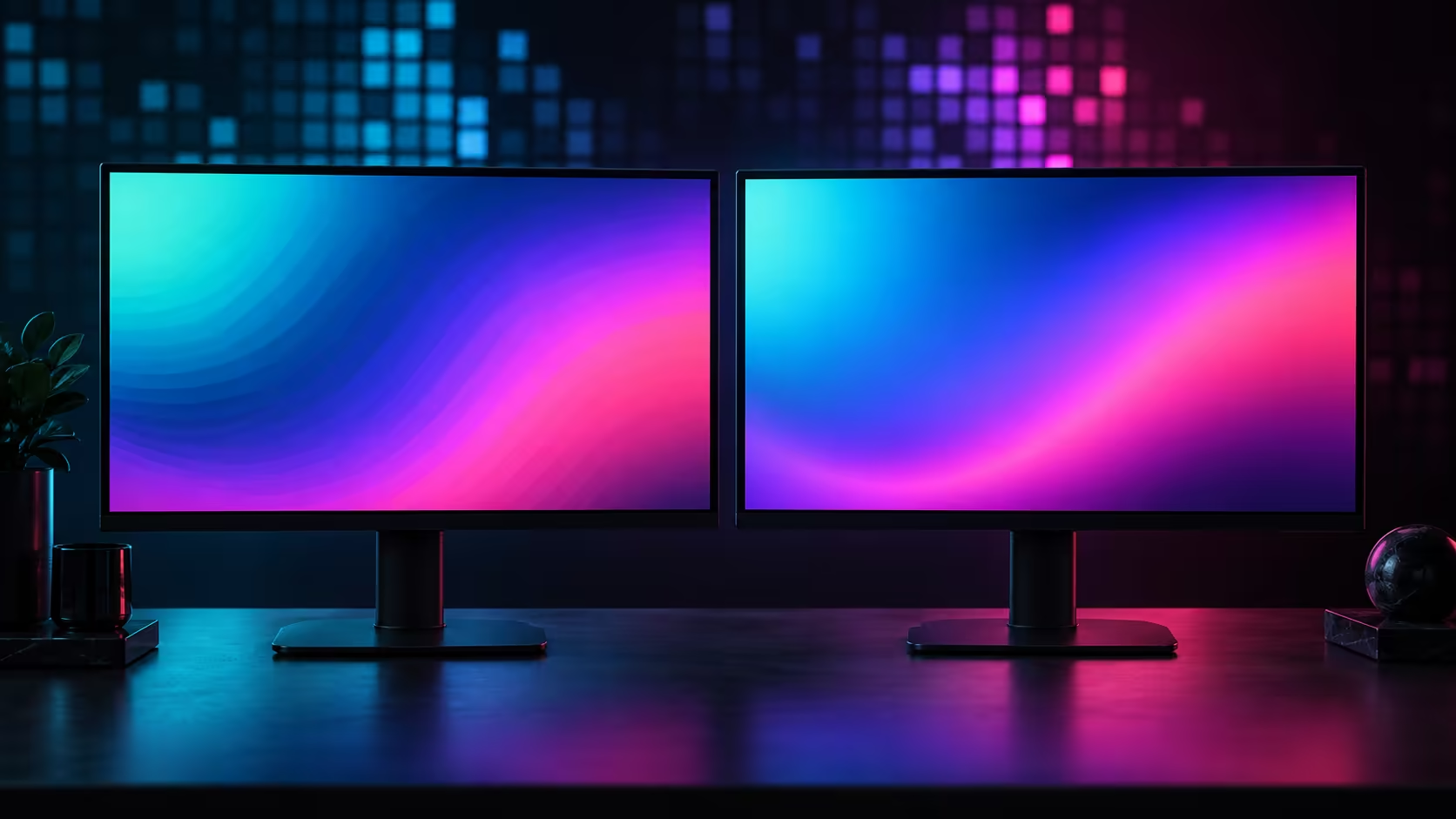
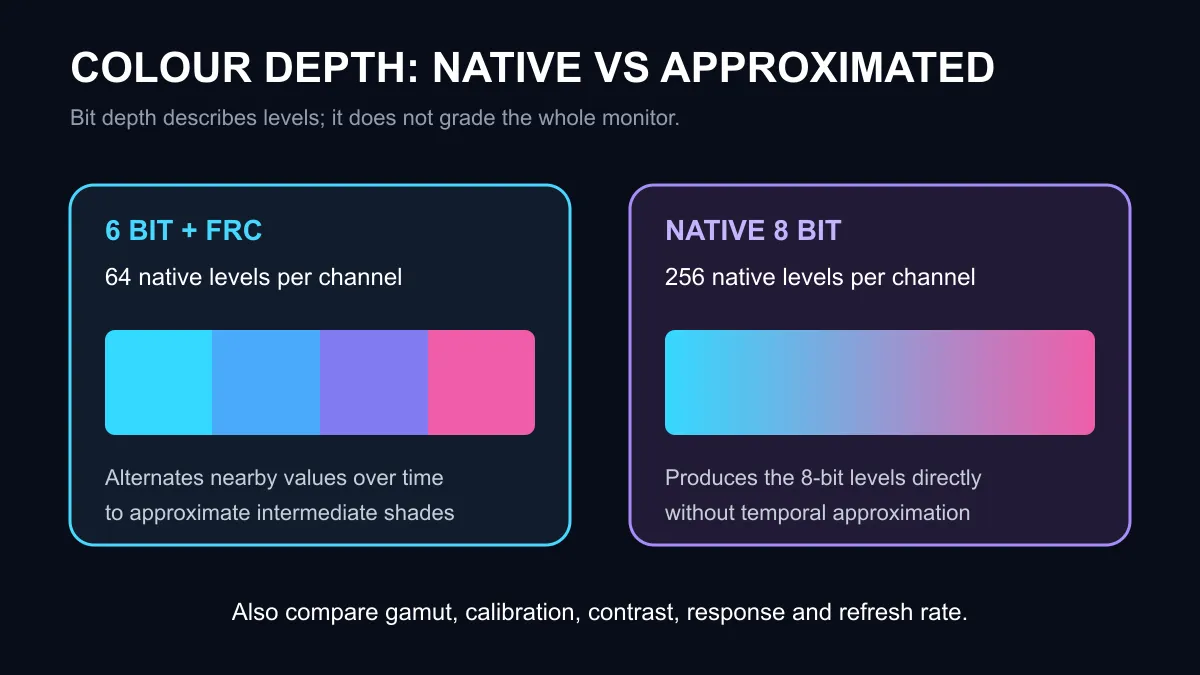
The 6 bit + FRC vs 8 bit choice describes how a monitor creates colour levels. A native 8-bit panel can show 256 levels for each red, green and blue channel directly. A 6-bit panel has 64 native levels per channel and uses Frame Rate Control to alternate nearby values quickly, creating the perception of intermediate shades.
Quick Answer
Native 8-bit is the safer specification when smooth gradients and stable colour transitions matter. Six-bit plus FRC can still look good in games, video and everyday work because temporal dithering expands the apparent palette to about 16.7 million colours. Panel tuning, contrast, gamut, response time and calibration can outweigh bit depth in the overall experience.
What Frame Rate Control does
Frame Rate Control changes a pixel between two nearby colour values across successive frames. Your visual system blends that rapid pattern into a shade the panel cannot hold as one native value. This differs from static spatial dithering, which places different neighbouring pixels together to create an average impression.
The technique is most likely to show itself in smooth gradients, dark tones and close viewing. Instead of a perfectly even transition, a viewer may notice banding, shimmer or a fine patterned texture. The effect varies by panel, refresh behaviour, content and sensitivity, so the label alone does not predict how distracting it will be.
Native 8-bit is not the same as 8-bit plus FRC
Marketing language can compress different technologies into the same displayed-colour number. Six-bit plus FRC generally approximates an 8-bit palette. Eight-bit plus FRC starts from a native 8-bit panel and alternates values to approximate a 10-bit palette. A true 10-bit panel produces more native levels again.
Check whether a listing says panel bit depth, supported input depth or displayed colours. A monitor may accept a higher-bit signal and process it internally while the physical panel uses FRC. That is not automatically dishonest, but buyers need the full wording to compare like with like.
Which users benefit most from native 8-bit
Photo editing, illustration, video grading and other gradient-sensitive work benefit from a native panel with measured calibration performance. Native depth does not guarantee accuracy; gamut coverage, white balance, gamma tracking and uniformity still need to be good.
For competitive gaming, refresh rate, pixel response and overdrive behaviour can matter more than a small colour-depth distinction. For general office work, resolution, text clarity, ergonomics and brightness may dominate. A well-tuned 6-bit plus FRC display can therefore be a better purchase than a poor native 8-bit display with slower pixels or weak contrast.
The captured catalogue showed active office and gaming monitors from R1,269, including 120Hz and 144Hz IPS options. Their titles do not prove native panel depth. Use gaming monitors and office monitors to identify models, then confirm colour-depth details on the manufacturer's exact specification page.
How to compare two monitors
First match resolution, size and refresh rate. Then verify the panel's native depth and whether the intended connection supports that depth at the target refresh rate. Read an independent review with gradient and response testing. Finally, compare warranty, stand adjustment, ports and current local price.
The monitor best sellers can show what is active locally, but popularity does not replace panel verification.
Frequently Asked Questions
Can 6-bit plus FRC display 16.7 million colours?
It can approximate that palette by alternating native values rather than producing every level directly.
Is FRC visible at high refresh rates?
It may be less obvious in moving content, but visibility depends on implementation and viewer sensitivity.
Does HDR prove a monitor is native 8-bit?
No. HDR acceptance, internal processing and native panel depth are separate specifications.
Use the exact model specification and measured review, not the displayed-colour headline alone.
Read the panel specification in full. Match colour depth with response, gamut, contrast and the work you do.