


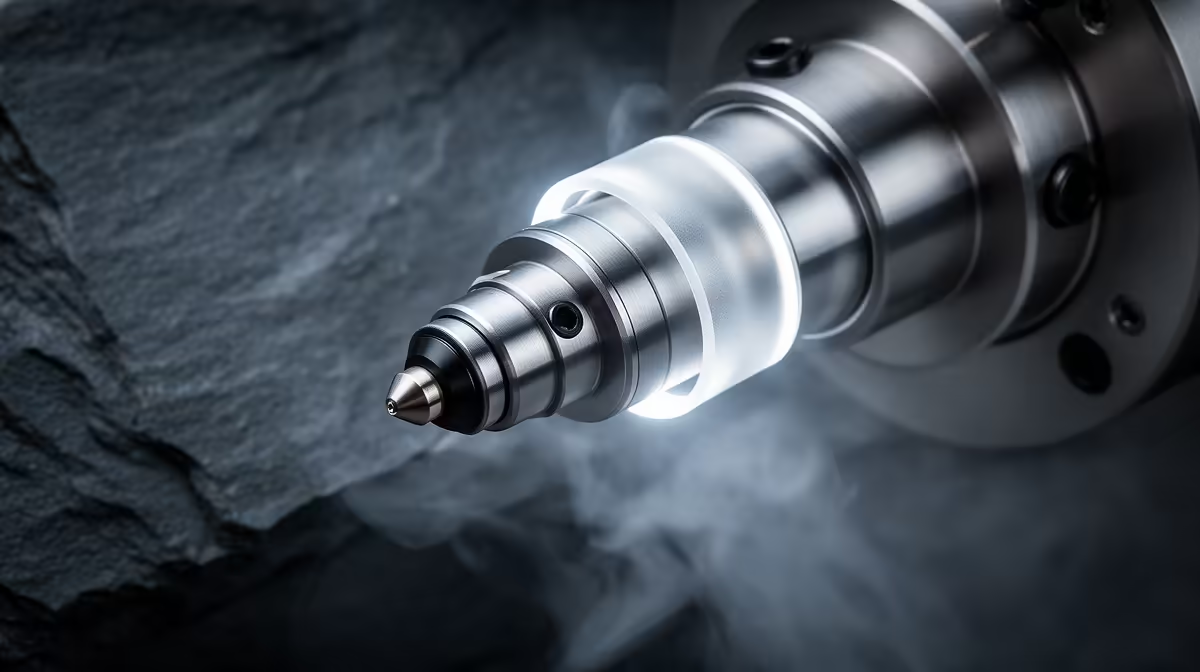
A six-hour print that fails in the first three minutes still wastes six hours if nobody is watching. That is the problem AI nozzle cameras were built to solve. Systems like the Obico Nozzle Ninja and Creality's SPARKX i7 point a tiny camera straight at the nozzle and judge layer one as it goes down, flagging poor extrusion or a part that has lifted off the bed before the machine commits to the rest of the job.
Quick Answer
An AI nozzle camera watches the first layer in real time and compares what it sees against what a healthy first layer should look like. If the extrusion is patchy, stringy, or the part is peeling off the bed, it pauses or alerts you within seconds. The payoff is catching a doomed print at minute three instead of hour five.
What first-layer inspection actually checks
The first layer is where most prints live or die. If filament is not bonding to the bed, if the nozzle is too high and laying down thin broken lines, or too low and gouging the surface, every layer above inherits the fault. A nozzle camera focuses on this exact window.
The AI model has been trained on large libraries of good and bad first layers, so it recognises the visual signatures of common failures: gaps between extrusion lines, a part corner lifting, a blob building on the nozzle, or filament that simply stopped flowing. When the live feed drifts too far from "healthy", the system acts. You can pair one with most of the machines in the 3D printer lineup at Evetech.
Obico Nozzle Ninja vs Creality SPARKX i7
The two named systems take slightly different routes. Obico's Nozzle Ninja leans on a close-up nozzle view and cloud or local AI to score the first layer, and it works across a wide range of printers rather than a single brand. Creality's SPARKX i7 is a more integrated camera aimed at the company's own ecosystem, bundling first-layer checking into a tidier package for owners of compatible machines.
Both are doing the same core job: turning a camera plus a trained model into a watchdog that never blinks. The choice usually comes down to whether you want a brand-native add-on or a more universal system you can move between printers.
Where it pays off and where it does not
This is most useful if you run long prints unattended, manage a small print farm, or simply hate coming back to a tangle of spaghetti. Catching failures early saves filament, time and bed scraping.
It is less essential if you babysit short prints anyway, or if your first layers are already dialled in and reliable. A camera does not fix a poorly levelled bed; it just tells you faster that the bed is the problem. Mounts, spare nozzles and other extras sit in the printer accessories section if you decide to add one.
Frequently Asked Questions
Does an AI nozzle camera stop failures or just detect them?
Mostly detect, then react. It can pause the print or send an alert, which stops you wasting filament, but it will not relevel your bed or fix a clog on its own. You still do the correction.
Will it work with any 3D printer?
Universal systems like Obico support a broad range of machines, while brand-integrated cameras target their own ecosystem. Check the mounting and software compatibility for your specific printer before buying.
Is the first layer really where most prints fail?
Adhesion and first-layer extrusion cause a large share of failed prints, which is exactly why these cameras concentrate there. A clean first layer dramatically raises the odds the whole job succeeds.
Do I need fast internet for the AI to work?
It depends on the system. Some process in the cloud and want a stable connection, others run the model locally. If your connection is patchy, look for a camera that does on-device inspection.
Want a machine that plays nicely with first-layer monitoring? Start with the current Evetech 3D printer range and add a nozzle camera once you have a printer you want to run unattended.











