When an Outlook mouse pointer disappears but message rows still react to hovering, the mouse may still be sending input. Microsoft documents this symptom in classic Outlook and marks it as under investigation. That gives you a more useful starting point than assuming the sensor has failed: test the app, try the documented workarounds and preserve a clear reproduction.
Quick Answer
For classic Outlook, Microsoft suggests selecting a message when its row changes colour, switching into an editable PowerPoint window and back, or restarting the computer. These are workarounds rather than a guaranteed permanent fix. A Logitech MK120 keyboard-and-mouse combo was R189 and in stock on 6 October, but this software symptom does not establish a need to buy it.
✉️ Check whether input still reaches the app
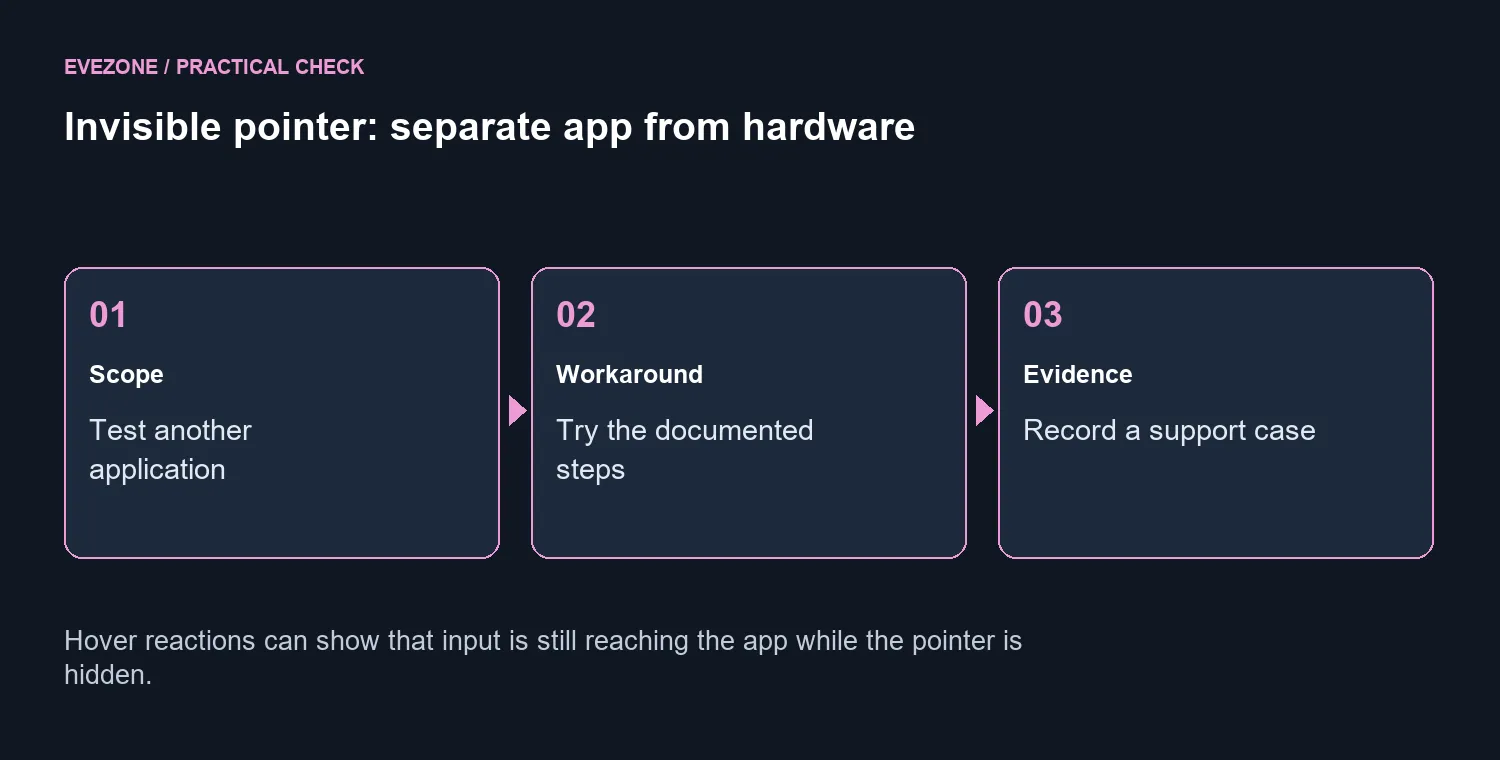
Move the pointer into another application and onto the desktop. Note whether it is invisible only in classic Outlook, across several apps or everywhere. If a message row changes colour while the cursor cannot be seen, record that detail. It distinguishes invisible pointer drawing from a mouse that is sending no movement or clicks at all.
The known-issue page applies to classic Outlook for Microsoft 365. Do not assume that a similar symptom in another email program has the same cause. A separate WebView2-hosting application report describes continued clicks with an invisible pointer, but that report does not prove that every affected app shares a single fault.
🛠️ Try the documented temporary steps
Start with the message-selection workaround when hovering still changes the row. If PowerPoint is available, Microsoft also suggests entering an editable window there and returning to Outlook. Save documents and complete any important operation before restarting the PC. Compare the result after each step so you can tell support which option helped and for how long.
Avoid treating a temporary recovery as proof that the underlying issue is fixed. The checked support page still says investigation is ongoing. If the problem returns, capture the affected app versions and the steps that reproduce it. Be careful with a video of email: use a harmless example and keep private messages out of the recording.
🧾 Decide between support and replacement
Microsoft asks affected users to arrange a support case with diagnostic traces and a reproduction video. An administrator can help prepare those materials. That is a more useful escalation than repeatedly changing hardware while the application-specific symptom remains unexplained. Preserve a small timeline of occurrences and any workarounds that restored visibility.
Browse wired mice only if testing identifies a separate physical input problem. The R189 MK120 snapshot concerns a keyboard-and-mouse combo, so do not mistake it for a standalone gaming-mouse quote. A spare input device can help a controlled comparison, but its price does not make replacement the answer to every disappearing cursor.
The mouse specials category is available if a genuine replacement need emerges. Until then, keep the app problem and the hardware question separate. The best next step is a clear scope test and support evidence, not a rushed purchase based on a pointer that vanishes in one program.
Frequently Asked Questions
Which Outlook version is covered?
The checked known-issue page covers classic Outlook for Microsoft 365. Do not assume that it describes every email app or the new Outlook.
Does an invisible pointer prove mouse failure?
No. If rows respond to hovering and clicks still work, input may be reaching the app despite the invisible pointer.
What simple workaround does Microsoft list?
Select a message when its row responds to hovering. Microsoft also lists switching to an editable PowerPoint window and back, or restarting the PC.
Is there a guaranteed permanent fix?
The checked page says the issue is under investigation. Its workarounds are temporary options, not a promise that every case is resolved.
What should I preserve for support?
Record the affected apps, versions and reproducible steps. Microsoft asks for a support case with diagnostic traces and a reproduction video.
What local input-device price was checked?
Logitech MK120 keyboard-and-mouse combo was R189 and in stock on 6 October. A replacement is not shown to be needed for this software symptom.
Have you confirmed a physical mouse fault?
Compare suitable input devices at Evetech once app workarounds and basic scope tests are complete.