



A fresh Windows installation can leave you repeating the same small choices: apps, appearance and settings. Flyoobe 3.01 adds another way to organise that work through optional Setup Actions. The useful question is not how many changes a utility can make, but whether you understand each change well enough to want it on the PC you use every day.
Quick Answer
Flyoobe 3.01 introduces optional local PowerShell Setup Actions, live script output and a revised interface. Start with a R0 review of your current Windows settings and the proposed actions before changing anything. A recipe can save effort, but it is not proof that every included choice suits your computer, applications or recovery needs.
🧰 Understand what the new actions do
The 20 September release separates Setup Actions from the core application and allows them to be disabled. They are supplied as an optional download. That separation matters: you can assess the utility without assuming you need every additional script someone has packaged for it.
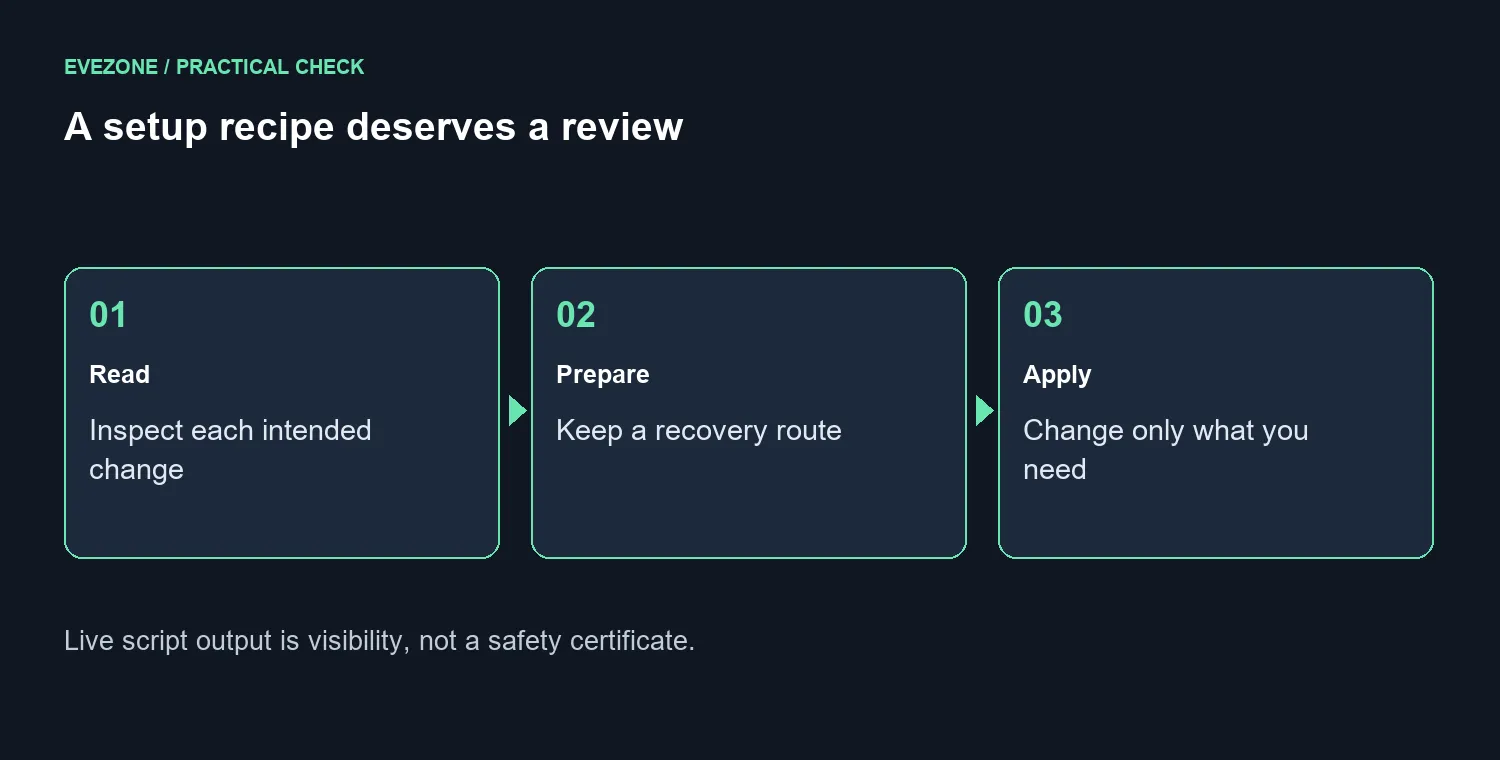
Live output improves visibility while an action runs. It does not establish that the action is harmless or appropriate. Read its description and script first, especially if it removes applications, changes services or alters a setting you do not recognise. If you cannot explain the intended result, leave that action unselected.
📋 Review a recipe as a list of decisions
The preceding 3.0 release introduced portable recipes whose imported choices are staged for review. Supported settings also have individual apply and restore-default actions. Use that review stage to remove items you do not need rather than applying somebody else's complete desktop preferences automatically.
Make a short note of your own starting point. Which application is actually causing trouble? Is the issue reproducible? What setting do you expect to change it? If your only goal is a different taskbar layout, broad app removal is unrelated work. A smaller change is easier to evaluate and easier to explain if you later need help.
For storage trouble, check free space and file needs before assuming a setup utility is the answer. Internal SSD options are relevant when capacity is genuinely the limit; a recipe cannot add physical storage. Keep personal files backed up independently of any settings tool, and confirm that the backup can be opened before relying on it.
🖥️ Keep configuration separate from replacement
A system that already runs your applications reliably may need no new hardware and no setup overhaul. If you do make a change, test the same everyday tasks afterwards: launch the game, connect the peripheral and check the feature you meant to improve. Avoid changing many unrelated settings before that comparison.
A complete replacement is a different decision. The dated local catalogue includes a GEEKOM A8 configuration at R11,999, but that price is not a reason to replace a PC over an unwanted default setting. Compare mini PCs only when there is a clear performance, size or hardware need that configuration work cannot solve.
This release also should not be read as a guarantee of Windows support on every machine. Keep operating-system licensing, hardware eligibility and maintenance separate from the convenience of a third-party setup interface. Download from the project's official release location, and choose a time when you can recover from an unsuccessful change.
Frequently Asked Questions
Must I install the optional actions package?
No. The release describes it as separate and optional. Leave it out if the core workflow already meets your needs.
Is a restore-default button the same as a complete backup?
No. It concerns supported settings. It does not replace a copy of personal files or a recovery plan for other changes.
Should I use a recipe written for another person's PC?
Review it item by item first. Their applications, preferences and hardware may differ from yours, even when both machines run Windows.
Solve the actual PC limit first. Review your setup, protect your files and compare Evetech storage or desktop options only when the hardware need is clear.










