


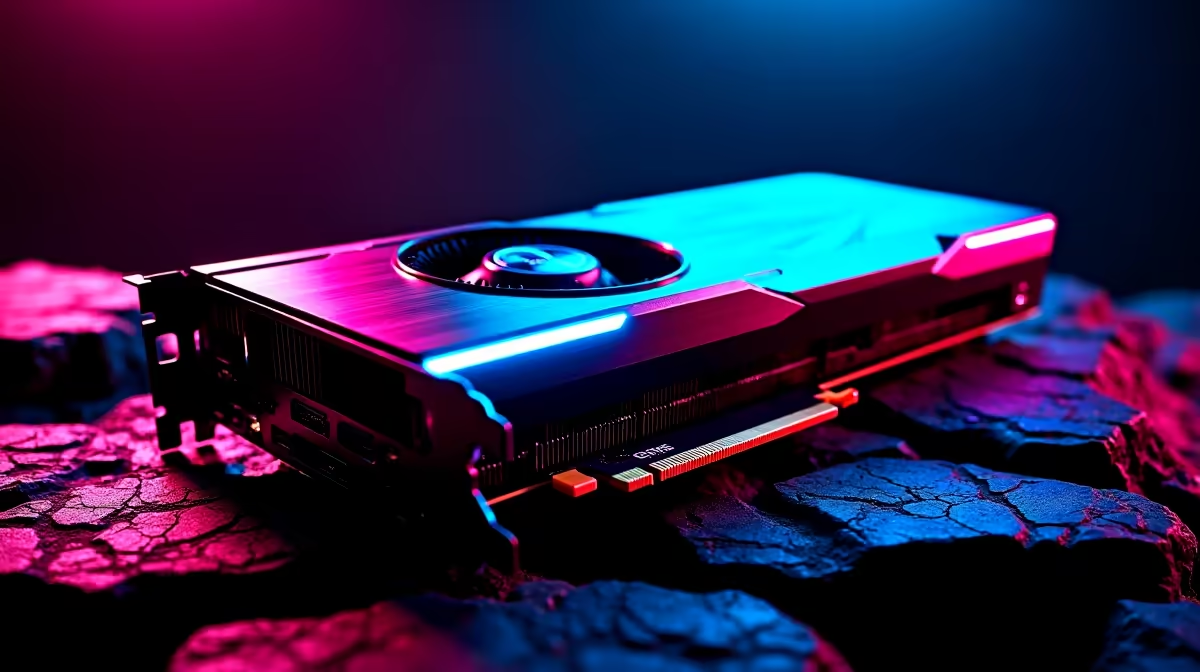
Why a GPU Too Powerful for Your CPU Can Hold You Back 🚀
In South Africa’s competitive gaming scene, you want every frame and millisecond. But did you know your rig can be held back by a mismatch between GPU and CPU power? When your GPU is far too powerful for the CPU, you face a bottleneck. That means wasted potential and lower FPS—even with the best graphics card. Let’s unpack how this happens and how to get your build balanced for smooth, high-performance gameplay.
Understanding the GPU Too Powerful for CPU Bottleneck
The term bottleneck refers to one component limiting the performance of another. In this case, the CPU can’t keep up with the GPU’s demands, slowing down data processing. This mismatch means your expensive graphics card won't deliver its full potential. Games that rely heavily on CPU calculations—like open-world or strategy titles—feel this more.
Mixing and matching incorrectly can cause frame drops and stutters, frustrating every gamer who craves buttery smooth play. It's a bit like having a sports car stuck in traffic—the engine’s power is wasted if the roads can't handle it.
How to Spot a CPU-GPU Bottleneck in Your Gaming PC
Signs your GPU may be too powerful include unusually low CPU usage while the GPU maxes out, or experiencing choppy gameplay despite having a top-tier GPU. Monitoring tools can help—Evetech recommends software like MSI Afterburner or HWInfo for clear usage stats.
If you’re building new or upgrading, start by checking balanced combos. Visit our selection of buy processors to find CPUs that keep pace with your GPU. Pairing a Ryzen 7 5800X with an NVIDIA RTX 3080 will ensure your CPU doesn’t throttle your gaming potential.
Tips to Fix the Bottleneck: Boost Balance and Performance 🔧
- Upgrade your CPU: If your current processor struggles, consider a faster model matched to your GPU power.
- Adjust game settings: Increasing resolution or graphical detail can shift load towards the GPU, reducing CPU strain.
- Overclock cautiously: Both CPU and GPU overclocking can help but requires good cooling solutions.
- Monitor background apps: Close unnecessary programs stealing CPU cycles.
Balanced builds also mean better future-proofing. Check out our curated best gaming PC deals to find combos that keep your FPS smooth without breaking the bank.
Quick Bottleneck Check
Keep an eye on your CPU load during gaming. If it’s maxed out but your GPU isn't, it’s time to reconsider your setup.
Prebuilt and Laptop Options That Avoid the Bottleneck Trap
Not all gamers want to DIY. Prebuilt systems and gaming laptops are often optimised to prevent this bottleneck issue. Stock machines from Evetech come with well-matched components straight out of the box. Browse our pre-built PC deals for options with power-balanced combos, or check out notebooks for sale in South Africa if portability is your priority.
Building with Balance in Mind—It Pays Off
Investing in a GPU too powerful for CPU often means wasted ZAR, lost performance, and gamer frustration. The balance of your rig is key to unlocking smooth 144Hz gameplay, higher settings, and crisp visuals without bottlenecks holding you back. Whether you build yourself or pick a prebuilt, Evetech helps keep your system in harmony—delivering consistent, rock-solid frame rates every session.
Ready for Balanced Power? Don’t let a bottleneck throttle your gaming. Upgrade your components or grab the perfect combo today at Shop now at Evetech for performance that leaves lag in the dust.











