


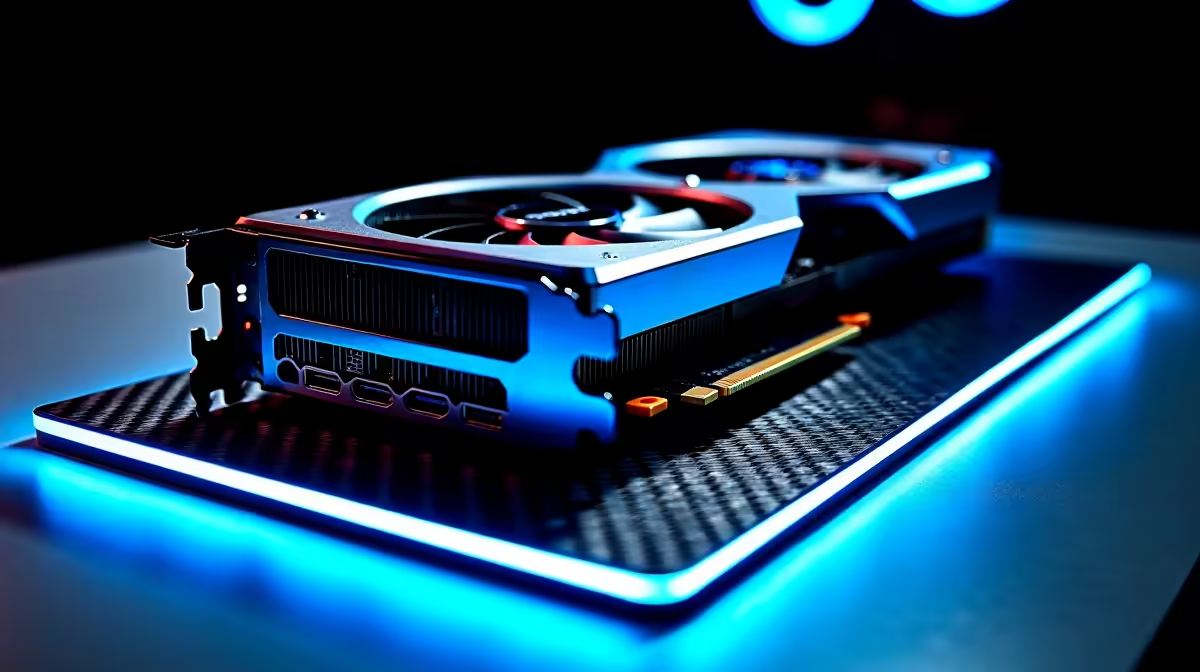
You just unboxed your shiny new graphics card. You slotted it in, booted up Windows, and... nothing. The panic sets in quickly. If your RTX 5060 is not showing in Device Manager, you are not alone. It is a common headache for PC builders across South Africa. Before you return it or stress about wasting thousands of ZAR, let us walk through the exact steps to get your rig running perfectly.
Why Your RTX 5060 Is Not Showing in Device Manager
Your motherboard might be playing hide and seek with your new hardware. This usually boils down to a few basic culprits. It could be outdated BIOS firmware... a loose power cable... or stubborn old drivers clashing with the new architecture. Upgrading your setup should be fun. If you are browsing top-tier graphics cards for sale, you want them to work perfectly out of the box. Let us fix this issue right now.
Step-by-Step Fixes for an Unseen GPU
1. The Physical Reseat
Turn off your PC and unplug the power. Push the PCIe release latch and carefully remove the card. Slot it back in until you hear a solid click. Ensure your power supply cables are firmly connected. The new RTX architecture draws serious juice. If your power supply is failing, it might be time to look at premium pre-built PC deals instead of fighting an aging system.
2. Reveal Hidden Devices
Sometimes Windows sees the card but hides it. Open Device Manager. Click on 'View' at the top and select 'Show hidden devices'. If your missing RTX 5060 suddenly appears with a yellow triangle, you simply need a driver wipe. 🔧
Driver Wipe Pro Tip ⚡
Always use Display Driver Uninstaller (DDU) in Safe Mode before installing a new graphics card. It completely removes old AMD or NVIDIA files... preventing nasty software clashes that keep your new GPU from being detected.
3. Update Your Motherboard BIOS
Next-gen hardware often requires next-gen firmware. If your motherboard is a few years old, it might not recognise the latest architecture. Head to your motherboard manufacturer website and download the latest BIOS. Flash it via a USB drive. If the thought of flashing a BIOS terrifies you, our best gaming PC deals offer fully tested and updated systems right out of the box.
Still No Luck With Your Display Adapter?
If you have tried everything and the RTX 5060 is not showing in Device Manager still... the card might be a dud. It is rare but it happens. Alternatively, your motherboard PCIe slot could be damaged.
Sometimes chasing PC gremlins is exhausting. If you want high-end gaming without the troubleshooting tears, modern mobile tech is incredible. You can easily switch to one of the powerful notebooks for sale in South Africa and take your gaming anywhere. 🚀
Before you make any big decisions, always check our latest tech specials for replacement parts. A new motherboard or power supply might be much cheaper than you think. ✨
Ready to Upgrade Without the Hassle? Troubleshooting hardware can be a headache. If you want guaranteed performance, massive frame rates, and zero stress, Evetech has you covered. Explore our massive range of gaming PC specials and find the perfect machine to conquer your world.









