


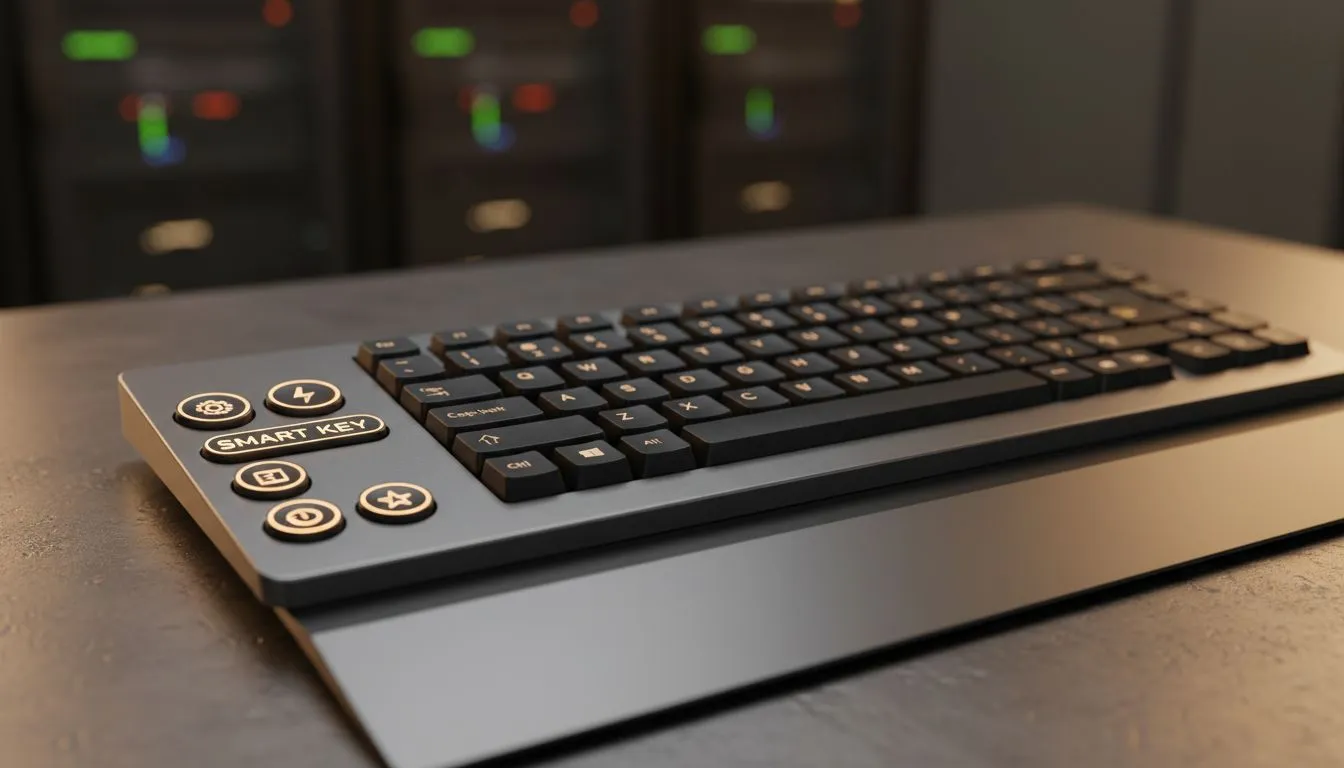
Boost Your Efficiency with Windows Navigation
Whether you are grinding through a project or queuing for a ranked match, every second counts. Between load screens and emails, fumbling with your mouse slows you down. Mastering smart key shortcuts to speed up your daily workflow is the easiest way to reclaim your time... and your sanity. Let’s dive into the essential keystrokes that turn a standard setup into a productivity powerhouse. ⚡
The foundation of any fast workflow starts with the Windows key. Instead of clicking through the taskbar, hitting Win + E instantly opens your File Explorer. If your desktop is cluttered with open windows while you are trying to find a specific file, Win + D will clear the screen immediately. To make the most of these commands, you need hardware that responds as fast as your brain does. Checking out the best gaming keyboard deals is a great starting point to find a deck with high polling rates and N-key rollover.
Mastering Browser and App Management
For many South Africans working from home or studying, the browser is where most of the day is spent. We have all accidentally closed a tab that contained critical information. Instead of digging through your history, simply press Ctrl + Shift + T to resurrect your last closed tab. It is a lifesaver during intense research sessions.
If you are looking to upgrade your setup without breaking the bank, you can find the cheapest gaming keyboard in South Africa starting from under R300. These budget-friendly options still support all the standard Windows shortcuts that allow you to snap windows to the side of your screen using Win + Left/Right Arrow. This makes multitasking between a Zoom call and a spreadsheet feel seamless.
Productivity Pro Tip ⚡
On Windows, use the PowerToys FancyZones utility to create custom snap layouts for your windows. It's a lifesaver for managing multiple apps on an ultrawide monitor, letting you organise your timeline, preview window, and asset folders perfectly for video editing.
Choosing the Right Gear for Your Setup
Your choice of hardware significantly impacts how comfortably you can execute these smart key shortcuts to speed up your daily workflow. If you prefer a clean, cable-free desk, exploring wireless options ensures you have the freedom to move your peripheral around without snagging. Wireless technology has advanced to the point where latency is virtually non-existent for daily tasks.
However, many purists still swear by wired gaming keyboards for their "plug and play" reliability and lack of battery anxiety. If you are starting a new office or gaming build from scratch, grabbing a reliable keyboard mouse combo is often the most cost-effective way to get high-quality peripherals in a single package. 🚀
By integrating these small habits into your routine, you reduce the physical strain on your wrist and finish your tasks faster. Whether it is using Alt + Tab to cycle through apps or Ctrl + F to find text instantly... every shortcut is a step toward a more professional and efficient digital life. ✨
Ready to Find Your Perfect Match? The Mac vs Windows debate is complex, but for maximum power, choice, and value in South Africa, Windows is hard to beat. Explore our massive range of laptop specials and find the perfect machine to conquer your world.











