


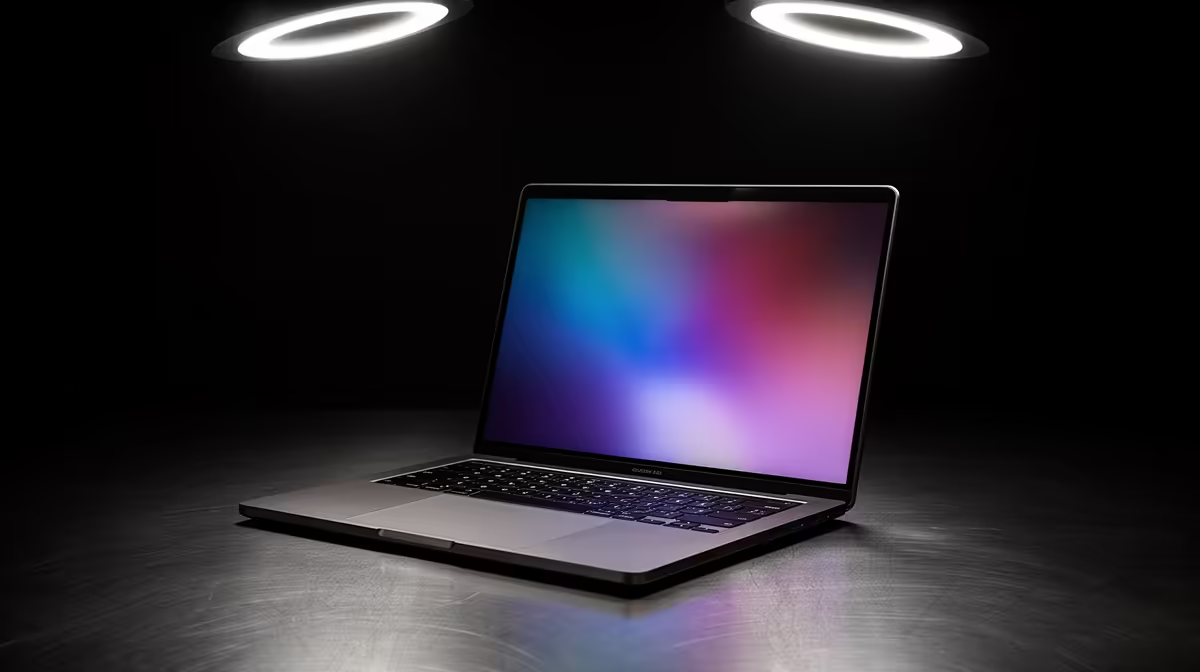
An 18-core CPU in the M5 Pro and M5 Max MacBook Pro is not a marketing number you can ignore, because cores are the one resource certain jobs cannot fake. More physical cores means more work happening in parallel at the same instant, and that maps directly onto the heaviest tasks a laptop gets asked to do: compiling large projects, rendering 3D scenes, and exporting video. If your day involves any of those, this is the spec that decides how long you sit waiting.
Quick Answer
Apple's M5 Pro and M5 Max chips in the MacBook Pro both carry an 18-core CPU, the highest core count Apple has fitted into a MacBook Pro. It cuts time on parallel workloads like code compilation, 3D rendering, and video exports, where more cores translate almost directly into faster results. For everyday browsing and writing, you will not notice it.
What 18 Cores Actually Changes
A CPU core is an independent worker. When a task can be split into many pieces that run at once, called a parallel or multithreaded workload, every extra core does real work and the job finishes sooner. Compilers do this naturally, building dozens of source files at the same time. 3D renderers split a frame into tiles and assign each to a core. Video encoders chop a timeline into chunks and process them simultaneously. On all of these, going from a lower core count to 18 cores shortens the wait in a way you feel daily.
The catch is that not everything is parallel. Loading a web page, typing a document, or scrolling a design file leans on single-thread speed, where one fast core matters more than many cores. The 18-core chip is fast there too, but the core count itself does nothing for those tasks. The honest framing is that this silicon is built for people whose work piles up into long, parallel jobs.
Who Feels The Difference
Software developers see it on every build. A large codebase that takes a couple of minutes to compile on a lower-core machine finishes noticeably faster when 18 cores chew through the files together, and across a workday of dozens of builds that time compounds. 3D artists working in Blender or Cinema 4D get shorter render previews and final frames. Video editors exporting 4K timelines, or running heavy effects, watch the progress bar move faster. You can compare the M5 Pro and M5 Max configurations in the MacBook range at Evetech to match the core count to the work you actually do.
For a student, a writer, or someone whose laptop mostly runs a browser and an office suite, the 18-core chip is more machine than the job needs. That is not a criticism of the chip, it is a reason to spend sensibly. The value is real, but only if your workload draws on it.
How To Read It Against Your Budget
The smart move is to be honest about your heaviest recurring task. If you compile, render, or export on most days, the time saved across a year of work justifies the higher core count, and a faster machine pays you back in hours you do not spend waiting. If those tasks are occasional, a lower-tier MacBook handles them fine and leaves Rand in your pocket. To see how the various models stack up by price and where buyers are landing, the laptop best sellers at Evetech show where buyers across the price range are landing.
Frequently Asked Questions
Does an 18-core CPU make everyday tasks faster?
Not really. Browsing, writing, and light app use depend on single-core speed, which the chip has plenty of, but they do not use 18 cores. The core count pays off on parallel jobs like compiling, rendering, and video encoding.
What is the difference between M5 Pro and M5 Max here?
Both can carry the 18-core CPU, but the M5 Max generally pairs it with more GPU power and memory bandwidth for the heaviest graphics and rendering work. The Pro suits strong all-round performance, while the Max targets sustained creative and compute loads.
Will I notice faster compiles as a developer?
Yes, on larger projects. Compilers build many files in parallel, so 18 cores finish a big build faster than a lower-core machine, and that saving repeats across every build you run in a day.
Is this overkill for a student?
For most students, yes. General study, research, and writing do not need 18 cores, so a lower-tier MacBook offers the same smooth experience for less. The 18-core chip earns its keep on heavy parallel professional work.
Trying to work out whether the 18-core M5 Pro or M5 Max fits your workflow? Browse the MacBook range at Evetech, weigh the core count against your heaviest daily task, and pick the model that saves you real time without overspending.











