



Holding a movement key while trying to aim with a laptop pad can expose an irritating pause. If your touchpad stops while typing but works again when you release the key, Windows may be filtering accidental pointing input. A reversible sensitivity test is a better first step than assuming the touchpad is broken or immediately paying for a repair.
Quick Answer
Open Windows 11 Settings, then Bluetooth and devices, Touchpad, and look under Taps for touchpad sensitivity. Try a more sensitive setting, noting the original value, then repeat the typing test. The setting change costs R0; a Logitech M90 corded mouse was R69 and in stock at the 24 September 2026 catalogue check if you need a simple external comparison.
🖱️ Check whether typing is the trigger
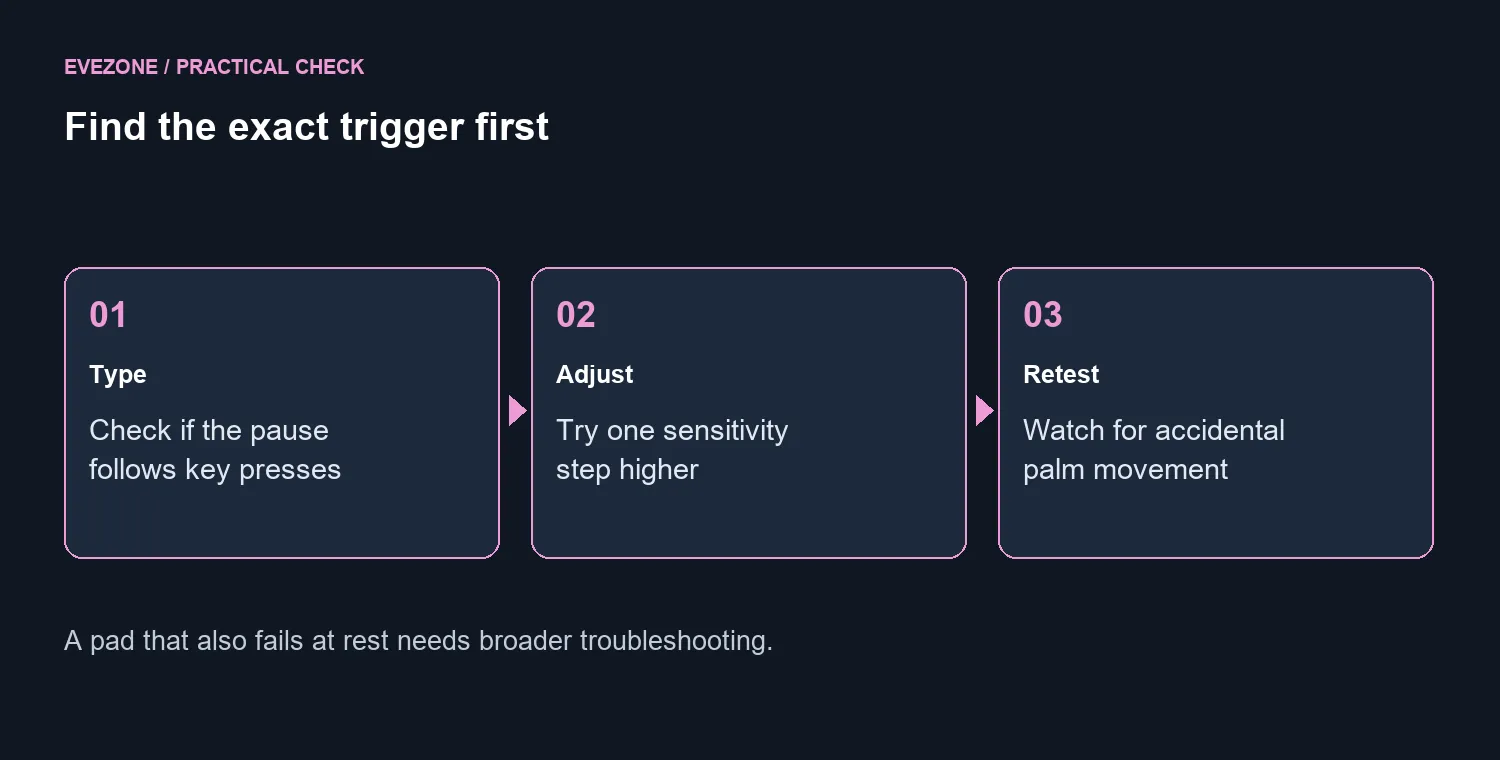
Move the pointer without touching the keyboard, then repeat while holding a normal letter key. Compare the behaviour immediately after releasing it. If the delay follows keyboard activity reliably, that is useful evidence for input suppression. If the pad also fails at rest, or disappears entirely, you are dealing with a broader problem than this specific pause.
Microsoft's Precision Touchpad guidance explains that higher sensitivity reduces suppression after keyboard activity. At maximum sensitivity, its accidental-activation timeouts are zero. That makes the setting worth testing, but it also explains the trade-off: contact from your palm may become more noticeable while you type.
⚙️ Change one setting and test ordinary work
Increase sensitivity by one step first. Reopen the same document or game and try the same key-and-pointer action. Then type a normal paragraph with your hands in their usual position. Watch for the cursor jumping somewhere you did not intend, rather than judging the result only by how freely the pointer moves during the first test.
If unwanted movement increases, restore the earlier setting or choose a middle option. You are balancing pointing freedom against accidental touches. There is no single best value for every hand position, pad size and laptop design, and you do not need to edit registry values to run this basic check.
Some laptops expose different controls through their manufacturer's software. If the expected sensitivity option is absent, use the support page for your exact model. Do not download an unrelated driver bundle merely because its screenshot includes the switch you wanted.
🔧 Separate driver trouble from a spending decision
For a pad that also fails away from typing, Microsoft recommends driver updates and, when necessary, reinstalling the touchpad device through Device Manager. Follow that guidance for the specific machine and keep an external pointing device available if you rely on it to navigate. A borrowed known-working mouse can provide the comparison without buying anything.
If external control is the practical solution for games, compare mouse best sellers by comfort and connection needs. The inexpensive M90 price above is a basic diagnostic reference, not a claim that it suits every competitive game or hand size.
Only consider a different computer when you have a wider reason to replace it. The current laptop range will still be there after a five-minute settings test. A machine that runs your software well should not be written off because one accidental-input setting is too cautious for your preferred way of playing.
Frequently Asked Questions
Why does the cursor pause after a key press?
Windows Precision Touchpads can suppress pointing input after typing to reduce accidental movement.
Which setting should I test first?
Open touchpad settings and try a more sensitive option. Note the original setting so you can restore it.
Is maximum sensitivity always best?
No. It reduces typing-related suppression, which can also increase unwanted pointer movement from accidental contact.
What if the touchpad also fails when not typing?
That is a broader fault. Check whether it is enabled, then follow the laptop maker and Windows driver troubleshooting steps.
Can a cheap mouse help with diagnosis?
Yes. At the 24 September check, the in-stock Logitech M90 cost R69. Borrowing a working mouse is a free alternative.
Should I edit the registry to start?
No. Start with visible settings and a reversible test; registry values are unnecessary for this basic check.
Prefer a separate mouse for games? Find comfortable input gear at Evetech after testing the touchpad settings you already have.










