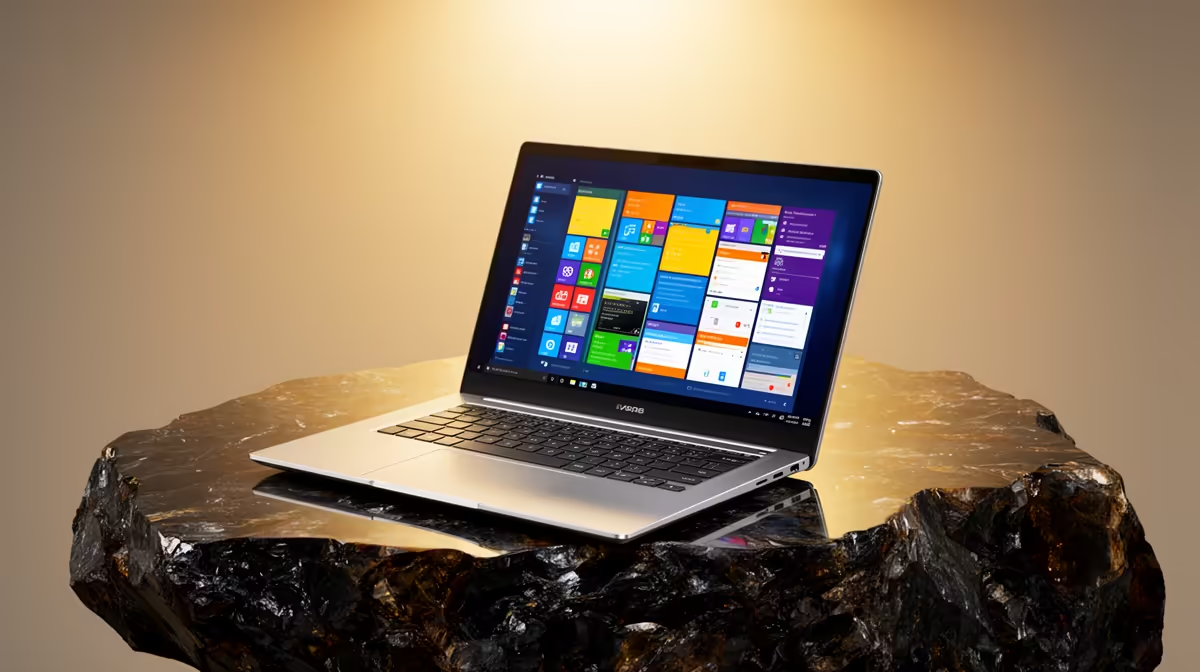
The ASUS ExpertBook P1503 i5 at R9,858 is the Windows 11 laptop I would point a first-year student to first, because it keeps the spend sensible while still giving you a proper i5 machine for registration, campus portals, documents, video calls, and daily study work.
Best first-year Windows 11 pick
The ASUS ExpertBook P1503 i5 at R9,858 is the cleanest starting point when the priority is getting ready for first-year admin without overspending. The i5 spec is the key detail here: it gives you a more comfortable baseline than entry-level hardware when you are juggling browser tabs, PDFs, email, and Microsoft Office during the registration rush.
If you want a stronger everyday study machine, the Lenovo IdeaPad Slim 3 i7 at R13,400 brings an i7 spec into the conversation. That makes sense for students who expect heavier multitasking across notes, research, online classes, and basic creative work, while still staying focused on a practical campus setup.
The ASUS Vivobook X1504VA i7 at R13,999 is another good step-up option if you prefer an i7 machine and want something suited to a student desk rather than a gaming-first setup. For a more visual daily-use choice, the ASUS Vivobook S14 OLED at R10,719 stands out because the OLED screen spec is useful for reading, streaming, and long study sessions where display quality matters.
Registration Day At A Student Desk
For first-year registration in South Africa, the safest choice is a machine that handles browser-based forms, scanned documents, email confirmations, and video calls without feeling stretched. The ASUS ExpertBook P5405 at R12,700 is worth considering here because the ExpertBook range fits a work-focused desk setup, while the R12,700 price still sits below many premium student options.
Pro Tip ⚡
Ready to choose the right laptop? Use ASUS ExpertBook P1503 i5 at R9,858 as the laptop shortlist benchmark, then check whether its listed spec matches the space, workload, and upgrade path.