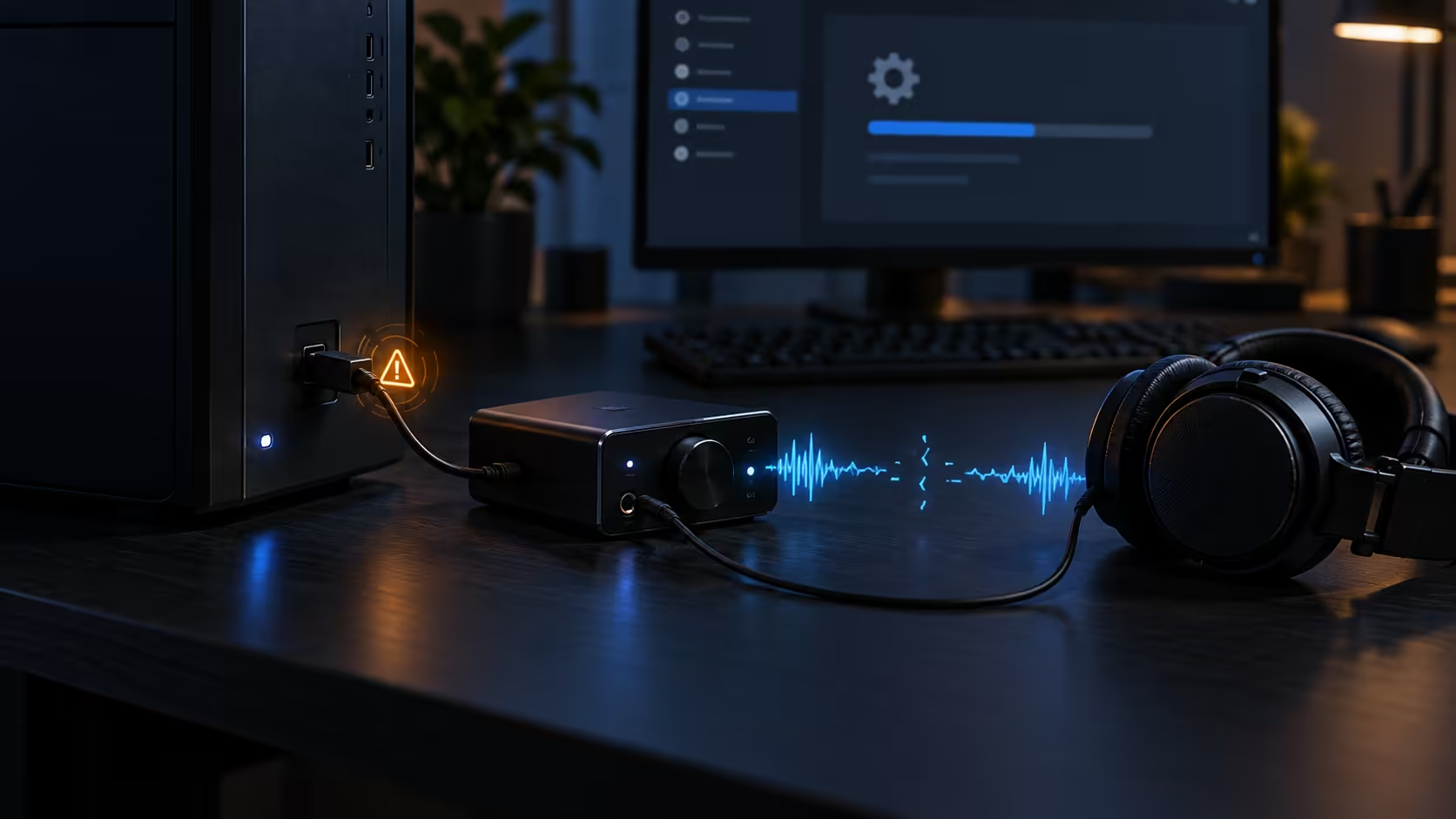
The Windows 11 KB5124008 USB audio issue can make a working USB Audio Class 1.0 device appear broken after the September 2026 security update. Microsoft confirms no sound, Code 10 and multichannel failures on some devices. Start with the low-risk configuration workaround before replacing hardware.
Quick Answer
If audio stopped immediately after KB5124008, confirm that Windows still sees the USB device and check Device Manager for Code 10. Microsoft says some affected devices work again when switched from multichannel or 3D audio to standard two-channel stereo. The issue is limited to some USB Audio Class 1.0 devices; it does not mean every USB headset, DAC or interface is affected.
Check whether the symptom matches
The confirmed symptoms include a device that fails to start, no output despite appearing connected, volume controls that do not respond, unavailable sound settings and multichannel modes that stop working. The timing matters. If the problem began after a cable change, physical move or power event, inspect those causes as well.
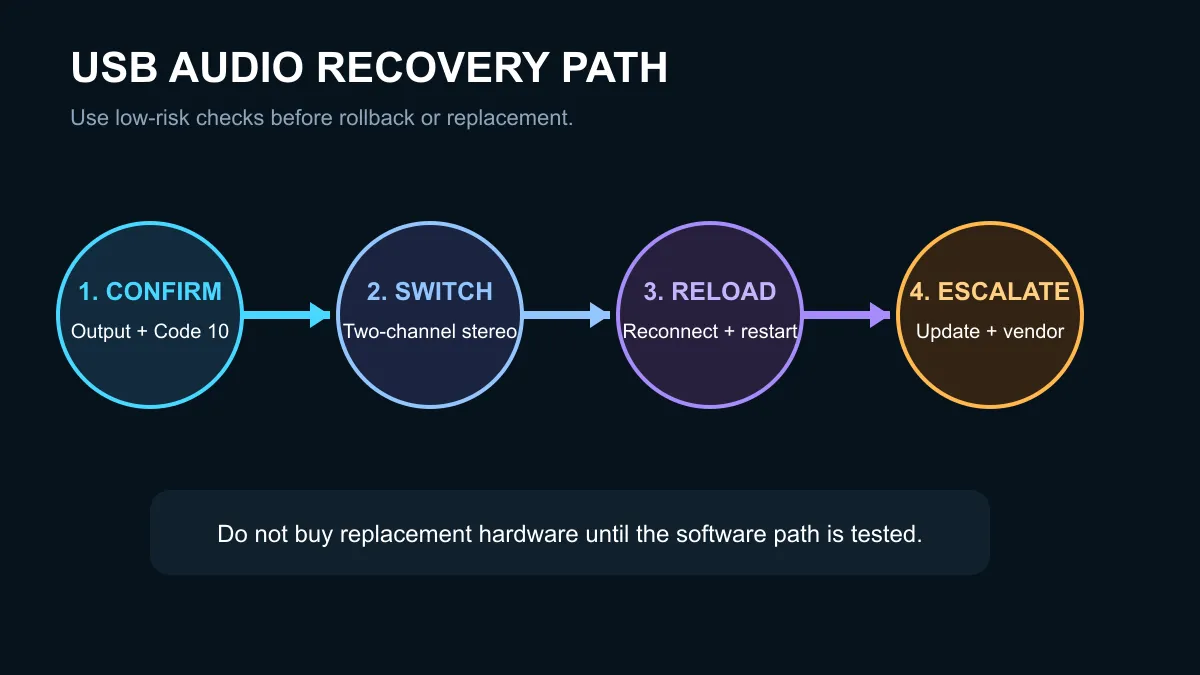
Open Settings, then System and Sound. Confirm the intended USB device is selected as the output. In Device Manager, expand Sound, video and game controllers and inspect the device status. Record the error before changing drivers so you can tell whether a step improved the state.
Try the official stereo workaround
Microsoft reports that some customers restore audio by changing the device from an eight-channel, 3D or other multichannel mode to two-channel stereo. The exact menu depends on the device driver. Use the Windows sound control panel or the manufacturer's application to select a standard stereo format, then retest a known audio file.
Disconnect and reconnect the interface after saving the setting. A restart is also reasonable because it reloads the USB audio stack. Test a different USB port directly on the PC, avoiding an unpowered hub during diagnosis. These steps do not erase user data and are easier to reverse than a driver purge or update rollback.
Do not assume the hardware has failed
Test the device on another computer if one is available. If it works there, the evidence points back to the updated Windows installation or its configuration. If it fails on both systems, inspect the cable, power supply and device firmware before deciding it is dead.
A new headset is not a guaranteed fix because another USB Audio Class 1.0 product could meet the same software condition. Browse gaming headsets or speaker best sellers only after the class and workaround have been checked.
When to escalate
Use Windows Update to check for a newer corrective update and consult the device maker for a driver or firmware notice. Avoid downloading drivers from unrelated sites. If the device supports both a vendor driver and the standard Windows USB audio driver, follow the manufacturer's documented recovery sequence rather than switching blindly.
Rolling back a security update changes the PC's protection state. Treat that as an administrator decision after the stereo workaround, port test, restart and current update check have failed. The Windows software category is not a repair path; it is included only for legitimate operating-system licensing options.
Frequently Asked Questions
Which update is linked to the issue?
Microsoft identifies KB5124008 in the Windows 11 26H1 known-issues entry.
What does Code 10 mean here?
It means Windows reports that the device cannot start; it is one confirmed symptom, not proof of physical damage.
Is stereo a permanent fix?
It is a workaround for some systems while Microsoft tracks the issue, and it gives up multichannel output.
Preserve the current configuration and error details if the official workaround does not restore sound.
Diagnose before replacing hardware. Confirm the update timing, try two-channel stereo, restart and retest.