Windows 11 taskbar auto hide not working can make a familiar laptop feel broken while everything else still runs. Start by describing the behaviour: does the bar stay visible, or does it disappear and refuse to return? Those are different symptoms. A settings check and a comparison between apps are more useful than immediately shopping for replacement hardware.
Quick Answer
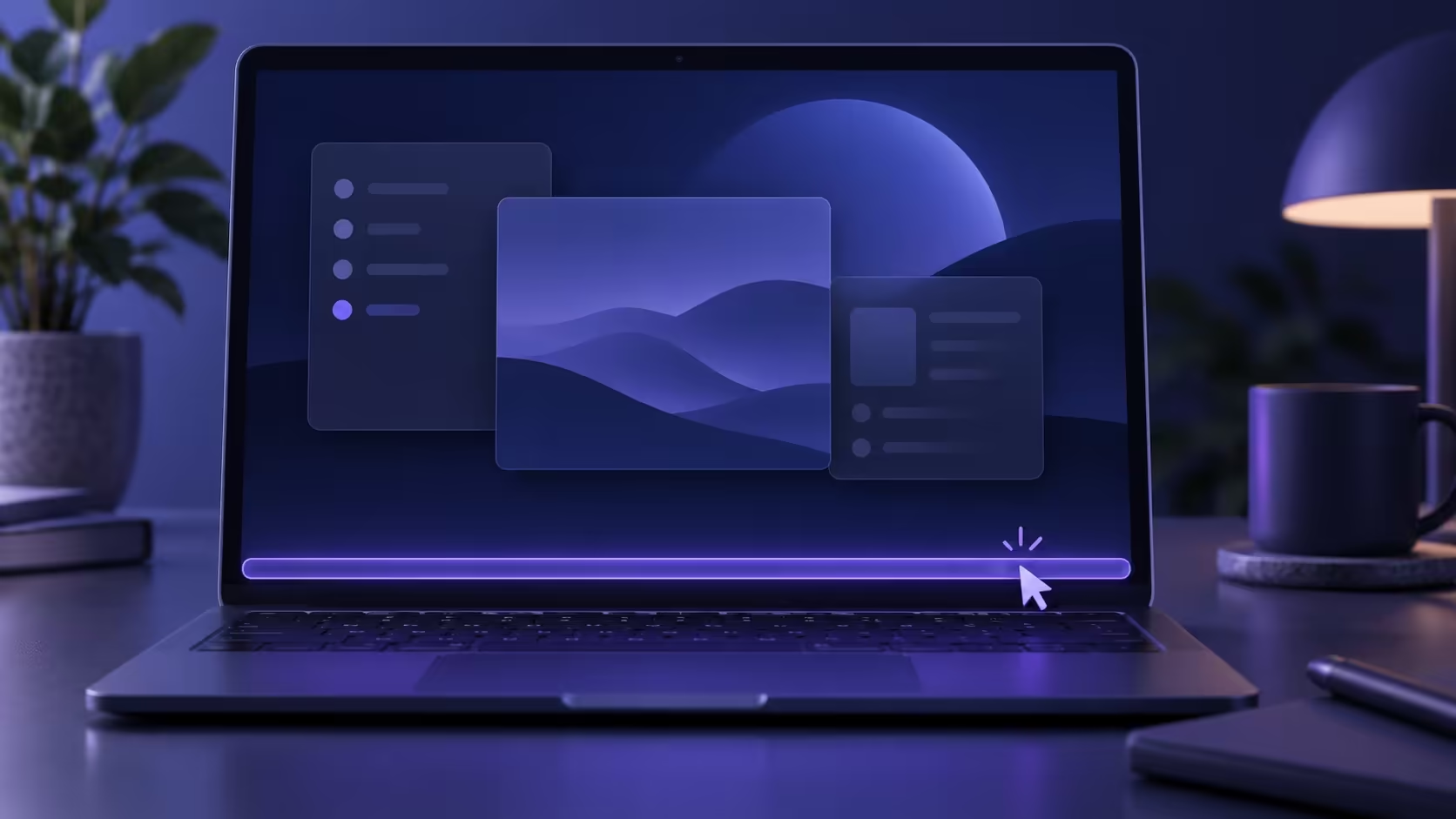
Open Taskbar settings, expand Taskbar behaviours and confirm Automatically hide the taskbar. Microsoft says the hidden bar should appear when you hover over or touch the bottom edge. Try the basic checks before spending anything: the R8,499 active ASUS Vivobook Go 15 listing captured on 6 October is not evidence that a new laptop is needed.
🖱️ Test the setting and screen edge
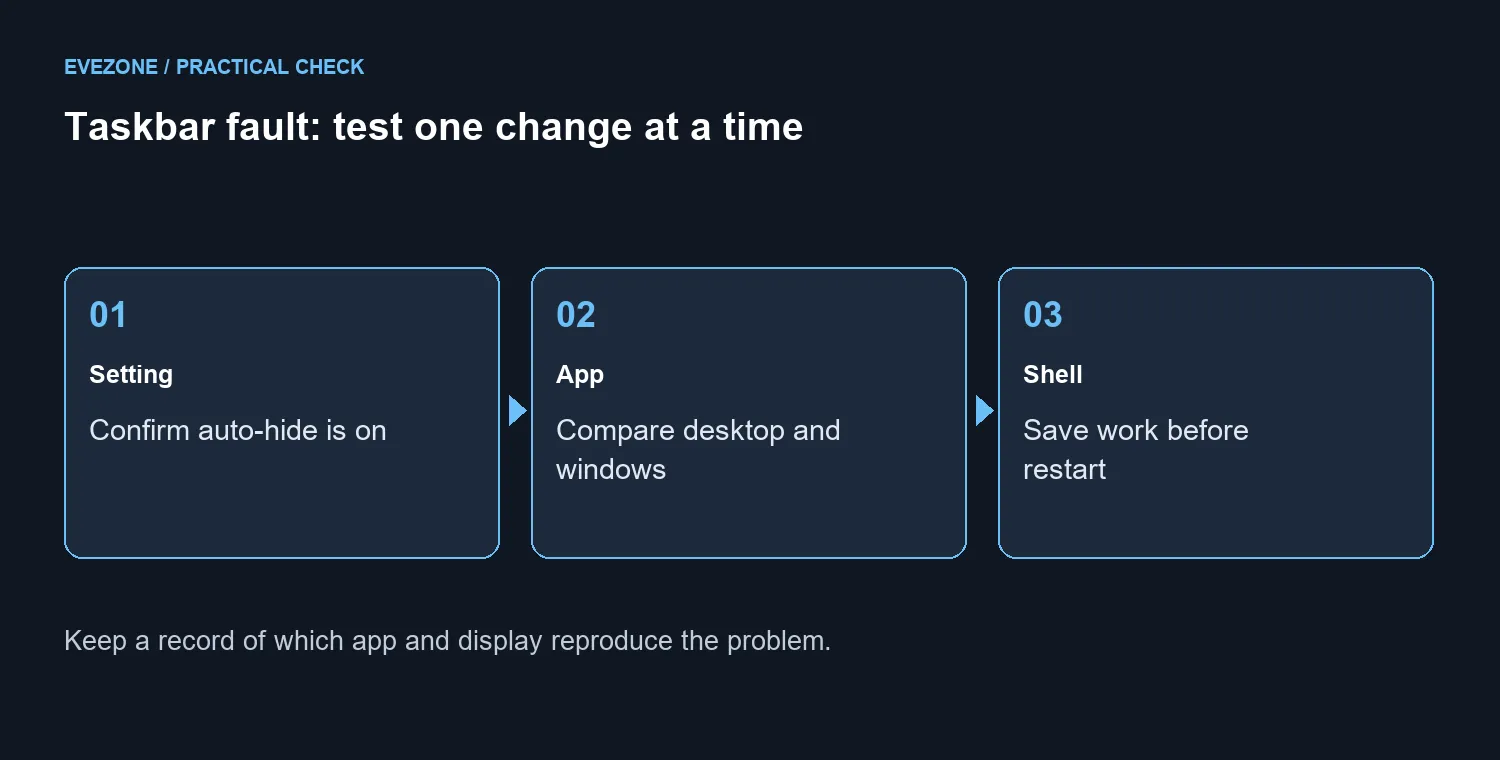
Toggle the option and test the desktop before opening the app that seems to cause trouble. Observe whether the setting takes effect. If several displays are connected, check the screen and edge you are using. Write down what happens rather than changing several display and taskbar options together, because you need to know which change mattered.
A maximised window and an app's full-screen mode are not necessarily the same test. Compare them separately, then return to the desktop. If the desktop behaves normally but one app does not, record that app and its version. This gives a support conversation a reproducible starting point instead of treating every taskbar problem as one universal fault.
🔄 Try a careful desktop-shell restart
A recurring Microsoft-hosted support answer suggests restarting Windows Explorer in Task Manager. Treat this as a troubleshooting trial. Save your work and finish file transfers first, then use the Restart action for Windows Explorer if you can identify it confidently. The desktop interface may briefly disappear and return during the restart.
Do not confuse a proposed workaround with a permanent diagnosis. If the symptom returns, note whether it follows the same app, display or session. The basic route here does not require deleting registry keys, installing a taskbar modification tool or copying commands from a stranger. Keep your existing configuration intact while narrowing the cause.
💻 Make a purchase only for a real hardware need
The ASUS laptop selection can help with an independent upgrade need, but taskbar behaviour alone does not establish one. The checked R8,499 Vivobook Go 15 price is an active listing snapshot, not a stock promise. Replacing a computer before understanding a software symptom can move the same annoyance onto the new setup.
If your laptop also has unrelated reliability or capacity problems, assess those separately through the Intel gaming laptop category. Keep a short record of the taskbar reproduction, the steps tried and their results. A specific support request is easier to act on, and it leaves you free to decide about hardware using evidence from the actual workload.
Frequently Asked Questions
Where is the auto-hide switch?
Open Taskbar settings, expand Taskbar behaviours and check Automatically hide the taskbar. Test whether changing it alters the symptom.
How should the hidden taskbar appear again?
Microsoft says to hover over or touch the bottom edge of the screen. Test the correct display when several monitors are attached.
Why compare different apps?
A desktop that behaves normally while one app fails gives a narrower reproduction case than an issue across the entire session.
Can restarting Windows Explorer help?
It is a suggested troubleshooting trial in a recurring support question. Save work and finish file operations first; it may not fix every cause.
Should I delete registry settings?
The basic checks in this guide do not require registry deletion. Preserve your configuration and seek specific support if the symptom persists.
Would a new laptop solve it?
A purchase is not established as necessary. An active ASUS Vivobook Go 15 listing was R8,499 on 6 October, but this symptom needs diagnosis first.
Does your laptop need more than a settings fix?
Assess the separate upgrade need through Evetech laptop categories after recording the taskbar checks.