So, you’re cruising at 30,000 feet over the Karoo, but something feels… off. The scenery is decent, but not quite the sun-scorched landscape you know. Your default Airbus A320 is functional, but lacks that true-to-life cockpit feel. This is where the magic happens. The best flight simulator add-ons transform Microsoft Flight Simulator from a great game into a breathtakingly realistic aviation experience, and finding the top SA deals is the first step.
Why Add-Ons Are Your Ticket to Next-Level Realism
The base version of MSFS 2020 is a masterpiece, but the global simulation community takes it to another dimension. Add-ons are essentially digital upgrades created by third-party developers that enhance every aspect of your flight. Think of them as DLC, but often with a level of detail that’s truly astounding. They typically fall into a few key categories:
- Aircraft: Swap the default planes for "study-level" replicas of iconic airliners like the Boeing 737 or nimble bush planes perfect for exploring the Drakensberg. These models feature meticulously detailed cockpits, accurate flight dynamics, and authentic soundscapes.
- Scenery: This is where South Africa truly comes alive. Scenery add-ons replace generic buildings and landscapes with hand-crafted, photorealistic versions of airports like O.R. Tambo or Cape Town International. They can also improve entire regions, adding correct vegetation, landmarks, and cityscapes.
- Utilities & Weather: These powerful tools work in the background. Some add real-time airline traffic, while others inject hyper-accurate weather data, forcing you to navigate genuine storm fronts on your way to Durban. ⛈️
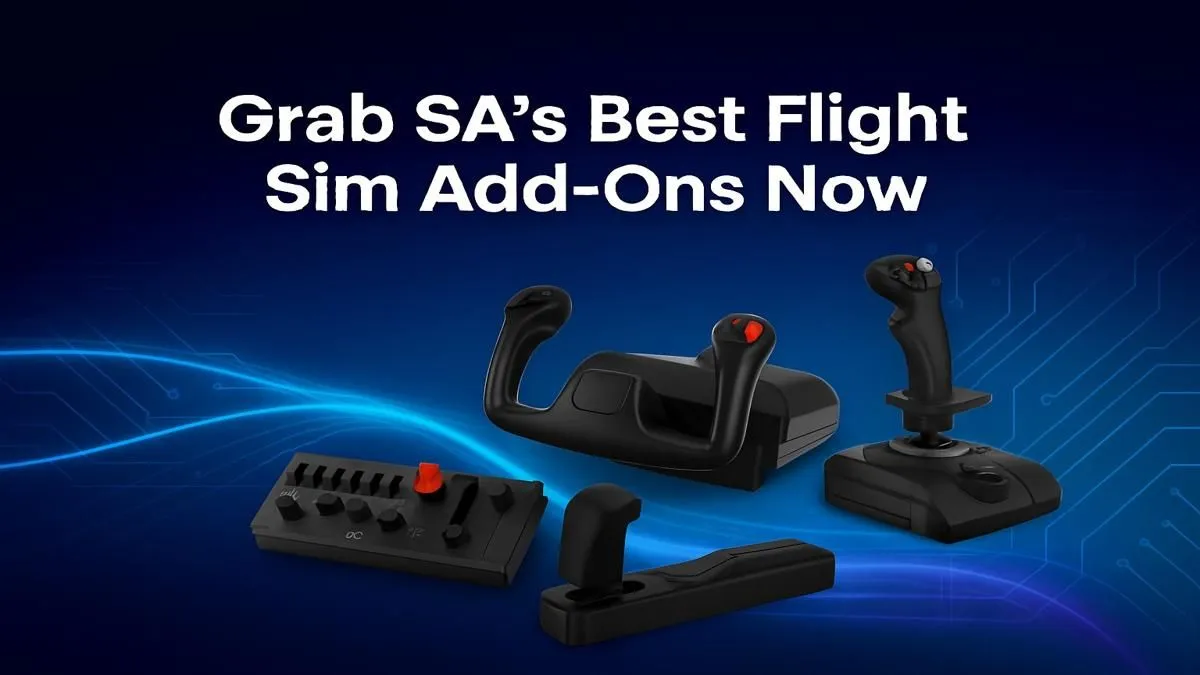
Mastering these complex aircraft and navigating realistic weather is even better with precise controls. A quality Hands-On Throttle-And-Stick (HOTAS) setup from a brand like Thrustmaster gives you the tactile feedback that a mouse and keyboard simply can't match.
Finding the Best Flight Simulator Add-Ons in South Africa
Navigating the world of add-ons can seem daunting, but it's easier than you think. The in-game Marketplace is a great starting point, offering a curated selection that’s easy to install. For a wider variety, dedicated sites like OrbxDirect, simMarket, and Flightsim.to are treasure troves for both payware (paid) and freeware (free) content.
When looking for the best flight simulator add-ons, keep an eye out for developers who specialise in African scenery. Companies like Gaffer Simulations and FSDG have created stunning renditions of key South African airports that will make your virtual homecomings feel incredibly authentic. The community freeware scene is also bustling, often offering excellent smaller airfields and fixes for free.
Performance Check ⚡
Before you buy a visually stunning airport or a complex aircraft, check for reviews or videos mentioning its performance impact. Highly detailed add-ons can be demanding on your PC's resources. A good add-on is optimised to deliver incredible detail without grinding your frame rate to a halt. Always check compatibility with the latest Sim Update!
Gear Up: The Hardware That Makes Your Add-Ons Shine ✨
You’ve invested in top-tier add-ons... now, can your PC handle the upgrade? Ultra-realistic scenery and study-level aircraft can be demanding. To truly appreciate the breathtaking views and smooth performance, your hardware needs to be up to the task. After all, what’s the point of a photorealistic Cape Town if you’re viewing it at 15 frames per second?
The Engine Room: Your PC
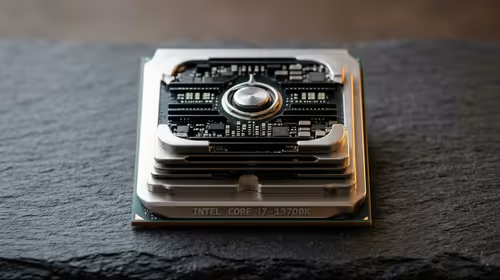
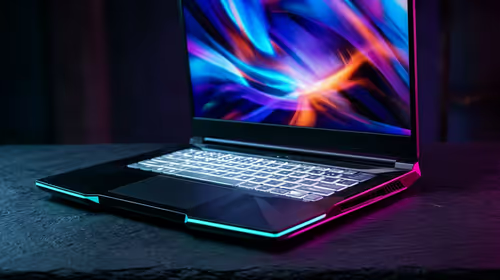
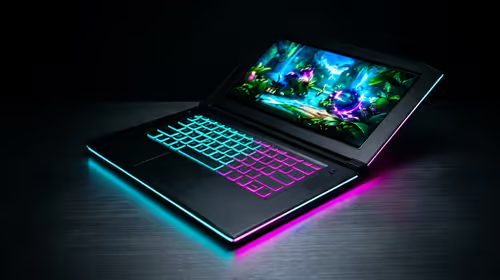
A stutter-free experience, especially during complex takeoffs and landings, is non-negotiable. The CPU handles the complex physics simulation, while the GPU renders the gorgeous visuals. If your current rig is struggling, investing in one of our purpose-built Microsoft Flight Simulator Gaming PCs is the single biggest upgrade you can make, ensuring you can run the best flight simulator add-ons on high or ultra settings.
The Cockpit View: Your Monitor
Immersion is everything in flight simulation. You want to be able to glance out your side window to spot a landmark or check your wing. While any of today's high-quality PC monitors will offer a crisp image, an ultrawide takes the experience to a new level. The expanded field of view offered by curved monitors, for instance, fills your peripheral vision, making the cockpit feel less like a screen and more like a real space.
The Captain's Seat: Your Comfort
Those long-haul flights from Johannesburg to London can take hours. Sitting on an uncomfortable chair for that long isn't just bad for your back; it breaks the immersion. A proper, ergonomic seat is a crucial part of your setup. Investing in one of the supportive gaming chairs available in South Africa ensures you stay comfortable and focused from pushback to shutdown, even on the longest intercontinental flights. 🚀
Ready for Takeoff?
The best flight simulator add-ons deserve the best hardware. From pre-built rigs that soar through ultra settings to the immersive peripherals that put you in the cockpit, we've got you covered. Explore our flight simulator gaming PCs and build the ultimate rig for your virtual skies.