


RTX 4060 Ti Throttling Under Load: SA Temperature Guide
RTX 4060 Ti Throttling Under Load: Temperature. Everything you need to know with SA pricing, step-by-step instructions & expert recommendations.
Read more1000 TOPS FP4 AI performance can sound abstract 🤖 but it helps you judge how fast a device can run local AI, gaming boosts, content tools, and edge workflows. See what it means for real-world use.
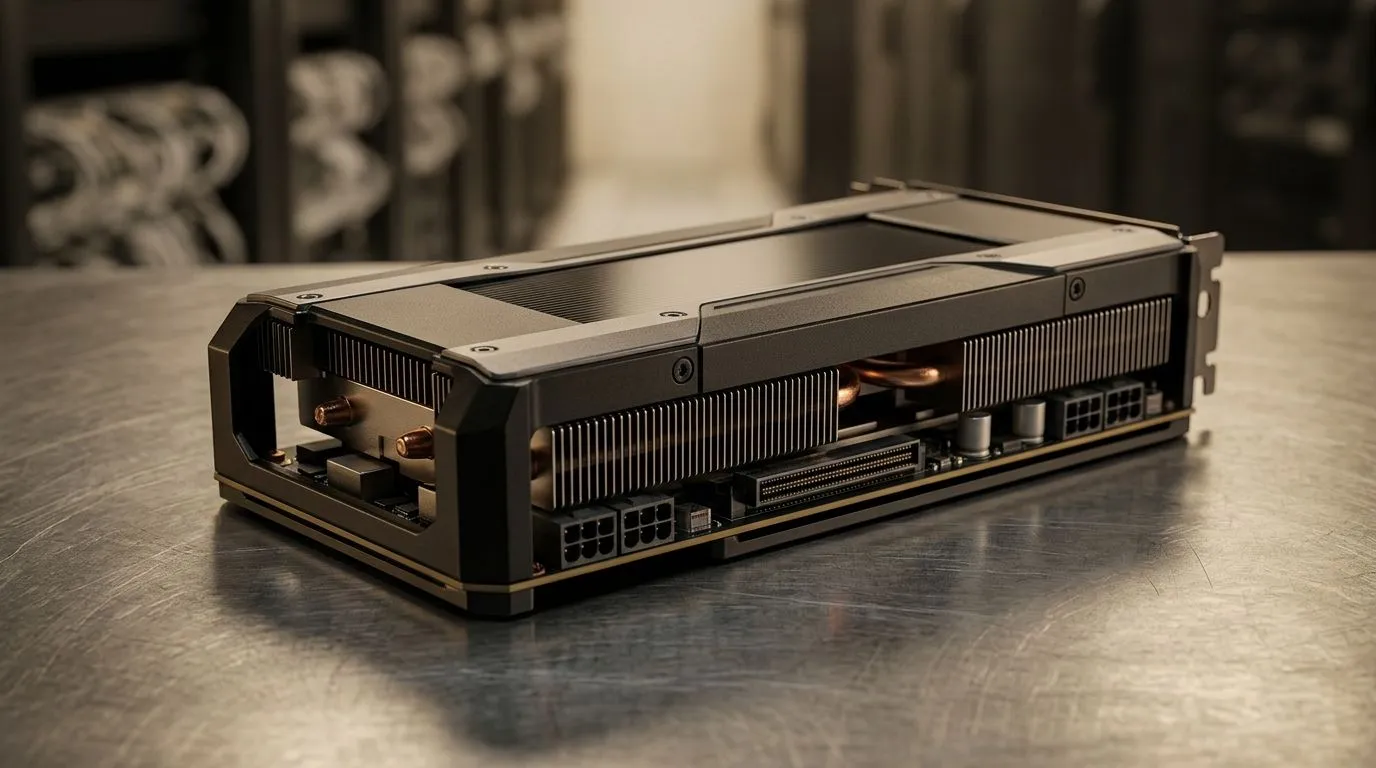
South African gamers and creators are seeing “FP4” and “1000 TOPS” everywhere… but what does it actually mean when you’re paying in ZAR? If you’re shopping for a compact mini PC for AI tasks, media work, or even local game upscaling, you need more than marketing numbers. Let’s break down what FP4 is, why TOPS matters, and how to judge whether that 1000 TOPS FP4 claim will feel fast in real life ⚡
“TOPS” stands for tera operations per second. In simple terms, it’s a measurement of how many AI math operations a chip can perform per second. “1000 TOPS FP4” means the processor is rated to deliver high throughput when running low-precision AI workloads, specifically at FP4 (4-bit floating point).
But here’s the catch: not every app uses the chip in the same way. Two systems with similar TOPS can feel different because of:
For AI features that run on-device, these practical limits can decide whether you get “smooth” or “stutter”.
FP4 reduces the number of bits used to represent numbers. That usually increases speed and reduces power use, because the chip does more work per watt.
However, FP4 can slightly reduce precision compared to higher-bit formats. The upside is performance. The downside is that some workloads may need extra tuning or may produce marginally different outputs (like slight changes in denoising or upscaling).
If you’re using AI for:
Mini PCs are popular in South Africa because they’re compact and often lower cost than full towers. Evetech carries a range of mini PCs you can evaluate for AI-capable hardware and everyday performance.
Consider starting with these Evetech mini PC options:
When a product page mentions FP4 or TOPS, don’t stop there. Before buying, look for:
If the system looks good on paper but has weak cooling, sustained performance may drop under load.
On a new mini PC, run a short “repeat workload” test in the app you actually plan to use (for example, one upscaling job loop or a vision inference loop) for 10 minutes. If the speed drops noticeably after the first run, thermals or power limits are the bottleneck, not the 1000 TOPS rating.
Most gamers aren’t running pure AI on demand… but AI workloads increasingly support everyday tasks:
If your goal is performance without regret, target a system that balances AI acceleration with strong everyday responsiveness. That’s especially true if you’ll also game, stream, or run creator apps.
In other words… don’t buy TOPS alone. Buy a platform that can sustain load, and make sure the software you’ll use supports the FP4 mode you’re paying for.
Ready to Find Your Perfect Match? The Mac vs Windows debate is complex, but for maximum power, choice, and value in South Africa, Windows is hard to beat. Explore our massive range of laptop specials and find the perfect machine to conquer your world.
It means the chip can perform up to 1000 trillion AI operations per second at FP4 precision, which is useful for fast local AI inference.
FP4 can be more efficient than FP8 for some AI workloads, but real results depend on model support, software optimization, and memory bandwidth.
Usually only indirectly. 1000 TOPS FP4 AI performance helps with AI-enhanced features like upscaling, frame generation, and background processing.
Local chatbots, image generation, voice tools, video enhancement, and edge AI workloads benefit most when software is optimized for FP4.
TOPS is a useful starting point, but compare software support, memory, power limits, and actual benchmark results too.
Yes. It can speed up AI-assisted editing, transcription, denoising, and generative tools, especially in local AI workflows.
RTX 4060 Ti Throttling Under Load: Temperature. Everything you need to know with SA pricing, step-by-step instructions & expert recommendations.
Read more
Apex Legends Max Settings on RTX 4080. Tested & verified settings for best FPS and visual quality on SA hardware budgets.
Read more
GPU Buying Guide. Everything you need to know with SA pricing, step-by-step instructions & expert recommendations.
Read more
GPU Terms Guide. Everything you need to know with SA pricing, step-by-step instructions & expert recommendations.
Read more
AMD Adrenalin Download & Setup Guide: GPU. Clear setup instructions with SA-specific considerations, troubleshooting tips & recommended components.
Read more
Back-to-School GPU Buying Guide. Everything you need to know with SA pricing, step-by-step instructions & expert recommendations.
Read more
Snapdragon X2 NPU Explained: How 80 TOPS Changes. Plain-English explanation of what it means, why it matters & how it affects your buying decisions in SA.

HBM? High Bandwidth Memory Used in GPUs and AI. Plain-English explanation of what it means, why it matters & how it affects your buying decisions in SA.

How much should you spend on sim racing accessories in South Africa for a realistic setup? We break down budgets by quality tiers, so you buy smart gear and avoid overspending 🎮💸

G-Sync and FreeSync? Variable Refresh Rate. Plain-English explanation of what it means, why it matters & how it affects your buying decisions in SA.

AMD Laptop: Value. SA-focused analysis with local pricing data, real-world insights & actionable buying advice.

How MacBook Neo Handles 30+ Chrome Tabs with Only. SA-focused analysis with local pricing data, real-world insights & actionable buying advice.

Why Apple Put 8GB RAM in MacBook Neo: The A18 Pro. SA-focused analysis with local pricing data, real-world insights & actionable buying advice.

Upgrade your work laptop with a New Motherboard. Step-by-step instructions with SA-specific tips, common pitfalls to avoid & expert recommendations.

Maintain wired headset — Checklist: • inspect cables • clean earpads • store properly 🔧🎧 Practical steps to preserve sound quality and avoid premature replacements.

Fix crackling headset fast: step-by-step checks for cables, connectors, drivers, and settings to remove static or distorted audio on wired headsets 🎧⚙️

Stereo vs mono headsets: learn which delivers clearer calls, better spatial music, or simpler mono voice performance — pick the right headset for meetings, music, or gaming 🎧💬

- Compare gaming headset vs studio headphones; - Assess comfort, mic and sound; - Recommend best daily picks. Gaming headset vs studio headphones: learn which suits work, music and casual gaming. 🎧⚖️