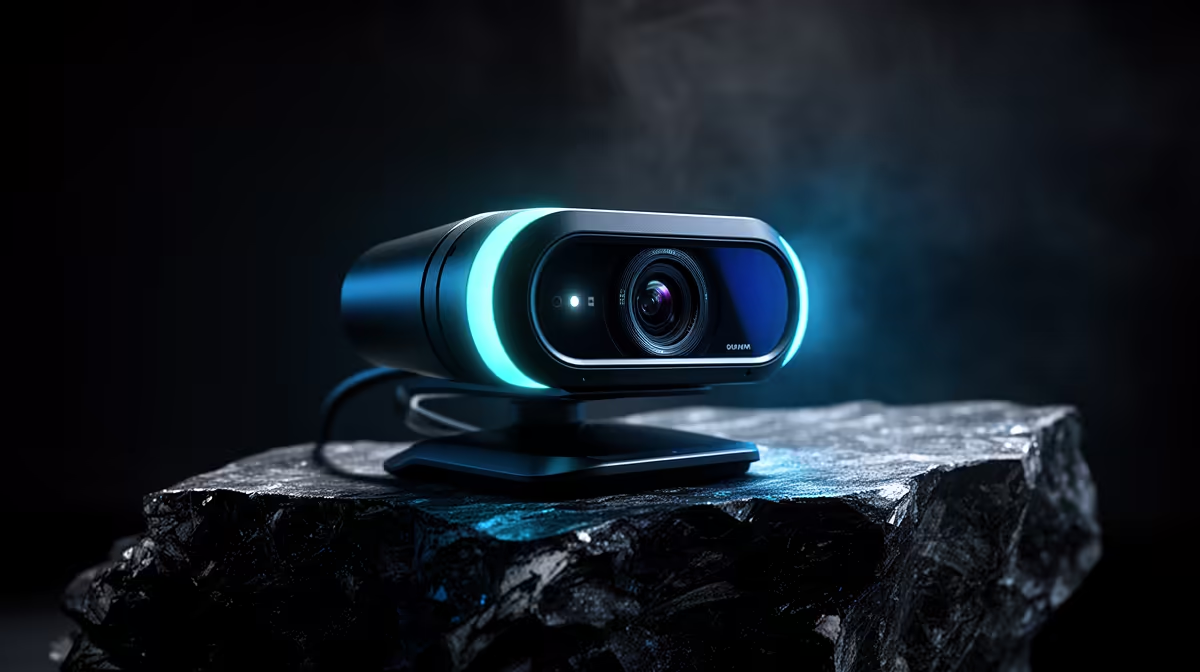
Logitech Brio 100 FHD at R458 suits an esports player who wants a clean face-cam for team calls, stream overlays, and match comms without paying for a 4K-first setup. A 1080p webcam is not overkill when the camera is doing more than basic check-ins, especially if the player also records clips, joins Discord reviews, or appears on a small stream window.
Product picks for player camera setups
The Logitech C270 HD at R252 is the practical entry point if the camera only needs to show a player clearly during squad calls. Its HD spec is enough for a small video tile, and the lower price makes sense where keyboard, mouse, headset, and monitor upgrades matter more than sharper camera detail.
The Logitech Brio 100 FHD at R458 is the better middle choice for most competitive desk setups. Its FHD spec gives cleaner detail for a face-cam crop, so the player can look presentable in scrims, coaching sessions, and content clips without jumping straight to a higher-resolution camera.
The NearStream V08AF 4K at R678 is worth considering only when the same desk is used for creator work as well. Its 4K spec gives more room to crop or reframe, but for a small overlay during play, that extra resolution can be more than the actual match setup needs.
Gaming room reality for South African players
In a local gaming room, the camera often sits above a monitor while the player deals with headset audio, RGB glare, and a tight desk. The Logitech Brio 100 FHD at R458 is the balanced pick because its FHD spec improves clarity without turning the camera into the most expensive part of a basic setup.
Ready to choose the right webcam?
Use Logitech Brio 100 FHD at R458 as the webcam shortlist benchmark, then check whether its listed spec matches the space, workload, and upgrade path.