Motion specifications describe different moments in the journey from a rendered frame to visible pixels. A clear 120Hz refresh rate and 14ms response time explanation separates update frequency, pixel transitions, frame production and input timing before judging the UPERFECT display.
Quick Answer
At 120Hz the monitor can refresh every 8.33ms, while its separate 14ms response specification describes pixel change rather than total input latency.
R2,499 buys UPERFECT's 120Hz refresh and 14ms response figure on an 18.5-inch 1920x1080 IPS panel. Refresh describes how often the screen can update, while response concerns pixel transitions; neither alone predicts every motion experience.
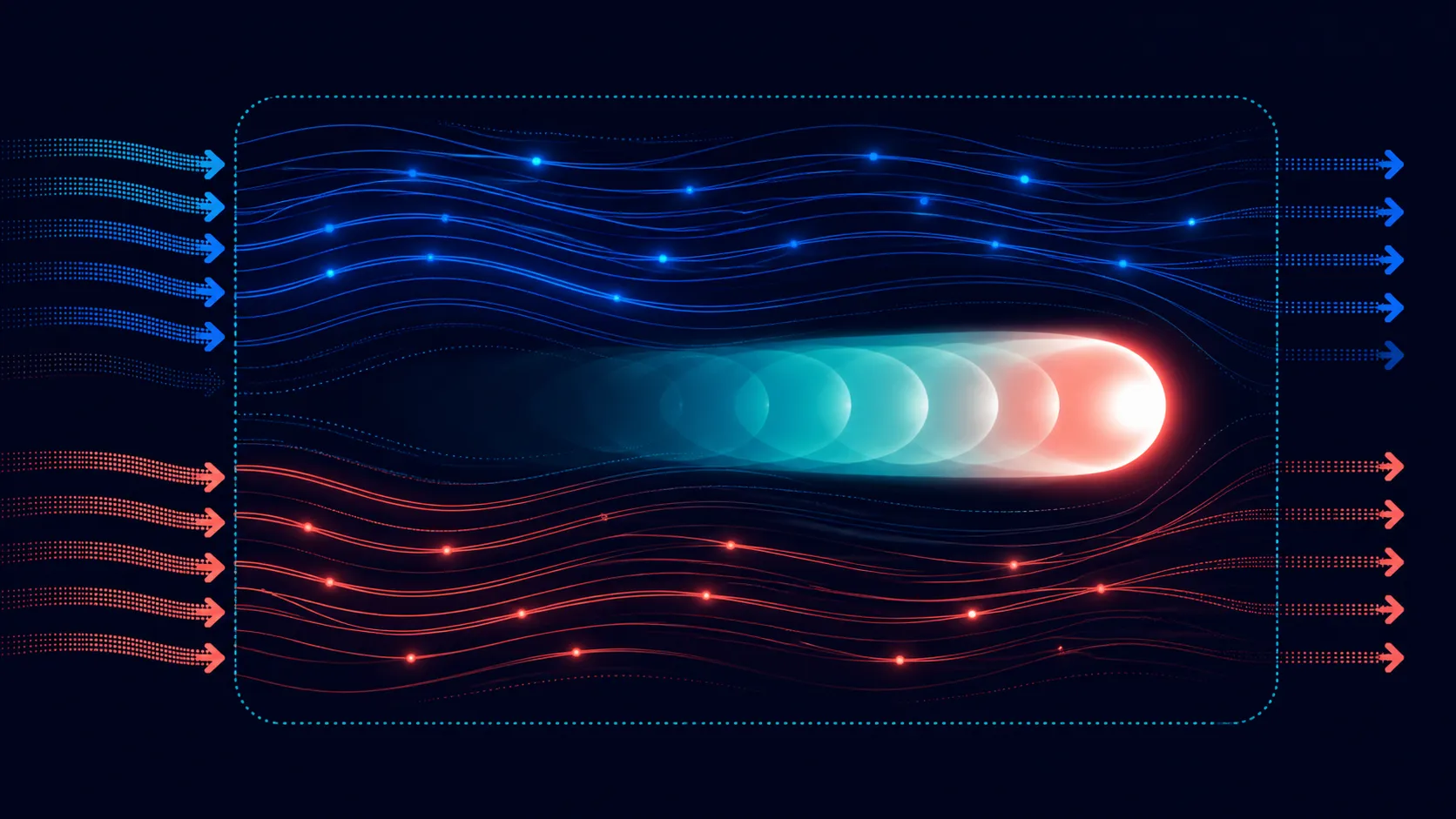
🔄 Follow one frame through the display chain
The source first creates or decodes a frame. A game engine may render it, a video player may present authored footage, and a desktop application may redraw an interface. That output then travels through a supported connection before the panel receives it.
A 120Hz display mode allows up to 120 screen updates each second when the complete route supports that mode. The panel cannot generate missing game frames or force an application to update at the same frequency.
Refresh rate is also different from network latency. A delayed online action can appear on a high-refresh panel after the network and game have processed it; the display specification does not remove those earlier stages.
Use the Evetech portable monitor department to compare exact refresh options after the source's supported output is known.
⏱️ Place 14ms beside pixel transitions
Response time describes how quickly pixels move between measured states. The precise result depends on the method used, and different colour transitions may not appear identical to the viewer.
It should not be read as the total controller-to-image delay. Input handling, game processing, frame creation, buffering, connection and display processing can all contribute before or beyond the pixel transition.
Test high-contrast objects moving across mixed backgrounds, text during a scroll and a darker camera pan. These patterns can expose trailing or softness more clearly than a static image.
The user's sensitivity matters. A casual player, office worker and motion-focused gamer may assign different importance to the same visible behaviour. Record the scene and concern rather than reducing the verdict to fast or slow.
🎮 Build a controlled 60Hz and 120Hz trial
Start with the NxtLED One Plus at its native 1920x1080 resolution. Keep the source, cable, game or clip, room lighting and picture controls fixed. Change only the refresh setting between supported choices.
For desktop work, observe pointer movement, window dragging and repeated scrolling. For media, use familiar credits and pans. For gaming, choose a repeatable route or scene with a stable control sequence.
Monitor the source frame rate separately where a reliable display is available. If the game cannot produce enough frames, the panel may repeat updates and the higher refresh difference can become less obvious.
Avoid changing quality settings at the same time as refresh. A new frame rate caused by lower rendering load would otherwise be mistaken for the panel setting itself.
Run the same sequence once with a steady desktop workload and once with a game or media source. The desktop trial exposes cursor and scrolling behaviour without a changing render load, while the entertainment trial shows whether the chosen application and content can exploit the available update rate. Keep both findings instead of forcing them into a universal motion verdict.
The 18.5-inch screen size influences viewing distance and the visibility of motion detail. Recreate the owner's actual desk or travel position instead of observing from unusually close range.
🧭 Put motion beside the other buying priorities
The UPERFECT includes 100% sRGB coverage and a 178-degree IPS viewing specification. These facts serve colour-space and positioning discussions; they should not be used as evidence about motion speed.
Omni Visible glare treatment joins the paper-like screen finish here. Strong ambient light can obscure darker transitions, so motion tests should include the room's normal lamp or window without changing illumination between runs.
Hardware low blue light belongs to viewing comfort, not response time. Use it as part of a longer-session plan while preserving an appropriate reference state for colour work.
Confirm exact inputs, cable requirements and power before assuming that a particular device can deliver 1920x1080 at 120Hz. Broad laptop, phone or console labels cannot settle model-level compatibility.
Select a needed connection or support item from the Evetech monitor accessories range only after the missing function is identified.
Repeat the observation from the intended viewing distance after a normal session length. Sitting unusually close can magnify pixel transitions that are not noticed during ordinary use, while fatigue and attention can also change the judgement. Record the seat and duration beside each comment so another trial does not unknowingly use a different standard.
Create a final motion record with source, application, output mode, refresh, frame delivery, content scene, viewing distance and observed pixel behaviour. This lets a later change be reproduced and prevents 120Hz or 14ms from carrying claims that belong to another stage.
Add a decision rule before the final comparison. For example, a buyer might require readable scrolling without distracting trailing, reliable recovery of the 120Hz mode after sleep and acceptable game control in two familiar scenes. A candidate either meets those named conditions or sends the buyer back to the shortlist; the rule is more durable than a general promise of smoothness.
Use a second observer for one blinded refresh comparison where the source allows quick switching without showing the selected value. The purpose is not to create a laboratory result, but to check whether the perceived improvement survives when the label is hidden. Write disagreements separately, because the primary user's threshold still governs the purchase while another view can expose expectation bias.
Repeat any uncertain result on a different day.
Preserve the content timestamp used for every motion observation.
NxtLED is intended to remove visible ghosting, blurring and trailing during high-intensity games, but the source frame delivery and control path still influence perceived response. The Full HD resolution makes 120-frame output more attainable than a heavier pixel workload on some mobile devices. Omni Visible also reduces ambient glare, keeping fast detail legible instead of allowing bright reflections to mask the motion improvement.
Motion quality also depends on image clarity. Omni Visible reduces bright reflections that can look like lost detail, and the Full HD panel keeps the pixel load manageable for many mobile sources. Compare a panning scene, fine moving text and direct control input separately. The first two reveal visual persistence; the last includes the source, connection and game engine beyond the panel's 14ms figure.
Keep the source frame rate visible during both comparisons.
Frequently Asked Questions
How many updates can 120Hz present each second?
It can target up to 120 panel updates when the source, connection and selected display mode support that frequency.
Is a 14ms response the same as total lag?
No. It concerns pixel transitions and excludes source input, processing, frame creation and several other timing stages.
Why might 120Hz show little change in a game?
The source may deliver fewer frames, the wrong refresh may be selected, or the player's content may not expose the difference.
Which variables should stay fixed during comparison?
Preserve resolution, source, cable, application, content, picture controls, room and viewing distance while changing refresh alone.
Can these figures guarantee suitability for gaming?
No. Direct testing must include the exact game, source behaviour, connection route and the player's sensitivity to motion and control.
Ready to measure refresh and response as two distinct behaviours?
Recreate the real motion workload, then compare portable displays and verified connection accessories through Evetech.