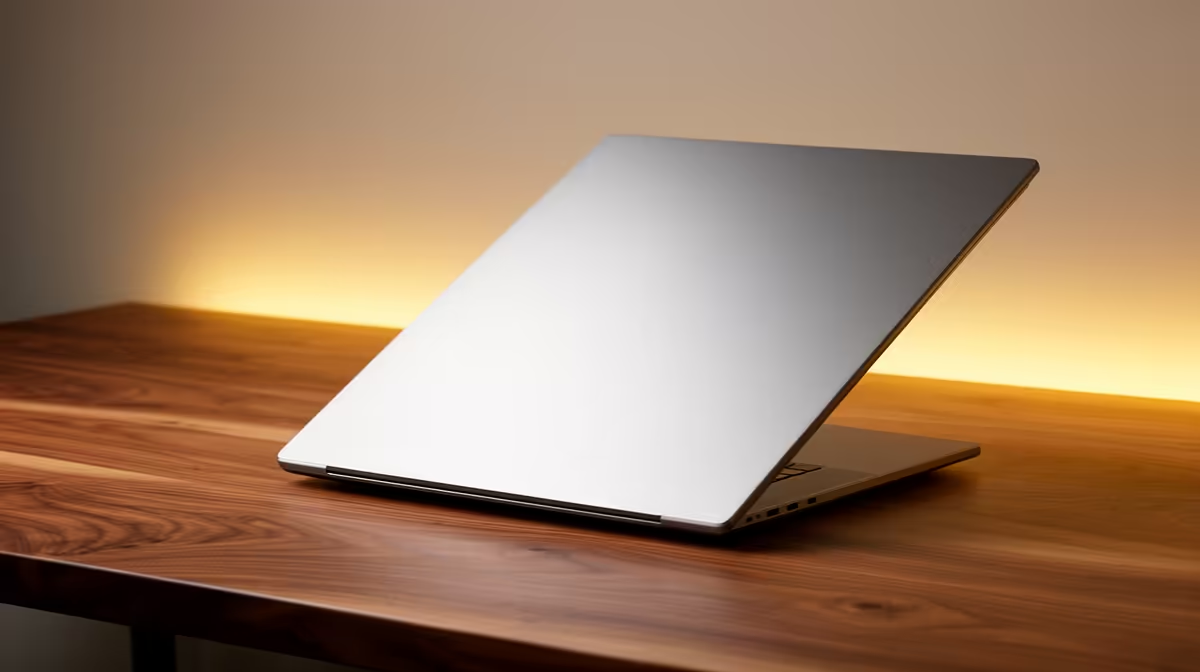
The Lenovo LOQ RTX3050 at R9,500 suits a creator who wants a laptop with dedicated RTX3050 graphics for editing YouTube videos without spending the full the stated budget.
Practical picks under the budget
The Lenovo LOQ RTX3050 at R9,500 is the strongest fit here because the RTX3050 spec gives the desk setup more graphics headroom than a standard office-focused machine. That matters when timelines, preview windows, and exported clips start competing for resources during regular creator work.
The ASUS Vivobook X1504VA i7 at R13,999 is a sensible step up if you prefer an i7 machine and still want to stay comfortably below the stated budget. The Lenovo IdeaPad Slim 3 i7 at R13,400 gives a similar i7 angle for a little less, making it useful for editing, browsing, scripts, thumbnails, and admin on one everyday device.
For a lighter visual-first option, the ASUS Vivobook S14 OLED at R10,719 brings an OLED screen into the mix, which is helpful when checking colour, contrast, and thumbnails before publishing. The ASUS ExpertBook P5405 at R12,700 and ASUS ExpertBook P1503 i5 at R9,858 are better suited to productivity-heavy creator admin, especially planning, writing, uploads, and basic edits.
Creator desk in a South African home office
A practical creator desk usually needs one machine that can handle editing work, research tabs, uploads, and peripheral clutter without taking over the whole surface. The Lenovo LOQ RTX3050 at R9,500 gives the best performance-first value from this list, while the ASUS Vivobook S14 OLED at R10,719 makes sense where screen quality is the bigger daily priority.
Ready to choose the right laptop?
Use ASUS ExpertBook P1503 i5 at R9,858 as the creator desk benchmark, then check whether its listed spec matches the space, workload, and upgrade path.