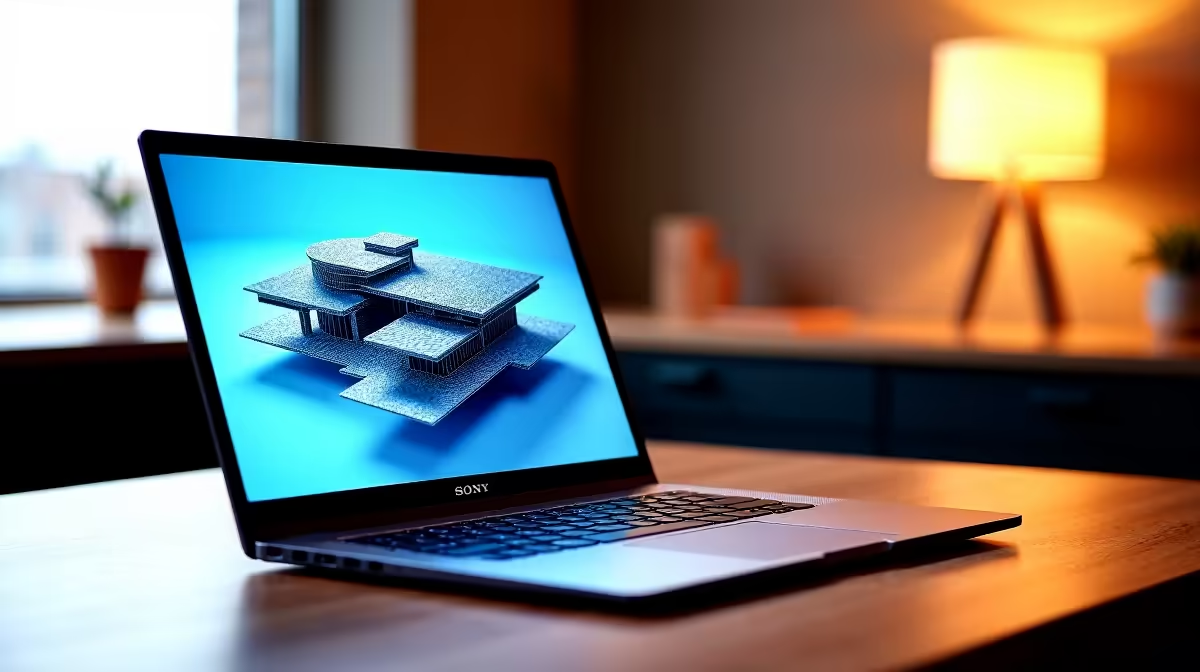
The Lenovo LOQ RTX3050 at R9,500 suits SketchUp users who want stronger 3D viewport support without stretching into higher laptop prices. For modelling work, a laptop is worth choosing carefully: screen size helps, but the bigger difference is whether the machine has enough graphics headroom for orbiting, shadows, textures, and larger project files.
Laptop picks for SketchUp modelling
The Lenovo LOQ RTX3050 at R9,500 is the most practical pick here because the RTX3050 spec gives SketchUp more graphics support than basic everyday machines. If your work includes room layouts, shopfitting concepts, student architecture models, or presentation scenes, that GPU matters more than simply chasing a larger panel.
The Lenovo IdeaPad Slim 3 i7 at R13,400 is better suited to users who value CPU strength for everyday design admin, browser tabs, reference images, and general productivity around SketchUp. Its i7 spec makes sense if your workflow is mixed between modelling, email, research, spreadsheets, and presenting design ideas.
On a Joburg Apartment Desk
A 16-inch class setup can feel worthwhile on a compact Joburg apartment desk when you do not want to connect a monitor every time you model. The ASUS Vivobook X1504VA i7 at R13,999 gives you an i7 option for a desk-based workflow, while the ASUS Vivobook S14 OLED at R10,719 is the sharper choice if the OLED screen matters for visual checking, colour, and client-facing previews.
The ASUS ExpertBook P1503 i5 at R9,858 is still a sensible lighter-duty option for simpler models, especially if your SketchUp use is occasional. For heavier student or creator work, the ASUS ExpertBook P5405 at R12,700 gives another business-style option in the range, but the RTX3050 Lenovo LOQ remains the stronger modelling pick.
Ready to choose the right laptop?
Compare the listed laptop range and pick the model that best matches your SketchUp workload.