A maximum recline angle describes where the backrest can end, not how its mechanism locks or how comfortable that position will feel. This 160-degree gaming chair recline guide keeps endpoint, controls and support separate for the R16,599 AutoFull M6 Pro+ 2.0.
Quick Answer
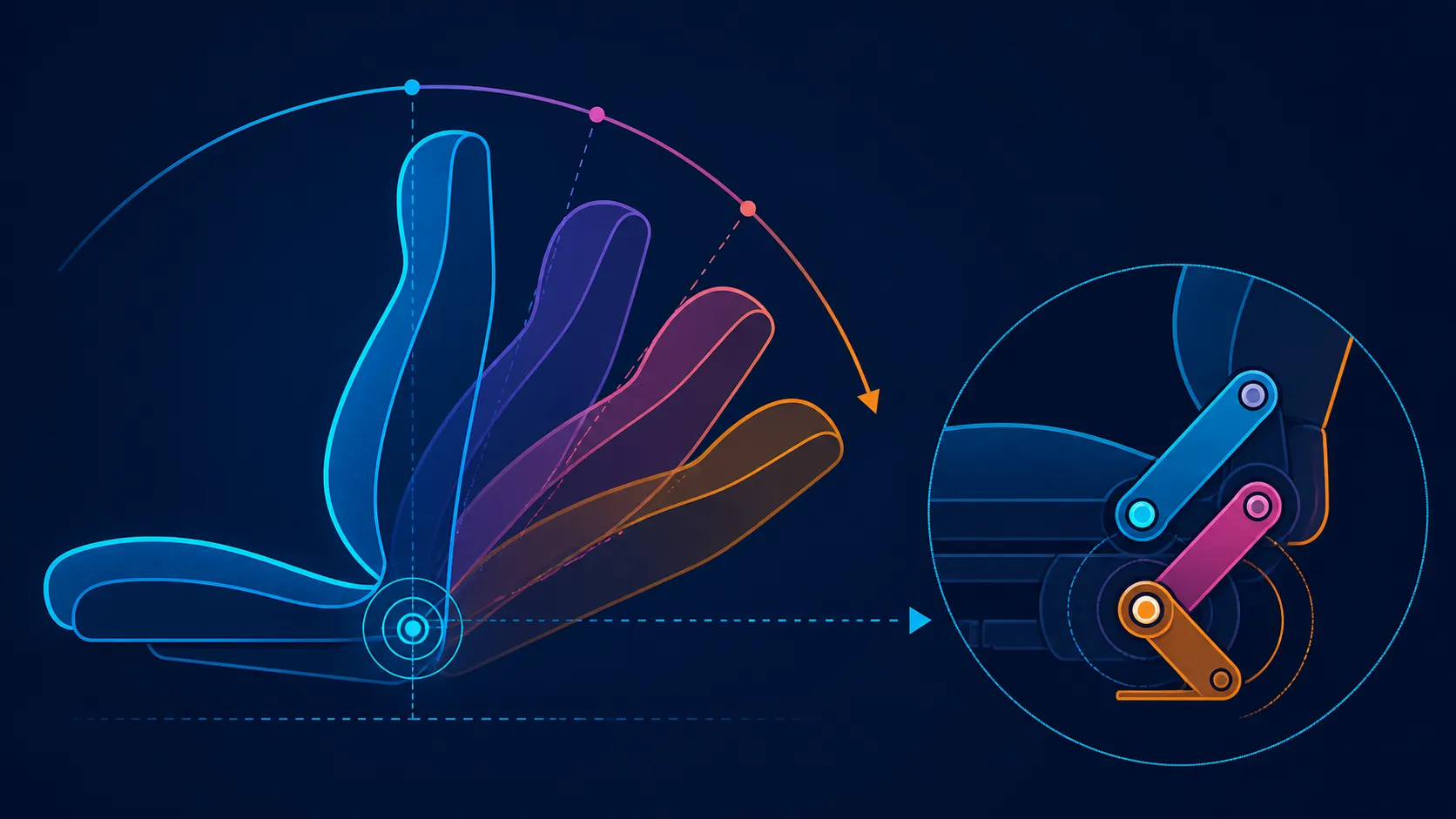
Backrest travel reaches 160 degrees on the M6 Pro+, allowing task positions and deeper breaks. The number says nothing about lock points, lever design or personal preference. As it moves, reassess the responsive lumbar area and 3D ErgoCloud neck pillow under the chair's proper operating procedure.
📐 Understand the endpoint
The 160-degree figure describes the deepest backrest angle for this chair. It should be treated as a limit within a broader range, not as a recommendation to work or game at maximum recline.
Buyers should identify the angles they expect to use: focused typing, controller play, watching content or taking a break. Then test whether the chair can move between those positions through a clear, repeatable process.
The endpoint alone cannot disclose how the mechanism engages, which positions lock or how controls operate. Those details vary between chairs and need direct model checking.
Compare alternatives through Evetech's AutoFull gaming chair range with angle and mechanism in different columns.
↘️ Change position gradually
Begin near the normal task posture. Move the backrest by a small amount, then reassess feet, lower-back contact, neck support, arms and control reach. Continue only while the position remains workable and the chair guidance permits it.
Do not jump to 160 degrees to prove the chair reclines. The deepest position may suit a particular break but could place desk controls out of reach. Personal preference and surrounding space determine which intermediate angles matter.
Keep the chair's 150kg maximum in the selection plan. This is a load boundary, not a guarantee about balance, fit or comfort at every angle.
🧩 Coordinate lumbar and neck
Lower-back contact on the dynamic system responds to seated changes. Watch that relationship throughout backrest movement instead of judging it once in an upright pose.
Use the 3D ErgoCloud pillow at the neck in the way its actual design permits. The label does not define particular axes, and contact should be revisited at every commonly used angle.
The armrests are also part of this relationship. The M6 Pro+ uses foldable mechanical 6D arms with 360-degree adjustment. Reposition them for deeper recline so forearm support remains relevant.
Judge recline as one component of complete support across Evetech's gaming-chair selection for local buyers.
✅ Keep outcomes realistic
Recline can create position variety and may help a user take a different kind of break. It cannot promise relaxation, pain relief or a medical result. Individual response should guide the chosen angle.
Ventilation and heating are included in the R16,599 chair package. Although either may influence a break, neither reveals how the backrest holds or releases a chosen position.
When testing two chairs, use the same task sequence and surrounding space. A larger clearance area can make one recline seem easier even when the mechanism itself has not been compared fairly.
Record the working and break positions that can be reproduced safely. A useful range is one the owner understands and uses, not merely the largest endpoint printed on a comparison table.
Create an angle-use map with three columns: task, break and unused. Place each tested position where it belongs. This prevents the 160-degree maximum from receiving value merely because it is available.
Observe the return journey as carefully as the recline. The owner should understand how to move from a break back to the work position through the correct mechanism. Do not assume automatic return, a preset or a particular lever action.
Check the chair's surrounding path before every deeper test. Floor objects, a wall or the desk can interrupt movement and create a misleading impression of the mechanism. Separate environmental obstruction from chair operation.
Keep armrest positions in the angle map. A support that works upright may need rotation, height or another demonstrated movement during a break. The 6D label is not enough to specify which one.
Climate modes can be evaluated after the backrest routine is stable. Heating or ventilation may affect personal comfort, but neither reveals lock points or changes the meaning of 160 degrees.
When the chair is shared, repeat the angle sequence for each person. Capacity remains 150kg, while preferred angles and support contact may differ. A common maximum does not create a common fit.
At the end, compare only reproducible, useful positions. A smaller practical range can matter more than a headline endpoint that the owner never selects.
Backrest range belongs in a floor-space plan. Mark the desk edge, wall, nearby storage and cable routes before moving beyond the active work zone. The maximum angle does not state how much clearance the chair needs, so room measurements and the exact chair geometry must be checked independently.
Next, learn how the mechanism is operated on this model. Confirm the steps for holding a preferred position and returning toward upright; do not transfer lock behaviour from another gaming chair. Practise the transition slowly with the area clear, then add normal peripherals only after the route is understood.
Finally, repeat the plan for each regular user. Their chosen break zone and support arrangement may occupy different space. Record arm, lumbar and pillow changes alongside the backrest position. This makes a useful recline map that accounts for both personal preference and the physical room without promising that a particular angle prevents discomfort.
Retain the map beside the workstation and revise it after any furniture move. Clearance is a property of the complete room arrangement, not a permanent conclusion drawn from the chair alone.
Frequently Asked Questions
What does 160 degrees measure?
It identifies the deepest backrest angle available on the AutoFull M6 Pro+ 2.0.
Does the angle reveal the locking mechanism?
No. Lock points, lever actions and adjustment steps need to be checked for the exact chair.
Which chair reaches this endpoint?
The R16,599 AutoFull M6 Pro+ 2.0 reaches a maximum recline of 160 degrees.
How should recline be adjusted?
Follow the model procedure, move in small steps and reassess body support plus surrounding clearance.
What supports the neck while reclined?
Coordinate the chair's 3D ErgoCloud neck pillow with every backrest zone that enters the routine.
Can the deepest angle promise better relaxation?
No. Comfort and relaxation are personal responses, not guaranteed results of a larger angle.
What load limit applies to the chair?
The M6 Pro+ load ceiling is 150kg; fit and backrest operation still require independent answers.
Ready to compare usable angles instead of maximums alone?
Explore Evetech's gaming chairs after mapping your task, viewing and break positions with the clearance each one requires.