



Marvel Rivals launch in South Africa
Marvel Rivals launch needs a balanced parts plan, not a random basket. Map the CPU, GPU, RAM, SSD, cooling, and monitor target to the budget so SA builders know where to spend first.
Read moreChoosing 2.4GHz vs Bluetooth 5.2 for gaming headsets on PC? Compare latency, range, and connection stability to pick the best wireless option for FPS and chat. 🎮🔊
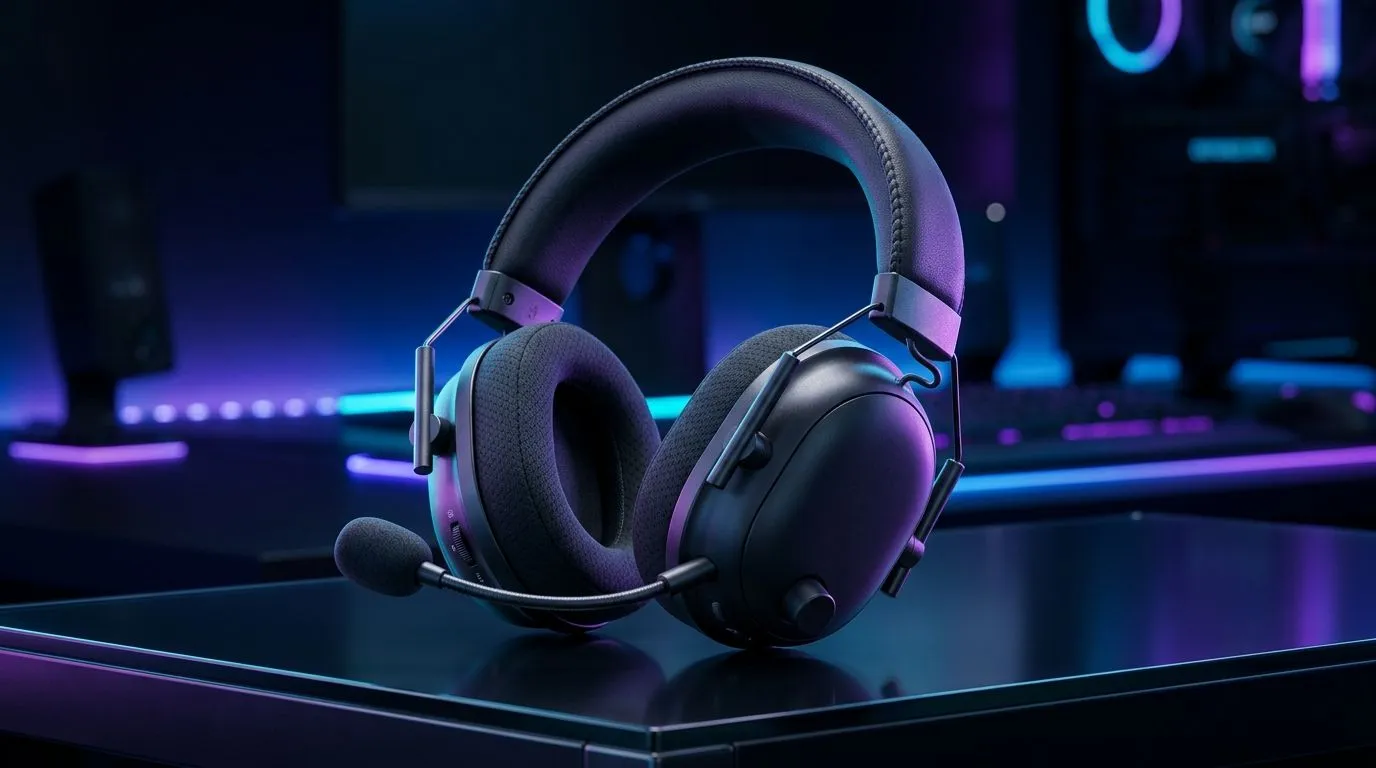
When you search "2.4GHz vs Bluetooth 5.2 for Gaming Headsets on PC" you want straight answers fast. South African gamers need low latency, solid range and good battery life... without guessing. This deep dive compares practical performance, compatibility and when to pick a 2.4GHz dongle or Bluetooth 5.2 headset. 🔧
For pure responsiveness, 2.4GHz wireless headsets generally win. They use a dedicated USB dongle tuned for gaming, which reduces packet loss and jitter compared with general-purpose Bluetooth. See Evetech’s wireless headset selection for models built around low-latency dongles. https://www.evetech.co.za/buy-wireless-headset/x/1578.aspx
Bluetooth 5.2 brings modern codec support and better power efficiency than older Bluetooth versions. However, PC audio quality depends on the codec implemented by both headset and host. For guaranteed sound fidelity and zero compression concerns, many players still choose wired options. Browse wired choices if fidelity is your priority. https://www.evetech.co.za/buy-wired-headset/x/1577.aspx
In apartment complexes or LAN cafés, 2.4GHz bands can get busy. A quality 2.4GHz gaming headset will manage interference through proprietary protocols, but Bluetooth’s adaptive frequency hopping can also help in crowded RF spaces. If you’re shopping for a headset for console play as well, check dedicated PlayStation and Xbox compatibility pages before buying. https://www.evetech.co.za/buy-playstation-headsets/x/1575.aspx https://www.evetech.co.za/buy-xbox-headsets/x/1576.aspx
Bluetooth 5.2 favours multi-device pairing and longer standby times for everyday use. 2.4GHz dongles often prioritise performance over pairing flexibility. If you flip between PC and phone, Bluetooth is more convenient; if you prioritise competitive edge, a 2.4GHz solution is safer. For a full browse of headset categories, start here. https://www.evetech.co.za/components/headphone-headsets-100.aspx
If you play competitive FPS on PC, plug in a 2.4GHz dongle and disable Bluetooth on nearby devices. That simple step cuts interference and stabilises your signal during tense matches.
Practical checklist: if you want sub-20ms latency for tournament play, favour 2.4GHz with a USB dongle and a proven gaming profile. If you want seamless phone pairing and longer casual use, Bluetooth 5.2 is excellent. Always test mic quality and comfort; specs only tell half the story. See current deals and filter by feature to compare models in ZAR. https://www.evetech.co.za/best-gaming-headset-deals/x/053.aspx
For most South African gamers, the distinction comes down to use case: competitive PC gamers lean 2.4GHz; content creators and casuals often pick Bluetooth 5.2. Try devices where possible, and pick a retailer with clear returns and local warranty. Ask about South African warranty terms, return windows and local support; this protects you if a headset develops faults or a dongle fails under warranty. If you game on multiple platforms, test microphone pickup on PC voice chat and on console party chat before committing.
Ready to Find Your Perfect Match? The Mac vs Windows debate is complex, but for maximum power, choice, and value in South Africa, Windows is hard to beat. Explore our massive range of laptop specials and find the perfect machine to conquer your world.
Usually yes for competitive play. 2.4GHz dongles typically deliver lower latency and more stable connections than Bluetooth 5.2.
Bluetooth 5.2 can improve reliability and features, but many headsets still face higher latency than 2.4GHz for real-time gaming.
A 2.4GHz dongle uses a dedicated link for steadier audio. Bluetooth shares the radio environment with other devices.
2.4GHz headsets often cover a solid room range reliably, though walls and interference can reduce performance.
It can, but you may notice more variability. For best mic clarity and sync, choose a headset with strong Bluetooth profiles and codecs.
For FPS, 2.4GHz is typically the safer pick because it prioritizes low-latency, real-time wireless audio.
Most 2.4GHz gaming headsets include a USB dongle for PC pairing, while Bluetooth 5.2 models may pair directly via Bluetooth.
Use a USB 2.0 port, avoid congested USB hubs, keep the headset dongle unobstructed, and ensure Bluetooth drivers are up to date.
Marvel Rivals launch needs a balanced parts plan, not a random basket. Map the CPU, GPU, RAM, SSD, cooling, and monitor target to the budget so SA builders know where to spend first.
Read more
Path of Exile 2 launch needs a balanced parts plan, not a random basket. Map the CPU, GPU, RAM, SSD, cooling, and monitor target to the budget so SA builders know where to spend first.
Read more
Black Myth Wukong launch needs a balanced parts plan, not a random basket. Map the CPU, GPU, RAM, SSD, cooling, and monitor target to the budget so SA builders know where to spend first.
Read more
Hollow Knight PC requirements should be mapped to resolution, settings and upgrade budget before choosing a tier. Verify current requirements, then balance GPU, CPU, RAM and SSD around SA pricing.
Read more
Hollow Knight build planning should focus on the target resolution, settings and total system balance. Treat launch wording as time-sensitive, then verify requirements before choosing SA PC parts.
Read more
Fallout 4 PC requirements should be mapped to resolution, settings and upgrade budget before choosing a tier. Verify current requirements, then balance GPU, CPU, RAM and SSD around SA pricing.
Read more
Best Value Laptops South Africa 2026 — Find top picks, local prices and buy tips to maximise performance per rand. Compare deals for students, creators and gamers. 🔎💸

Struggling with a weak Desktop PC Wi-Fi signal? 📶 Discover expert tips on positioning your tower and external antennas to eliminate lag and maximize your internet speeds for gaming and streaming. 🚀

Tired of loadshedding router restarts killing your Wi-Fi? ⚡ Discover why power cuts disrupt your connection and learn expert tips to get back online faster after the lights return. 🌐

Master using a Nano SIM 4G router as your primary internet solution. Get stable speeds and seamless connectivity for gaming and streaming at home! 🌐🚀

Gauteng r30 000 needs practical checks before you choose. Compare fit, workload, support, setup needs, timing, and delivery expectations without relying on live availability or fixed 2026 claims.

Gauteng r40 000 needs practical checks before you choose. Compare fit, workload, support, setup needs, timing, and delivery expectations without relying on live availability or fixed 2026 claims.

Gauteng r50 000 needs practical checks before you choose. Compare fit, workload, support, setup needs, timing, and delivery expectations without relying on live availability or fixed 2026 claims.

Gauteng r60 000 needs practical checks before you choose. Compare fit, workload, support, setup needs, timing, and delivery expectations without relying on live availability or fixed 2026 claims.

Three-tier smart watch plan for commuting should be shortlisted around the job it must do. South African buyers should compare fit, performance, compatibility, and upgrade room, warranty path, and upgrade room before treating any pick as best.

AR Glasses buying order for commuting students should be shortlisted around the job it must do. South African buyers should compare fit, performance, compatibility, and upgrade room, warranty path, and upgrade room before treating any pick as best.

Smart Watch buying order for commuting should be shortlisted around the job it must do. South African buyers should compare fit, performance, compatibility, and upgrade room, warranty path, and upgrade room before treating any pick as best.

Smart Watch buying order for quiet PC builds needs a balanced parts plan, not a random basket. Map the CPU, GPU, RAM, SSD, cooling, and monitor target to the budget so SA builders know where to spend first.