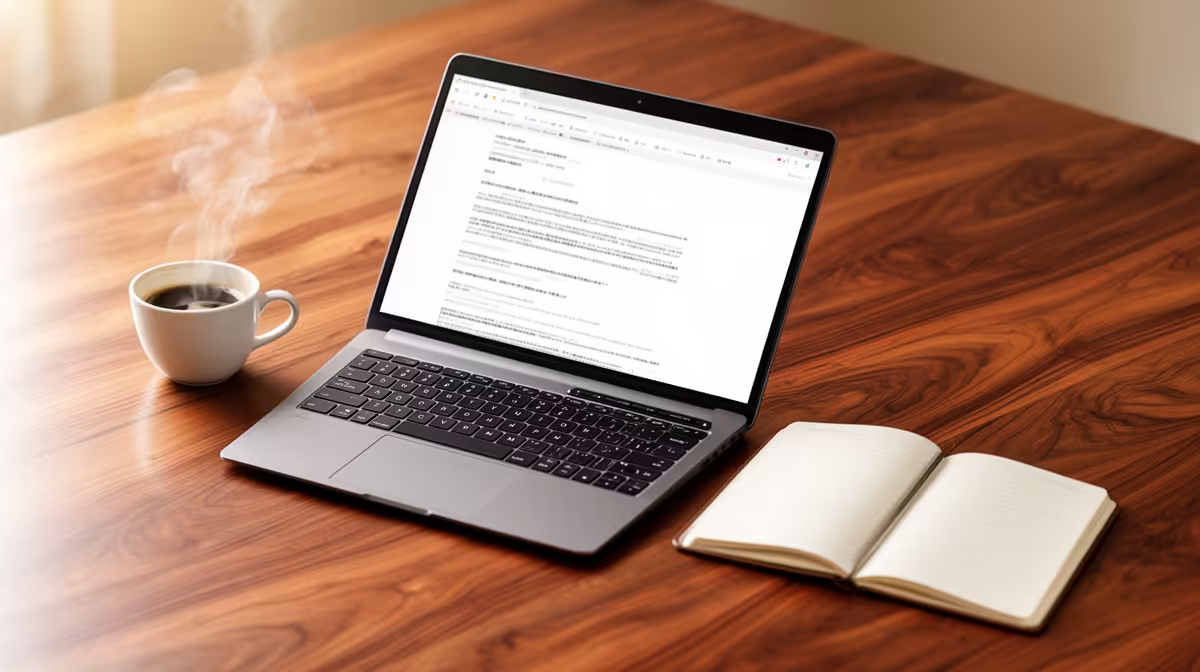
Yes, the ASUS ExpertBook P1503 i5 at R9,858 suits an SA student who wants a dependable laptop for long writing sessions, references, browser tabs, and document editing without drifting into gaming-first hardware.
What matters more than the hinge
A 2-in-1 can cope with thesis work, but the real test is not whether the screen folds back. It is whether the machine feels stable across hours of typing, research, PDF reading, and citation cleanup. The ASUS ExpertBook P1503 i5 at R9,858 is the sensible starting point because its i5 spec is aimed at everyday productivity rather than distraction-heavy extras.
The Lenovo IdeaPad Slim 3 i7 at R13,400 gives more headroom if the workload includes large documents, multiple research tabs, spreadsheet notes, and video calls with a supervisor. Its i7 spec makes sense for a student who keeps everything open while drafting, especially near submission week when files, notes, and browser windows pile up.
The ASUS Vivobook S14 OLED at R10,719 is the comfort pick if reading is a big part of the degree. Its OLED spec matters for long sessions with journal articles, lecture PDFs, and chapter edits because screen quality can affect how tiring the desk setup feels over a full evening.
Student desk reality for thesis season
At a student desk, the better choice is usually the laptop that keeps the writing routine simple. The ASUS Vivobook X1504VA i7 at R13,999 is a strong fit for a fixed desk setup where the i7 spec can carry heavier multitasking, while the ASUS ExpertBook P5405 at R12,700 suits a cleaner work-first setup for daily drafting and admin.
Ready to choose the right laptop?
Use ASUS ExpertBook P1503 i5 at R9,858 as the laptop shortlist benchmark, then check whether its listed spec matches the space, workload, and upgrade path.