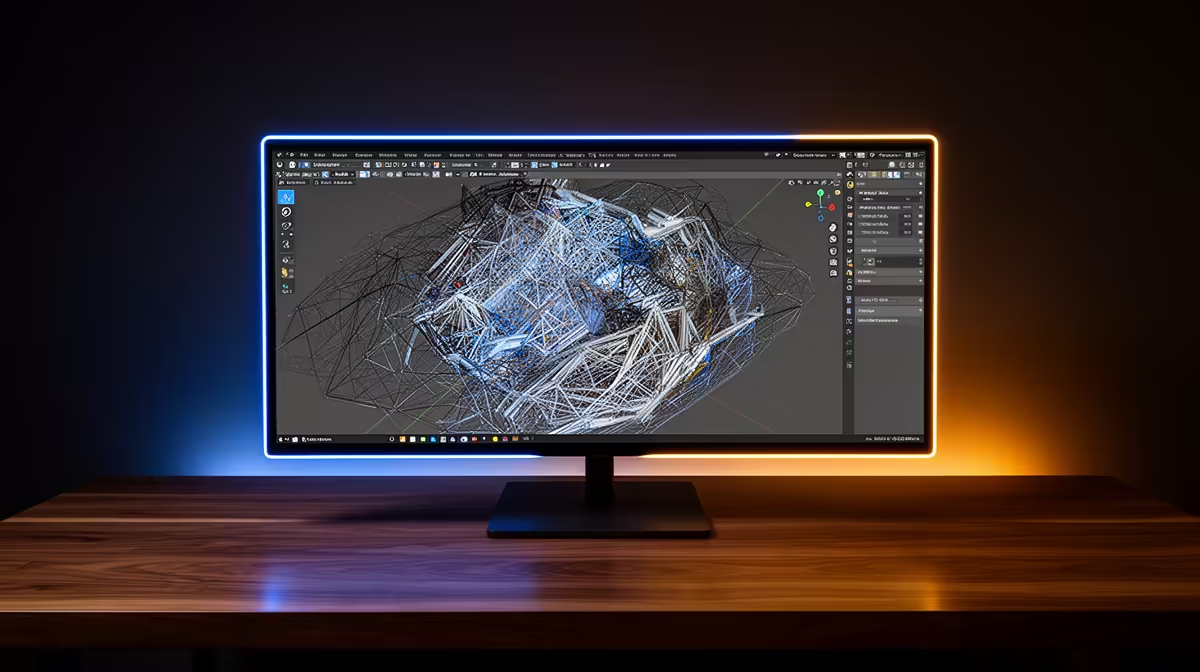
ViewSonic VX2779A 240Hz at R2,350 suits creators who want a smoother viewport and timeline feel without paying for a premium display tier. A gaming monitor will not make final renders faster, but a higher refresh rate can make navigation, animation preview work, and general desktop movement feel more responsive while you build scenes.
Is 240Hz worth paying for on a creator desk?
For Blender rendering, the screen is about workflow comfort rather than render output. The ViewSonic VX2779A 240Hz at R2,350 is the standout if you want the fastest listed refresh rate for orbiting models, scrubbing animation, and switching between panels. It is especially sensible when the PC itself is already strong enough and the monitor is the part that feels sluggish.
The MSI MAG 274F 200Hz at R3,006 is a steadier middle option if you do not need the full 240Hz jump. Its 200Hz spec still feels quick for viewport movement and general Windows use, while the price leaves room for other desk upgrades. The AOC 27in QHD 200Hz at R3,200 adds the useful QHD detail angle, which can help when you want more visible workspace around tools and panels.
South African Creator Desk Reality
On a home creator desk, price matters because the monitor is only one part of the setup. The Dell SE2726H 144Hz at R1,797 is a budget-friendly choice when you mainly need a responsive screen for modelling, reference windows, and editing documents beside your 3D work. The Dahua LM25 200Hz at R1,850 is stronger value if you want a faster 200Hz refresh rate close to entry-level pricing.
Ready to choose the right gaming monitor?
Use Dell SE2726H 144Hz at R1,797 as the gaming monitor shortlist benchmark, then check whether its listed spec matches the space, workload, and upgrade path.