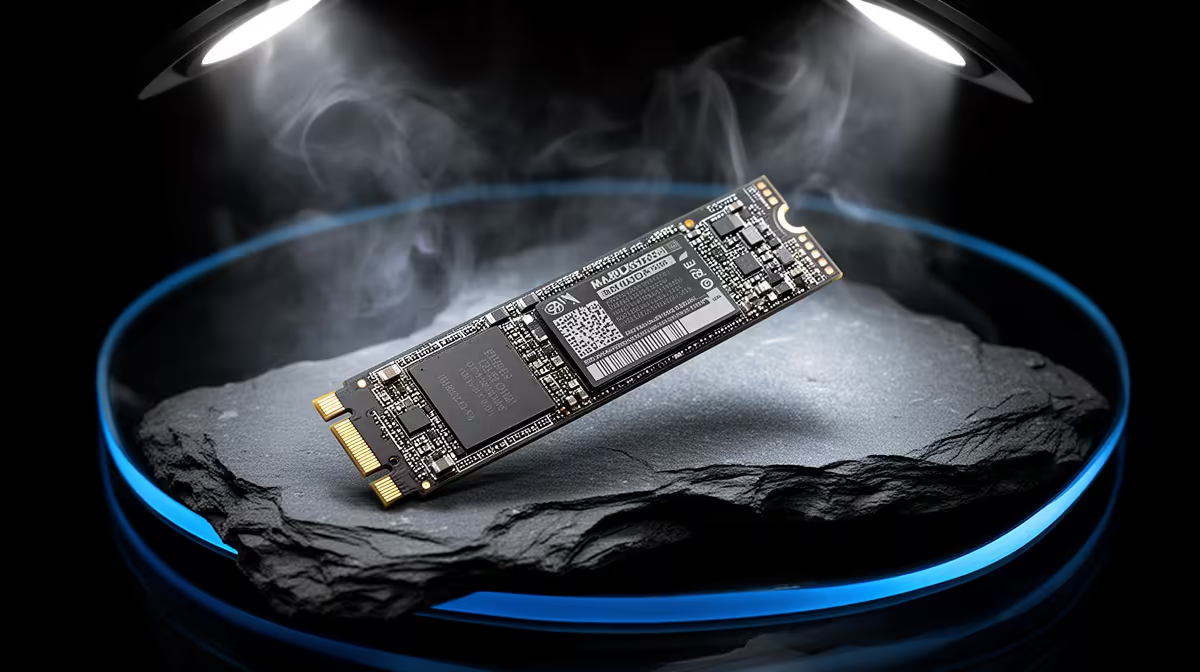
Samsung 990 PRO at R4,648 suits an SA power user who wants fast local project storage for heavier MATLAB work, especially when the desk setup needs a reliable nvme ssd rather than a slower external drive.
What to buy for this workload
A 2TB NVMe drive can cope well when the workload involves datasets, scripts, cached files, and repeated project loads, provided the rest of the machine is also strong enough. The Samsung 990 PRO at R4,648 is the premium pick here because it is the named high-end NVMe option in this set, making it the sensible choice when storage speed matters more than simply keeping the price low.
The WD Blue SN5000 NVMe at R998 is the better value route for a student desk or home office machine where the workload is moderate and the main goal is moving away from cramped or older storage. It gives you an NVMe SSD option at a much lower exact price, so more of the budget can stay available for memory, processor, or display needs.
SA Student Or Creator Desk Reality
For a compact study or creator desk, the ADATA LEGEND 900 1TB NVMe at R948 is useful when the project library is controlled and you do not want to overbuild the machine. If you already have spare M.2 storage, the ORICO NVMe M.2 enclosure at R160 can turn it into a portable project drive for moving files between a campus machine, lab PC, or home desktop.
Ready to choose the right SSD?
Keep WD Blue SN5000 NVMe at R998 on the list for nvme cope running matlab buyer; its listed spec is the detail to test against that brief.