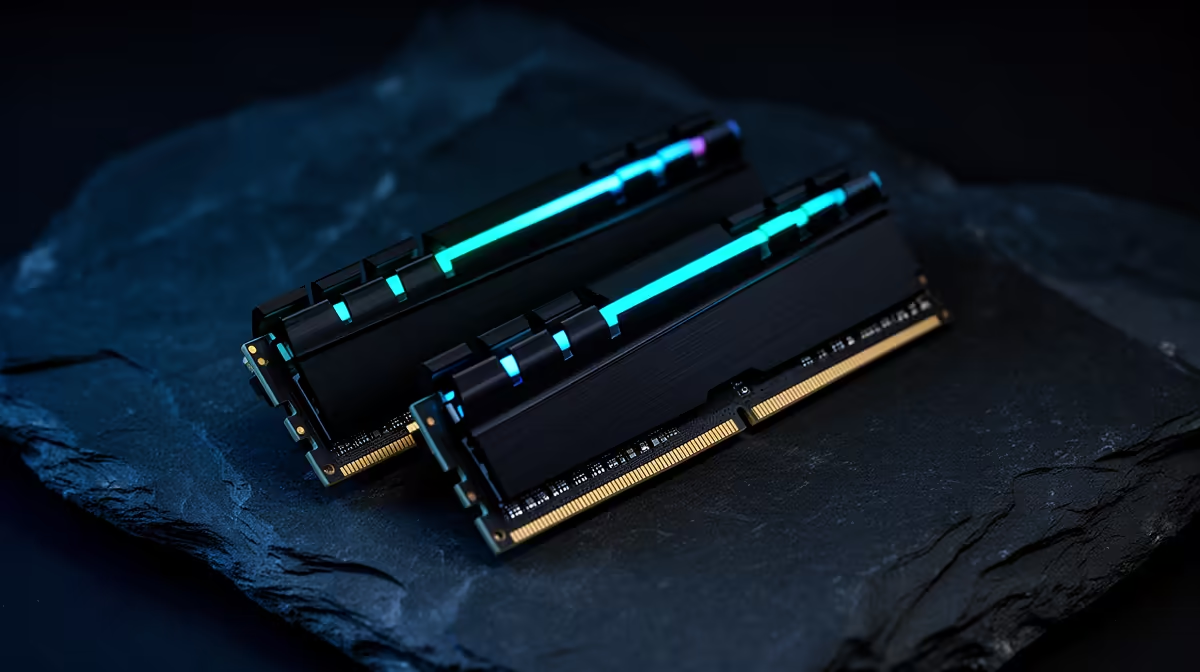
A 2x8GB kit gives you 16GB across two memory channels, and it can still run a large part of the 2026 game library. The weak point appears when the game, Windows, browser, voice chat and launcher together push beyond that capacity. Once paging starts, frame-time spikes and task switching can hurt long before average FPS tells the whole story.
Quick Answer
Keep 2x8GB when the PC already owns it, your normal session stays below capacity and frame time is clean. For a new DDR5 build, 2x16GB is the stronger default when the total budget allows it. Buy 2x8GB only for a tightly priced build with a clear workload and an upgrade path you have checked.
Evetech's DDR5 memory selection lets you compare matched 16GB and 32GB kits by speed and timings. The best-selling memory kits help show which capacities fit current SA builds without relying on an invented minimum price.
16GB Is a Workload Question
Windows does not reserve one fixed amount of memory for every PC. Drivers, launchers, security software, browser tabs and background tools all change the baseline. The game then adds its assets, simulation and shader data.
A clean 16GB system can run a game that struggles on another 16GB machine loaded with capture, mods and a large browser session. Look at Available and Committed memory during the exact way you play.
Do not judge from Allocated memory alone. Applications can reserve address space or cache data they will release. Concern rises when available memory stays low, committed use approaches the limit and disk activity appears with stutter.
Test Your Current 2x8GB Kit
Open Task Manager, choose Performance, Memory and note total, available, committed and speed. Start the game, voice chat, browser and any capture tools you use. Play a repeatable busy section for twenty minutes.
Watch frame time and storage activity. If the game stutters when memory pressure and page-file work rise together, capacity is a strong suspect. Close the browser and repeat. A clean result after freeing memory strengthens the diagnosis.
Keep the page file system-managed on a healthy SSD. Disabling it does not create more RAM and can turn pressure into a crash.
Where 16GB Still Makes Sense
An entry gaming PC aimed at esports, older games and one task at a time can be comfortable on 16GB. A secondary family machine or short-life platform can also justify the smaller kit.
The saving must improve something that changes the experience more, such as the graphics card, SSD capacity or monitor. If the 16GB kit barely reduces the total build, 32GB avoids an early replacement.
Check whether the chosen games publish a 16GB recommendation and whether mods or high-resolution texture packs alter it.
Why 32GB Is a Stronger New-Build Default
Two 16GB modules give modern games more room beside Windows, voice chat, browser and recording. They also leave two slots free on a common four-slot board, which can simplify a later capacity upgrade.
More capacity does not raise FPS when the 16GB system had headroom. Its value is preventing memory pressure and supporting the rest of the session.
For creation, virtual machines, simulation and heavy modding, 32GB can move from comfort to requirement. Measure the workload rather than calling it future-proof forever.
Understand the DDR4 and DDR5 Difference
On an older DDR4 platform, a cheap compatible 2x8GB kit can still be sensible. A new DDR5 build has a longer expected ownership window and often a smaller price step to 2x16GB relative to the full system.
Do not buy DDR5 for a DDR4 board or assume a motherboard supports both. Slots, electrical design and CPU support differ.
Compare complete kit part numbers and motherboard QVL context. Capacity is only one part of stability.
Avoid the Four-Stick Trap
Buying 2x8GB now and another 2x8GB later fills four slots. Four DDR5 DIMMs can place more load on the CPU memory controller and may need a lower speed than two modules.
Separate kits are not validated together even when their labels match. Memory dies and revisions can change. If you expect 32GB soon, buying 2x16GB once is cleaner.
When the board has only two slots, 2x8GB means replacing the whole kit for a capacity upgrade.
Choose Speed After Capacity
A stable mainstream DDR5 speed with sensible timings beats an extreme profile that fails memory tests. Match the CPU generation and motherboard guidance.
Do not sacrifice needed capacity for a tiny latency improvement. A faster 16GB kit can still page to storage when the session needs 20GB.
Enable XMP or EXPO only after the PC boots at defaults, then run proper memory stability tests.
Consider 24GB Modules
Non-binary DDR5 modules add 12GB, 24GB and 48GB capacities on supported platforms. A 2x12GB kit can give 24GB total between the traditional 16GB and 32GB steps.
BIOS and CPU support matter. Check the exact board's current memory support before using a non-binary kit. Availability and pricing can also make 2x16GB the simpler value.
Do not mix a 24GB module with an 8GB stick merely to reach a total. Matched kits keep channel and profile behaviour easier to validate.
Build the Budget Around the Whole PC
List the fixed parts and the performance target. If choosing 32GB forces a large graphics-card downgrade in a light-memory gaming build, 16GB can be the balanced compromise.
If the difference comes from RGB, extreme timings or a premium heat spreader, choose capacity and stability first. Lighting does not reduce paging.
Any published rand figure needs a named kit from the approved price snapshot. Without that evidence, compare the build priorities and leave the made-up gap out.
Know When to Upgrade an Existing PC
Upgrade when normal use shows memory pressure, not because a headline declared 16GB dead. Save a Task Manager screenshot and frame-time log from the problem scene.
For a four-slot board, replacing 2x8GB with 2x16GB can be more stable than adding another kit. Sell or repurpose the old pair rather than forcing four-DIMM speed.
After installation, verify total capacity, channel use, active speed and memory stability. Then repeat the original game scene.
FAQ
Can 2x8GB still run modern games?
Yes, many games remain playable on 16GB. Background apps, mods and the exact title decide whether pressure appears.
Is 2x8GB a dead end for a new DDR5 build?
It can be on a two-slot board or when four-DIMM DDR5 limits the later speed. Check the upgrade path before buying.
Should I add another 2x8GB kit later?
Only after checking board and CPU support. Separate kits and four-DIMM loads can require lower settings; one matched 2x16GB kit is cleaner.
Measure your full gaming session on 16GB, then choose 2x16GB for a new build when the upgrade path and total budget favour one clean matched kit.