Understanding 360 degree rotation and 135 degree folding arms for portable monitor stands starts with separating their jobs. Rotation changes orientation; the arm changes the display's supported position. Combining them thoughtfully creates options without turning maximum travel into a required setting.
Quick Answer
The UStand separates adjustment into a 360-degree rotating head for orientation and a 135-degree arm for height, reach and lower viewing positions.
At R399, the UPERFECT UStand pairs full rotational movement with an arm that folds across 135 degrees. Mount a compatible 7-15.6-inch device, establish the arm position first, set orientation second and recheck rubber contact and cable clearance after every change.
🧭 Learn What Each Motion Does
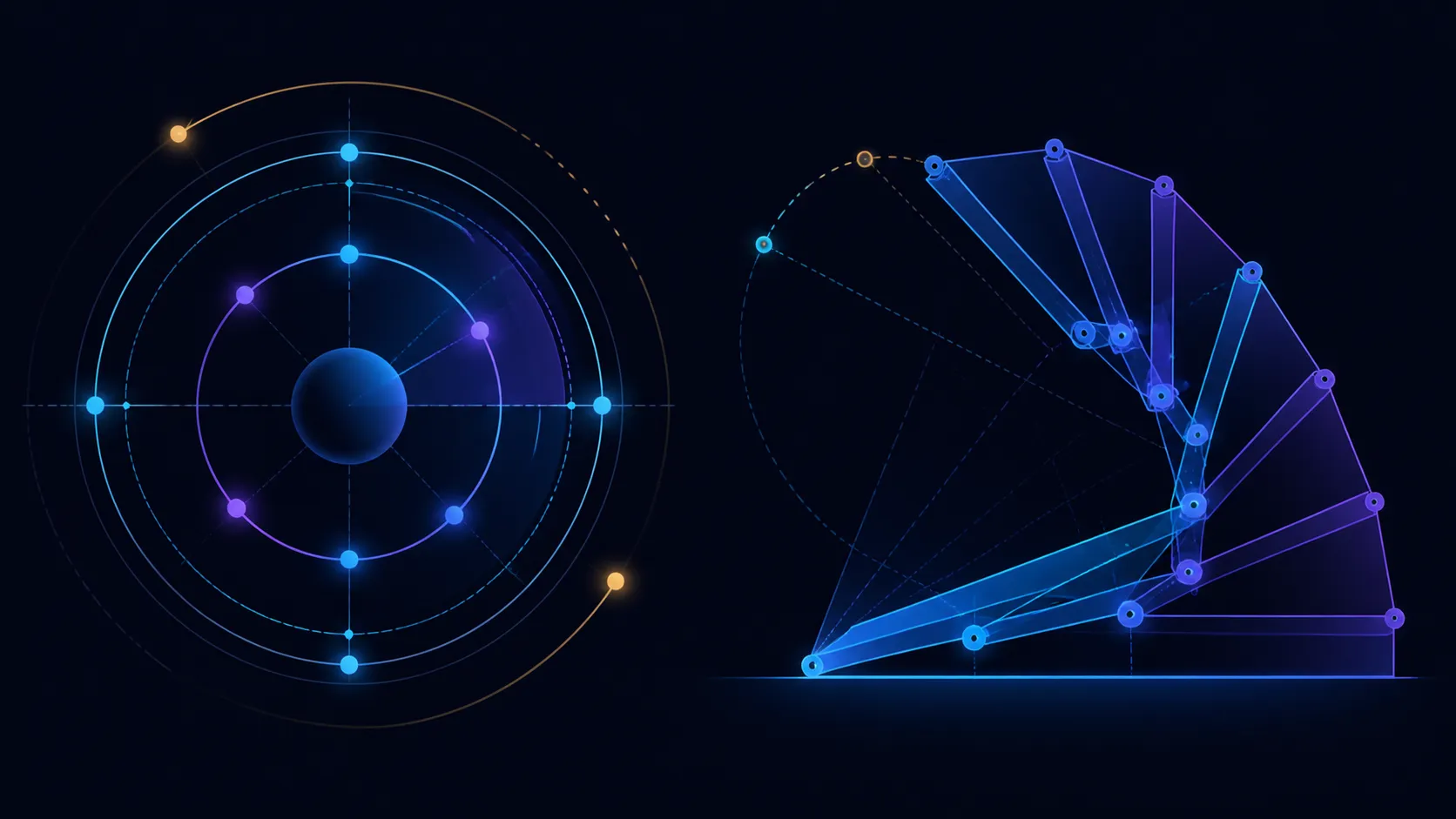
A folding arm controls the relationship between the support and its base. Opening or closing it moves the supported display through a range of possible positions. The UStand's figure is 135 degrees, which describes mechanical travel rather than one recommended viewing angle.
The rotational mechanism turns the screen through 360 degrees. It can move between portrait and landscape or face the display in another direction, provided the surrounding workspace remains clear. Rotation does not necessarily raise or lower the screen in the way the arm does.
When a view feels wrong, describe the problem before moving anything:
- If screen orientation is incorrect, consider rotation.
- If its relationship to the desk or base needs changing, consider the arm.
- If the device is not seated, remove and remount it before either adjustment.
- If a cable is pulling, fix the route instead of using a new angle to hide tension.
This distinction makes troubleshooting repeatable. It also prevents several simultaneous changes from destroying the last useful position.
The stand uses a heavy-duty aluminium structure, but material does not prove a load rating, stability result or long-term durability. Judge each mounted arrangement directly.
🖥️ Prepare and Seat the Screen
Check the display diagonal against the 7-15.6-inch universal range. Then inspect thickness, edge shape, controls and connector side. Being inside the span allows a device to proceed to the seating check; it does not guarantee every physical detail.
Clear the desk and open the empty UStand to a moderate arm position. Inspect where its all-around anti-slip rubber contacts the worktop. Dust, loose sheets or mixed-height surfaces should be removed before mounting.
Lower the display squarely and view both sides. Its body should rest on intended contact areas without trapping a connector or pressing a control. Do not assume VESA compatibility, exact phone support or laptop fit unless separately confirmed.
Readers deciding on the display itself can browse portable monitors from Evetech and compare port placement alongside diagonal size.
Begin adjustment only after the screen is soundly seated. If it rocks or misses a rubber area, remove it and resolve fit first. A moving mechanism should never be used to force a poor match into place.
🎛️ Tune Arm, Then Rotation
Sit where the display will normally be viewed and open the actual type of content. Support the screen while moving the folding arm a small distance. Pause, check contact and decide whether the supported position improved.
Repeat until the relationship to the base and work area is useful. The desk, chair and task shape the outcome; 135 degrees does not guarantee a universal ergonomic position.
Now use the rotational section. Check the full path for the main monitor, walls, shelves, notebooks and other obstacles before turning. Stop at the needed orientation, even if more mechanical movement remains.
After rotation, inspect the screen's centring and rubber contact again. Its body and connector may now relate differently to the support. If several orientations are used during the day, rehearse the safe sequence between them.
A helpful routine is to return to a known arm position before a large orientation change. This is not mandatory, but it can make clearances easier to predict. Use the actual setup as evidence and avoid claims that either mechanism guarantees security.
Run a three-position rehearsal: the normal landscape view, the intended portrait view and the packed-away state. For each active arrangement, record which mechanism moved, whether the device remained centred and where the connector ended. This small test reveals whether both adjustments add value or whether one familiar position will cover most sessions.
If several people use the screen, ask each person to rebuild the arrangement from the same unloaded starting point. Their preferred view may differ, but the sequence should still preserve contact and clearance. A repeatable method is more transferable than marking one supposedly universal angle.
When work ends, remove the device and fold the UStand flat for storage. Tripod and selfie-stick conversions create other positions, and both require new fit and contact checks.
🔌 Plan Around Mounted Charging
The stand allows a compatible device to charge without removal. Choose the final arm and orientation settings before connecting the cable, then check how the plug exits the screen.
Provide a gentle curve of slack and keep the lead outside the hinge and contact zones. Test planned movements slowly. Rotation can carry the connector around the support, while arm adjustment changes the distance to the power source.
Review Evetech's monitor accessory range for the surrounding desk, confirming every connector against the specific display.
When tension appears, restore the last sound angle, then build a new cable path. Do not let the plug act as a stop or allow the lead to lift one edge of the device. Charging access adds value only when it preserves correct seating.
Before packing, disconnect the power source, remove the display and inspect the path that was used. Any recurring tight point should be resolved through a different route at the next setup, not remembered as a normal limitation.
The final setup should pass four tests: the device fits, its supported position works, orientation has adequate clearance and power reaches without strain. These tests turn two impressive angle figures into a practical system.
Together they support portrait documents, landscape video and low-angle touch interaction without removing the mounted device. Hold the screen during changes, settle the aluminium base and keep cables slack through the routing holes. Anti-slip contact, anti-wobble structure and an anti-tip footprint help the selected position stay usable. The two ranges are complementary: rotation cannot replace arm angle, and arm angle cannot turn portrait content.
Repeat adjustments with the charging or display cable connected. A comfortable position may become unstable if the lead has too little slack or exits against the folding joint. Route the cable after selecting height and orientation, then sweep through the normal movement range. This keeps mechanical freedom, port access and desk tidiness aligned in the same tested arrangement.
Frequently Asked Questions
What does 360-degree rotation change?
It changes the screen's orientation around the rotating section, subject to the physical room available around the display.
What does the 135-degree arm change?
The folding arm alters the supported position relative to the stand base across its specified travel range.
Can both movements be used in one setup?
Yes. Establish the arm first and orientation second so each change can be evaluated without losing track of contact.
Which screen range receives these adjustments?
The UStand covers 7-15.6-inch diagonals, with model-specific seating and connector clearance still verified before movement.
How does rubber contribute during movement?
It adds grip around intended touch points, while correct centring and post-adjustment inspection remain necessary.
Can adjustment be maintained while charging?
Compatible devices may stay powered if the cable has slack, clears the mechanism and does not disturb the support.
Want to use two adjustment mechanisms with purpose?
Compare rotating folding stands at Evetech after defining which screen problem the arm and orientation must solve.