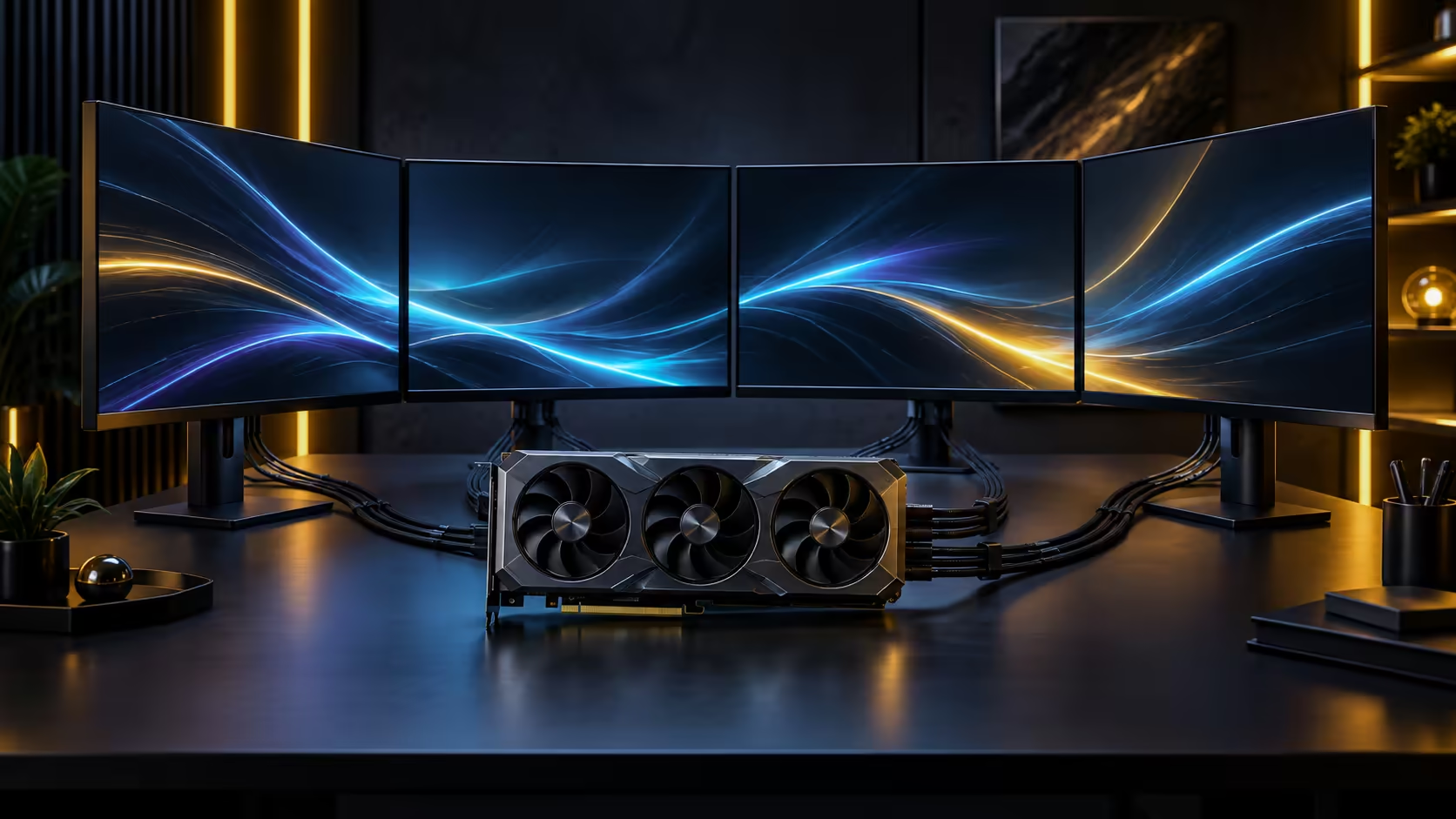
Nearly five expansion slots blocked by one component changes the mechanical reality of a build far more than its electrical specifications suggest. 4.7-slot graphics cards are as much a structural engineering question as a performance one, and treating the install as purely electrical is how sag, cracked slots and closed-panel failures happen.
Quick Answer
Plan for the blocked expansion slots, fit a support bracket to counter sag on a card this size and weight, and check the cable bend clearance before the side panel goes back on. A card at this width changes how the whole case is used, not just how much room it occupies, and this example carries a R119,999 price alongside its 4.7-slot footprint.
📐 Case clearance: length, height and blocked slots together
A 4.7-slot card blocks nearly five rear expansion positions, which matters directly if you use any expansion cards, a capture card or a sound card, since those slots are simply gone once this card is installed. The Astral Edition 20 itself runs 361mm long, so a case with less than that much front-to-back clearance is already too tight before a radiator or drive cage is even considered. Measure case clearance in three dimensions, length from the bracket, height to the side panel, and depth with any radiator or drive cage in place, rather than trusting a single "supports large GPUs" claim.
Height specifically decides whether the side panel actually closes on a card this wide, and it is published less consistently across case listings than length, making it the dimension most likely to surprise an otherwise careful builder.
⚖️ Sag and support brackets: the mechanical reality
A card this size and weight, mounted horizontally through a single PCIe slot, puts real leverage on that slot and its retention bracket over time, particularly in a case that gets moved or transported occasionally. Visible sag is not just cosmetic, since sustained downward pressure on the slot connector can eventually affect contact reliability at the connector itself.
A support bracket, whether a simple adjustable stand or a case-integrated anti-sag mount, distributes that weight to the case floor or frame rather than leaving the slot to carry it alone. Fit one at install time rather than waiting for visible sag to prompt it, since the stress on the slot begins immediately, not only once sag becomes noticeable.
🔀 Vertical mounting as an alternative, with its own trade-off
Some cases support mounting the card vertically via a riser cable, which changes the direction gravity pulls on the card relative to the slot and can reduce the specific sag pattern of horizontal mounting. This introduces its own consideration, since a riser cable is an additional signal path between the card and the motherboard, and cheaper risers can introduce signal integrity issues at very high PCIe generations under specific conditions.
If vertical mounting appeals mainly for aesthetics, weigh that against the added complexity and cost of a quality riser cable rather than assuming it is a straightforward substitute for a support bracket.
🧰 Installation sequence that avoids rework
Install the card last in the build sequence, after the motherboard, cooler and power supply are in place, since a card this wide blocks access to nearby components once seated. Route and dress cables before final installation wherever the case layout allows, since a 4.7-slot card leaves little room to manoeuvre cables around it afterward. Compare case options built with this scale of card in mind, and check graphics card accessories for support brackets specifically rated for this weight class.
🔩 What a good support bracket actually does
A worthwhile anti-sag bracket transfers the card's weight to a fixed point on the case floor or frame independent of the PCIe slot itself, rather than simply propping the card up in a way that still leaves the slot bearing most of the load. Look for a bracket with height adjustment, since a bracket set even slightly too low or too high can push the card at an angle rather than genuinely supporting it, which does little to relieve the slot compared with a correctly levelled setup.
Fit the bracket after the card is fully seated and its power cables connected, then adjust it until it makes firm, level contact, rather than fitting it first and forcing the card down onto it. This order avoids putting sideways stress on the slot while positioning the support.
🚚 Handling a card this size during transport
If the finished build ever needs to travel, to a LAN event, a client site, or simply moving house, remove the card before transporting the case wherever practical, since a card in this class typically weighs more than 2kg and the shock loads it experiences in a moving car boot go well beyond anything it feels sitting stationary on a desk, and a support bracket designed for static sag is not necessarily rated for that kind of dynamic load. Reinstalling a card takes a few minutes; a bent slot or a cracked PCB from transport damage does not have an equally quick fix, and physical damage of that kind sits outside what any warranty is likely to cover. Check the current graphics card lineup for the exact weight of your specific model before deciding how much precaution the situation warrants.
Frequently Asked Questions
Does a 4.7-slot card actually block that many expansion slots?
Yes, close to five rear positions on the case, which matters if you rely on any other expansion card such as a capture or sound card, since those slots are unavailable once this card is installed.
Is a support bracket necessary for a card this size?
It is a sensible precaution rather than an emergency fix. Fitting one at install time, before sag becomes visible, protects the slot connector from sustained stress over the card's working life.
Is vertical mounting better than horizontal for a card this heavy?
It changes the sag pattern rather than eliminating the underlying weight consideration, and it introduces a riser cable as a new component with its own quality considerations at high PCIe generations.
Does removing a card for transport risk damaging the slot?
Removing and reinstalling a card correctly, following the release latch and seating it fully each time, poses far less risk than repeatedly transporting the case with the card installed and unsupported against real-world shock loads.
Does a support bracket need to match the case brand?
No. Most anti-sag brackets are designed to work across a range of case designs, provided you can find a stable mounting point on the case floor or frame near the card's outer edge.
When should the graphics card go into the build sequence?
Last, after the motherboard, cooler and power supply are installed, since a card this wide restricts access to nearby components once it is seated in place.
Ready to install a card this size without stressing the slot or the side panel?
Fit a support bracket and confirm clearance in all three dimensions before final assembly.