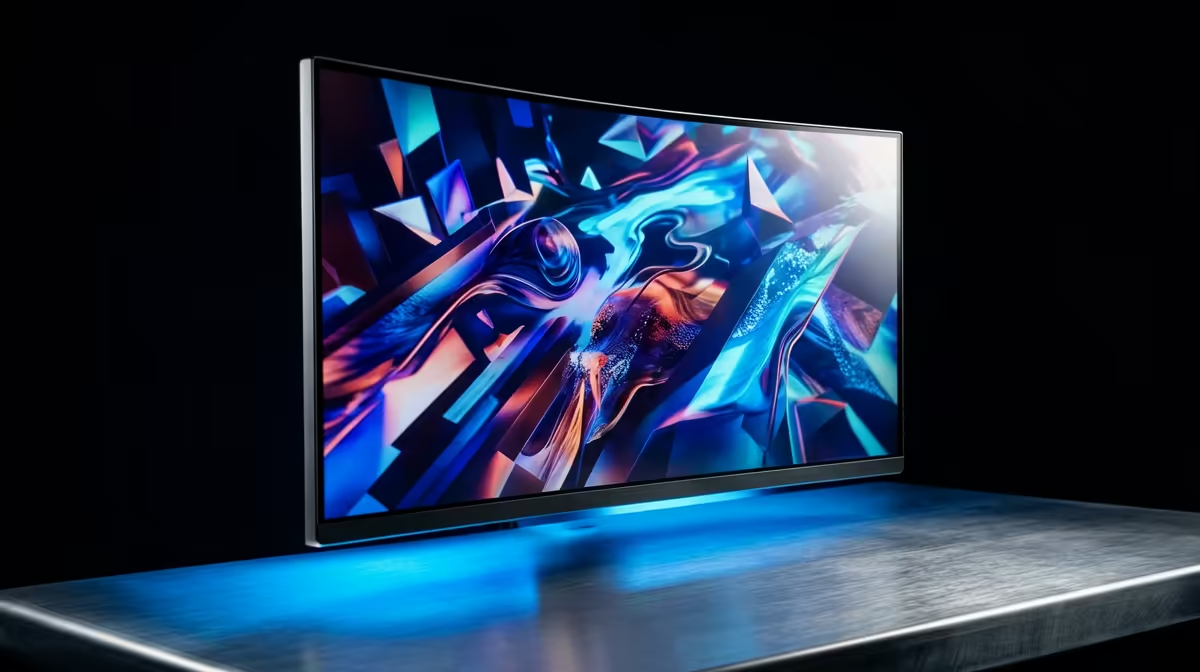
AOC 27"W IPS, QHD,200Hz,1H1DP, HAS MONITOR at R3200 suits creators who want sharper workspace detail before stepping up to a dedicated 4k monitor. For Blender, 4K can be worth it when you spend long sessions checking fine model edges, material previews, timelines, and reference panels, but the value depends on desk space, GPU comfort, and whether you need resolution more than refresh rate.
Best value path before going 4K
The AOC 27"W IPS, QHD,200Hz,1H1DP, HAS MONITOR at R3200 is the strongest listed bridge option because its QHD resolution gives more usable canvas than FHD, while the 200Hz spec keeps general desktop movement and after-hours gaming smooth. It is not the same as true 4K, but it gives a practical middle step for a creator desk.
Dell SE2726H 27-inch 1920 x 1080p FHD 16:9 144Hz 1ms LED IPS Monitor 210-B at R1797 is better for buyers who want a larger 27-inch screen at a lower price. The 1920 x 1080p resolution is less detailed for dense panels, but the 144Hz and 1ms specs make it a responsive everyday monitor.
South African creator desk reality
DAHUA DHI-LM27-A201X 27" LED MONITOR 100Hz at R1500 is a sensible second screen for references, chat, browser research, or asset folders beside a sharper main display. Its 27-inch size and 100Hz refresh rate make it affordable for a dual-monitor desk without forcing every task onto one expensive panel.
Pro Tip ⚡
W IPS QHD 200Hz monitor at R3200 as the main creative screen with the DAHUA DHI-LM27-A201X 27" 100Hz monitor at R1500 for reference windows."
Ready to choose the right 4k monitor?
Compare the listed monitor range by resolution, screen size, refresh rate, and price before you settle on the best display for your desk.