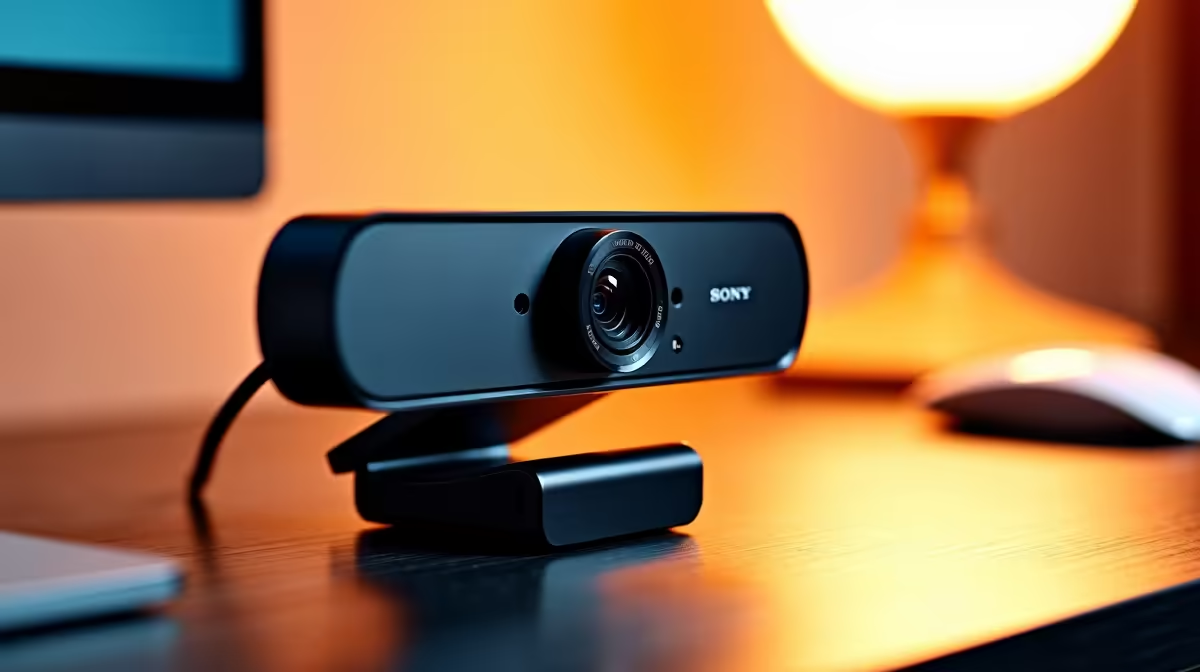
NearStream V08AF 4K R678 suits office workers who want sharper video for meetings without turning a light admin setup into a full creator desk, and it is the clearest webcam choice here if 4K matters.
Product picks for clear office calls
For light office work, 4K is worth buying when your camera is used for client calls, interviews, training sessions, or shared family workspaces where faces need to look cleaner than basic HD. The NearStream V08AF 4K R678 gives you the only listed 4K spec, so it makes sense when the video feed itself needs to feel more polished.
The Logitech Brio 100 FHD R458 is the more sensible middle option for everyday Teams, Zoom, and browser-based meetings. Its FHD spec is enough for a tidy head-and-shoulders frame, and the R458 price keeps the upgrade practical for a reception desk, admin PC, or home office monitor.
The Logitech C270 HD R252 is the budget answer when the call only needs a clear enough picture. Its HD spec is basic, but at R252 it still beats relying on an awkward laptop angle or a screen built-in camera that sits too low for long work calls.
Small-Business Counter In SA
At a small-business counter, the NearStream V08AF 4K R678 is useful if one PC handles supplier calls, customer video checks, and occasional remote support. The Logitech Brio 100 FHD R458 is better when the camera stays on one monitor and mostly handles routine meetings, while the Logitech C270 HD R252 fits a spare desk where price matters most.
Ready to choose the right webcam?
Use Logitech Brio 100 FHD at R458 as the home office desk benchmark, then check whether its listed spec matches the space, workload, and upgrade path.