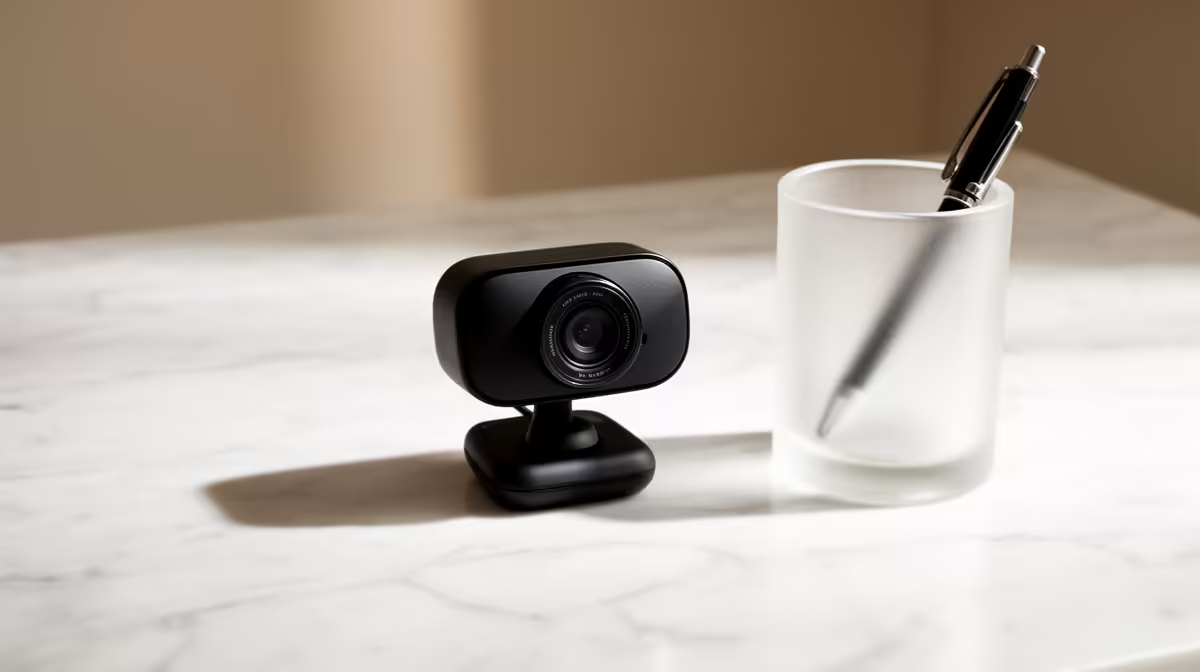
NearStream V08AF 4K R678 is worth buying if you want sharper video from a clean, minimalist desk setup without placing a large camera on show. For most home calls, a simple webcam only needs to make you look clear, keep cable clutter low, and match the way the desk is used day after day.
Best webcam picks for a clean desk
The NearStream V08AF 4K R678 is the strongest match when the camera will stay visible on a slim monitor, because its 4K spec gives extra crispness for video meetings, online teaching, or creator check-ins. On a tidy desk, that matters most when the rest of the setup already looks polished and poor video would stand out.
The Logitech Brio 100 FHD R458 is the practical middle choice. Its FHD spec is enough for most Teams, Zoom, and study calls, while the lower price leaves budget for a better lamp or cleaner cable routing. If the desk is used mainly for work calls, this is usually the sensible upgrade before jumping to 4K.
Minimalist Desk Reality in SA
A neat desk is not only about resolution. The Logitech C270 HD R252 makes sense for a student desk, spare-room workstation, or small-business counter where the camera is used briefly and the priority is keeping the setup affordable. Its HD spec is basic, but it still covers simple calls without adding unnecessary spend.
Ready to choose the right webcam?
Use Logitech Brio 100 FHD at R458 as the webcam shortlist benchmark, then check whether its listed spec matches the space, workload, and upgrade path.