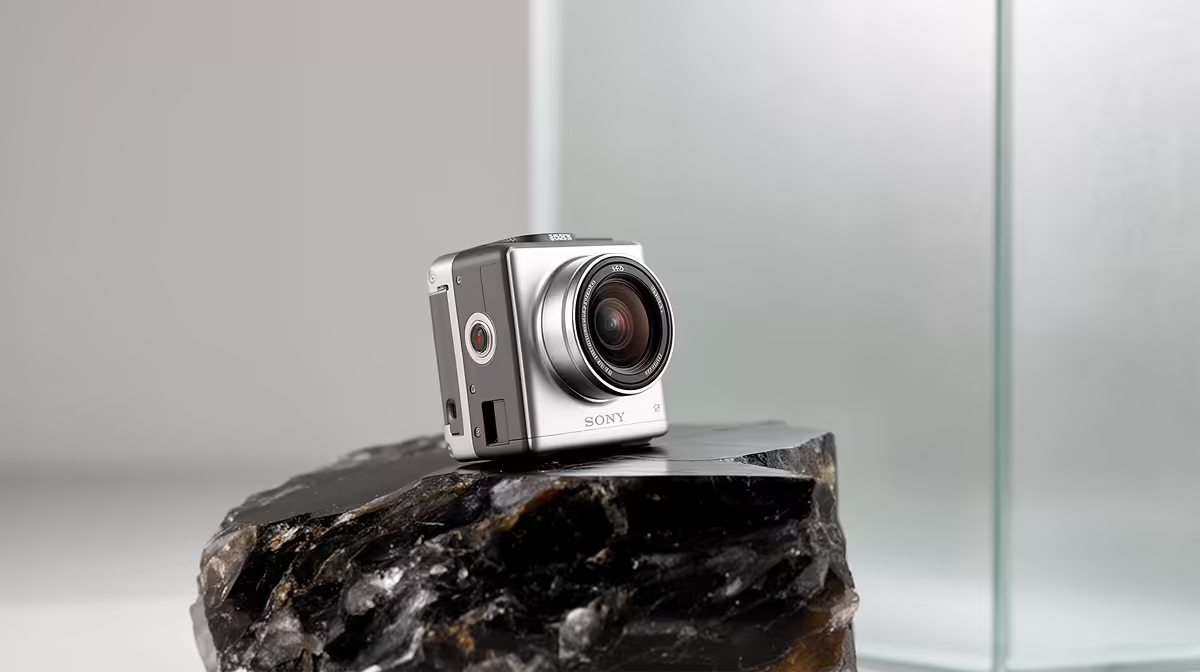
The NearStream V08AF 4K at R678 is the best pick for a data science student who wants sharper video for presentations, interviews, and online study sessions without jumping beyond the listed webcam range. It is the only 4K option here, so it makes the most sense if your desk setup needs clearer framing for screen-share calls, project demos, or recorded explanations.
Best webcam picks for study calls
The NearStream V08AF 4K at R678 is the strongest choice when image detail matters. The 4K spec gives it the advantage for students who may need to appear clearly while explaining coursework, presenting a dashboard, or recording a short project walkthrough.
The Logitech Brio 100 FHD at R458 is the sensible middle option if you want a recognised model with FHD video at a lower price than the 4K pick. It suits a clean student desk where most calls happen through a laptop or monitor setup and you want reliable clarity without overbuying.
The Logitech C270 HD at R252 is the budget choice. Its HD spec is enough for basic lectures, quick group meetings, and check-ins where the priority is simply being visible and understood.
Student Desk Setup In South Africa
For a compact study desk, start with the NearStream V08AF 4K at R678 if video quality is part of how you present work. Choose the Logitech Brio 100 FHD at R458 if you want a lower-cost FHD option, or the Logitech C270 HD at R252 if the desk only needs a simple HD camera for routine calls.
Ready to choose the right webcam?
Compare the listed webcam range and match the model to your study calls, desk space, and video quality needs.