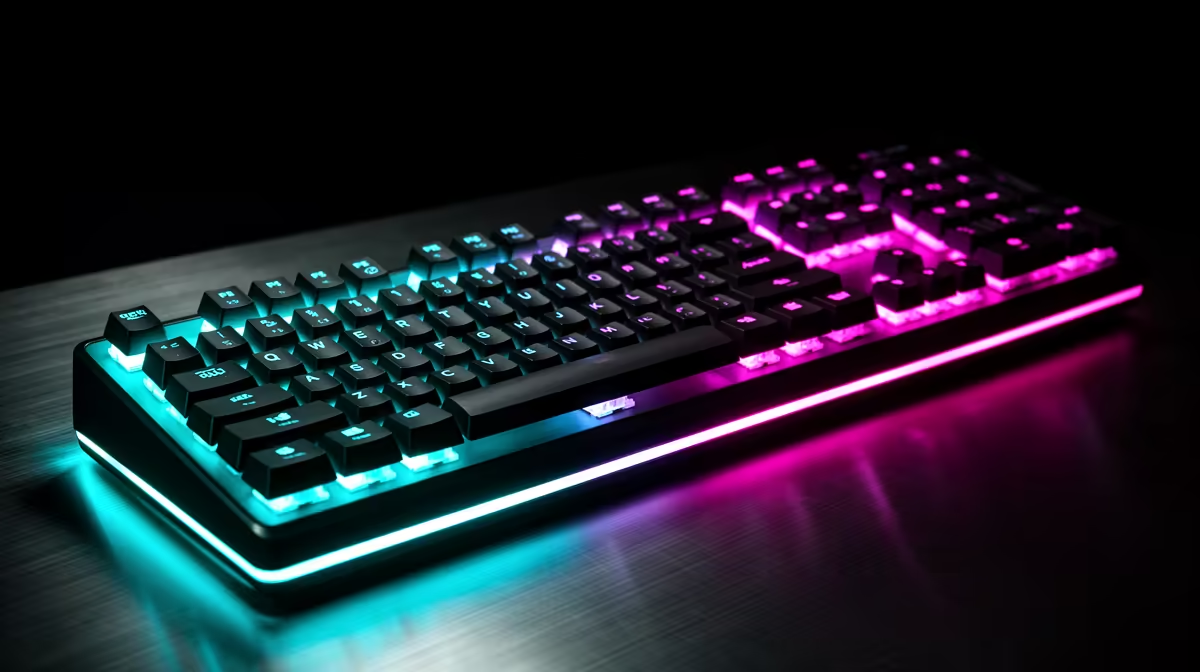
Compact boards save desk space by moving or removing keys you may use every day. A 60 percent vs full-size keyboard choice should follow bindings, number work and available mouse room rather than price alone.
Quick Answer
Choose a 60 percent keyboard when desk space and mouse movement matter more than dedicated arrows, function keys, navigation, and a number pad. Choose full-size when you use those keys throughout work or games. A tight budget rewards the layout that avoids a second keyboard or constant remapping.
Compare exact layouts among gaming keyboard deals, then see which sizes people keep choosing in the keyboard best sellers. "Compact" is not one standard; inspect every key and secondary layer before ordering.
What a 60 percent board removes
A typical 60 percent keyboard keeps the letters, number row, modifiers, and core punctuation in a compact shell. It usually moves function keys, arrows, navigation, and other controls onto an Fn layer. Exact placements differ by model.
The smaller width creates more mouse room. That helps low-sensitivity players and narrow desks. It also brings the mouse closer to the shoulder, which some users find more comfortable.
The cost is layered access. An arrow may need Fn plus another key, and Delete, Home, End, Page Up, or media controls may move. If your work uses spreadsheets, coding navigation, editing shortcuts, or function keys every few seconds, the extra chord can become irritating.
Print the layout image and trace a normal day. Mark every missing key you use. Check whether the board offers supported remapping or onboard layers and whether those settings persist without software.
What full-size keeps on the desk
A full-size board provides a function row, navigation cluster, arrows, and number pad as dedicated keys. This suits spreadsheets, data entry, accounting applications, simulation controls, and games with many binds.
The wider shell pushes the mouse further to the side. Measure the desk with both devices in their working positions. A narrow pad beside a full-size keyboard can restrict aiming more than any switch upgrade improves it.
Full-size can also reduce layer learning for a shared PC. Another user can sit down and find standard keys without opening software. The number pad gives extra macro or control options when the game and rules allow them.
Do not buy it for keys you use twice a month. A separate number pad or a TKL layout may serve occasional needs with more flexible placement.
The middle layouts deserve a look
TKL removes the number pad while keeping arrows, navigation, and the function row. It is a strong compromise for gaming and general work. The mouse gains space without putting common controls on a layer.
A 75 percent board compresses those keys into a tighter arrangement. It can preserve most functions with less separation, which makes some keys harder to find by touch. Inspect the right-side layout and keycap sizes.
65 percent boards usually add arrows and a few navigation keys to a 60 percent idea. They suit someone who wants compact width and uses arrows often. Again, model layouts differ.
Compact full-size or 96 percent designs keep a number pad while reducing gaps. They save width and can crowd key groups. Decide whether physical separation helps your accuracy.
Switches do not replace layout
Membrane, mechanical, optical, and magnetic designs can exist across several sizes. Choose layout first, then switch feel, force, travel, sound, and features. A premium switch cannot make a missing key convenient.
Linear designs provide an uninterrupted key stroke. Tactile designs introduce a change you can feel before bottoming out, while clicky mechanisms add an audible event. Labels are broad; compare the exact switch and board implementation.
For shared rooms or an open microphone, quieter switches and a solid case may reduce distraction. Keycap impact, stabilisers, desk resonance, and typing force still contribute to noise.
Advanced actuation and rapid-reset features can be useful in supported games and may be limited by current event rules. Check the game, tournament, and model behaviour. Do not pay for them as a universal speed upgrade.
Build the budget from the jobs
List gaming, study, work, and shared-user needs. If the 60 percent layout requires a separate number pad for coursework, include that cost and desk space. If the full-size board forces a larger desk mat, include it.
Check connection. Wired avoids battery management. Wireless may use a dedicated receiver, Bluetooth, or both, and each mode can offer different performance or feature support. Confirm whether the receiver and cable are included.
Inspect keycap layout and replacement compatibility. Non-standard bottom rows or unusual right-side keys can make replacement sets harder to find. Confirm local language and symbol needs.
Use current named July 2026 prices. A lower keyboard price is poor value when you replace it after discovering the arrows live behind a layer you dislike.
Test the board on the real desk
Place a cardboard outline of the keyboard size on the desk. Add the mouse pad, microphone arm, notebook, and monitor stand. Move the mouse through a full turn and check shoulder position.
Use a keyboard tester to press the combinations required by your games. Check rollover for movement plus modifiers and abilities. For work, try navigation, screenshots, media, and application shortcuts.
Spend a full session on the layout before changing every remap. Save a clear layer reference near the desk. When the board supports onboard profiles, keep a simple default you can recover after software trouble.
Check the space outside gaming as well. Enter a file name, select text by word, navigate a spreadsheet, capture a screenshot, adjust volume, and use any work application shortcuts. A compact layer that feels clever in a five-minute demo can become tiring across a full day. A full-size board can also feel wasteful when half its width remains untouched.
For a shared computer, ask the other user to repeat the same tasks. Their needs may point to TKL or 75 percent as the better compromise.
FAQ
Is a 60 percent keyboard good for gaming?
Yes, when the games do not need many dedicated keys and the extra mouse room helps. Check every bind, arrow need, function key, and event rule before choosing.
Is full-size better for work?
It often suits frequent number entry, navigation, and function-key use. TKL, 75 percent, or a separate number pad may serve the same work with less permanent width.
Which layout is best for a tight budget?
The one that covers gaming and daily work without extra devices or frustrating layers. Compare exact named layouts and their complete July 2026 cost.
Trace every key you use in a normal week, mock up both footprints on your desk, and buy the layout that needs no apology afterwards.