



PCIe 5.0 vs PCIe 4.0 for Video editing in 4k in SA
PCIe 5.0 vs PCIe 4.0 for video editing in 4k is mainly about fit, features, compatibility, cost, and upgrade path, not one automatic winner. SA buyers should match the choice to the setup.
Read moreAn 850W power supply beats 750W for an RTX 5070 Ti by adding real headroom for the brief transient spikes 50-series cards pull, on top of the card's roughly 300W draw. Evetech recommends the extra 100W PSU buffer for anyone planning a future CPU or GPU upgrade.
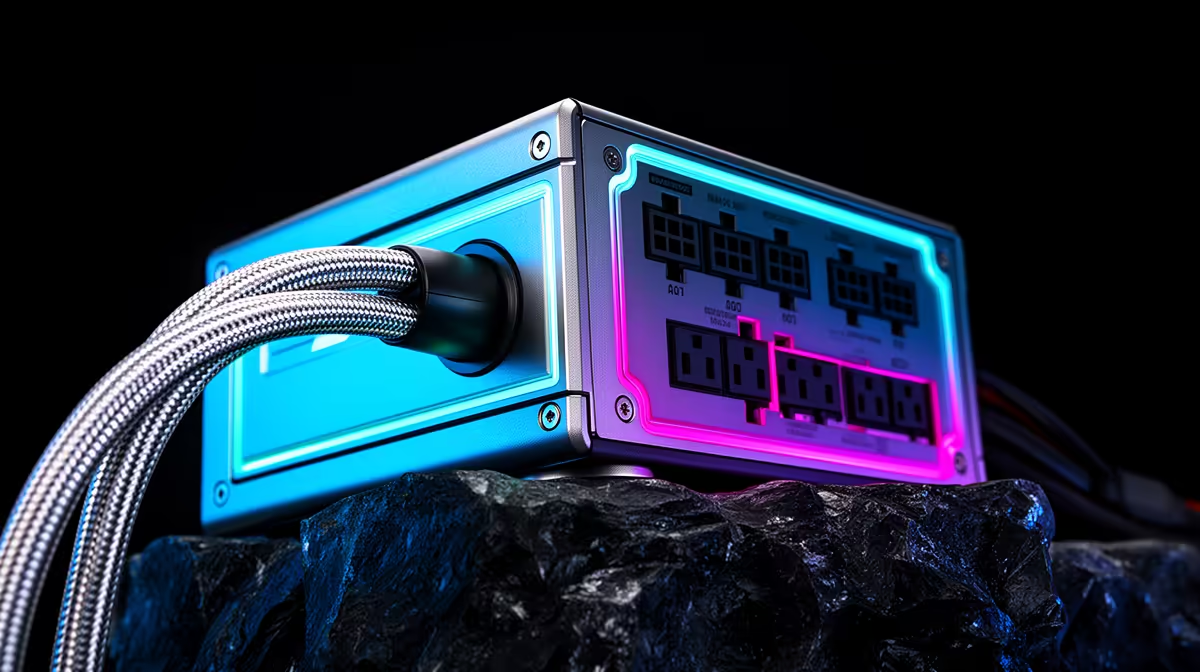
An 850W PSU can be worth choosing over 750W for an RTX 5070 Ti, but the card does not make 850W mandatory. NVIDIA lists 750W required system power for its reference specification. CPU load, overclocking, connectors and PSU quality decide whether you need more.
Use a strong 750W unit for a normal gaming CPU and stock RTX 5070 Ti when the exact PSU has the required native cable and the complete system fits its design. Choose 850W for a high-power CPU, sustained combined work, quieter operation or a named later GPU upgrade.
Compare full specifications in the power-supply range and current PSU best sellers. Match them with cards in the RTX 5070 Ti selection. Record exact model prices as of July 2026 rather than assuming the 100W step has a fixed premium.
NVIDIA specifies 300W for reference RTX 5070 Ti graphics draw and places the surrounding system requirement at 750W. Add-in-board cards can use different limits, coolers and connector arrangements.
Read the exact graphics-card product page. Factory-overclocked models may recommend a larger PSU. The recommendation also assumes a system configuration; a power-hungry workstation CPU changes the total.
Do not size from average game draw alone. Startup, boost and short load changes matter. A current ATX design is tested around defined power excursions, but model quality still counts.
A mainstream gaming processor and a flagship desktop CPU can differ greatly under sustained all-core load. Games rarely load CPU and GPU in the same way as a combined torture test, while rendering or AI work can.
Measure package power in your real workload where possible. Include pumps, fans, drives, USB-powered devices and add-in cards. They are smaller than the GPU and still part of the supply.
Restoring manufacturer power limits can reduce heat and consumption for a small performance change on aggressively tuned boards. Avoid buying wattage to support an automatic overclock you do not need.
A trustworthy 750W PSU with sound protections, voltage regulation and suitable connectors is better than a weak 850W label. Look for independent electrical testing of the exact model.
Efficiency certification describes performance at test loads and does not prove every aspect of quality. Check over-current, over-voltage, under-voltage, short-circuit, over-power and over-temperature protection.
Warranty length can indicate the maker's confidence, but read the terms and local claim route. Keep the modular cables with the unit; pinouts are not universal between models.
Use the connector specified by the exact RTX 5070 Ti and PSU. A native 12V-2x6 cable from a compatible supply gives a clean route. Some cards or PSUs use an approved adapter arrangement.
Seat the plug fully until no visible gap remains, then check the latch. Avoid a tight bend close to the housing and side-panel pressure. Route the cable before installing decorative covers.
Do not mix modular PSU cables based on plug shape. A cable from another brand or model can have a different pinout and damage components.
Many PSU fans respond to load and temperature. An 850W unit carrying the same gaming load may sit at a lower percentage and can run its fan slower. Fan curve and efficiency design vary, so this is not guaranteed.
Read noise testing at realistic loads. A zero-RPM mode can keep the fan off at light use and may cycle near its threshold. A quiet fixed slow fan can be less noticeable than repeated starts.
Case intake temperature affects the PSU. Give its fan a clear filtered air path and do not cover the exhaust.
Choose extra capacity when you can name the later CPU or GPU class and it remains within connector, case and cooling plans. The next card may need a different cable even when wattage is enough.
Avoid buying 850W for a vague future-proofing claim. A new standard, connector or system layout can arrive before you use the headroom. Put that premium into the GPU, storage or a better PSU platform when no upgrade is planned.
A quality 850W supply can serve several builds. Its value comes from known headroom and long usable life, not the number alone.
GPUs change power quickly as scenes and boost states change. ATX 3.0 and 3.1 specifications include power-excursion requirements designed around modern hardware.
That does not mean every older PSU fails or every new one succeeds. Design, age, capacity and testing determine response. A shutdown under load can be protection working, a bad cable, unstable overclock or a PSU limit.
Do not disable protections or keep repeating a hard shutdown. Return settings to stock, inspect connections and use a known suitable supply for diagnosis.
List GPU board power, measured or specified CPU package power and a reasonable allowance for the rest. Avoid adding every component's maximum as if all peaks happen together, and avoid ignoring combined workloads you use.
Compare the result with the PSU's rated continuous output and connector limits. Use the maker's recommendation as the minimum decision boundary unless a qualified system design gives a stronger reason.
Then select 750W or 850W from exact tested products. The calculation narrows the field; model quality finishes it.
Record named 750W and 850W units with July 2026 prices. Keep efficiency tier, platform quality, modularity, cable set and warranty as close as possible.
Sometimes the larger unit is on promotion or belongs to a stronger series. Sometimes the 100W step costs enough to move money away from a more useful component.
Do not compare an entry 850W model with a premium 750W supply as though wattage caused the entire price difference.
Mount the PSU with its intake unobstructed. Connect motherboard, CPU and GPU cables directly through the supported outputs. Check that every latch is engaged.
Run a long game, then a combined CPU and GPU load if your work can create one. Watch for shutdowns, cable heat, abnormal sound and unstable clocks. Software voltage readings are not a substitute for proper electrical measurement, but they can reveal a gross issue.
Stop if a connector smells hot, discolours or loses contact. Power down and use the seller, manufacturer or a qualified technician.
It can be. NVIDIA lists 750W required system power for the reference card, while exact card and system configuration matter.
No, when the 750W supply already powers the system correctly. It adds capacity and possible noise headroom.
A suitable current design with the correct native connector is useful. Judge the exact PSU, not the standard label alone.
Check the exact RTX 5070 Ti and CPU power plan, compare tested 750W and 850W models and buy the larger unit only for named headroom.
It can be. NVIDIA lists 750W required system power for the reference card, while exact card and system configuration matter.
No, when the 750W supply already powers the system correctly. It adds capacity and possible noise headroom.
A suitable current design with the correct native connector is useful. Judge the exact PSU, not the standard label alone. {{PRODUCTS: { facets: { query: "850W PSU RTX 5070 Ti" }, limit: 12, title: "Compare PSUs for RTX 5070 Ti", style: "4" } }}
PCIe 5.0 vs PCIe 4.0 for video editing in 4k is mainly about fit, features, compatibility, cost, and upgrade path, not one automatic winner. SA buyers should match the choice to the setup.
Read more
Wi-Fi 7 vs Wi-Fi 6e for competitive esports comes down to router support, latency goals, device compatibility, and coverage. SA buyers should match the choice to the real network setup.
Read more
ATX 3.1 vs ATX 3.0 for mMO and live-service games buyers - what changes is mostly about compatibility, budget, upgrade path, and setup fit. SA buyers should check device support and real needs before expecting a clear win from either option.
Read more
LGA 1851 vs LGA 1700 can affect Twitch and YouTube streaming when gaming and encoding share CPU resources. For SA creators, the real-world difference depends on encoder choice, memory support, motherboard cost, thermals, and upgrade plans.
Read more
X870E vs X670E for aaa single-player gaming is mainly about fit, features, compatibility, cost, and upgrade path, not one automatic winner. SA buyers should match the choice to the setup.
Read more
Hall Effect switches vs Mechanical switches for mMO and live-service games is mostly about compatibility, budget, upgrade path, and setup fit. SA buyers should check device support and real needs before expecting a clear win from either option.
Read more
A fake 113GB GTA VI ISO reportedly used empty padding around a small malware payload. SA gamers should delete unofficial builds, keep Windows security active and wait for official channels.

Wi-Fi 6E vs Wi-Fi 6 matters for 4K video editing when files move across a network. The real-world difference between Wi-Fi 6E and Wi-Fi 6 for video editing in 4K depends on NAS access, cloud uploads, router range, and SA creator workflows.

The difference between PCIe 5.0 and PCIe 4.0 for SA gamers is mostly bandwidth headroom. Compare GPU slot needs, NVMe speed, motherboard support, and upgrade timing before paying extra for a newer platform.

Gaming PC stuck pixel checks in South Africa should confirm the monitor fault first. Use colour tests, screenshot comparison, cable swaps, display menu checks, and clear photos before deciding on support.

Shokz OpenFit Air 2 earbuds weigh 7.2g each and use a redesigned dual-driver open-ear layout. SA buyers should choose them for comfort and awareness, not maximum isolation.

AMD's current driver now lists a Radeon RX 9050 4GB, while product coverage details a narrowed memory system. SA buyers should weigh the low VRAM ceiling against current local Radeon options.

Samsung Display has demonstrated a 16-inch 2.5K OLED laptop panel running at 300Hz. SA buyers should wait for a named notebook, full panel specifications and a local price before planning an upgrade.

Microsoft says some Windows 11 game crashes after recent updates are linked to RGB-related drivers. Affected SA gamers should confirm the update and driver before using the published registry workaround.

RTX 5090 on a 650W PSU is a tight pairing with very limited headroom. For SA gaming PCs, focus on total system draw, PSU quality, connector support, CPU choice, and avoid OC plans unless the full build is carefully power-limited.
PCIe 5.0 vs PCIe 4.0 for video editing in 4k is mainly about fit, features, compatibility, cost, and upgrade path, not one automatic winner. SA buyers should match the choice to the setup.

850W PSU safety for RTX 5090 is plausible with a quality unit and balanced parts. In SA, confirm connector support, CPU power draw, case airflow, PSU age, and spare capacity before building around 850W.
Wi-Fi 7 vs Wi-Fi 6e for competitive esports comes down to router support, latency goals, device compatibility, and coverage. SA buyers should match the choice to the real network setup.