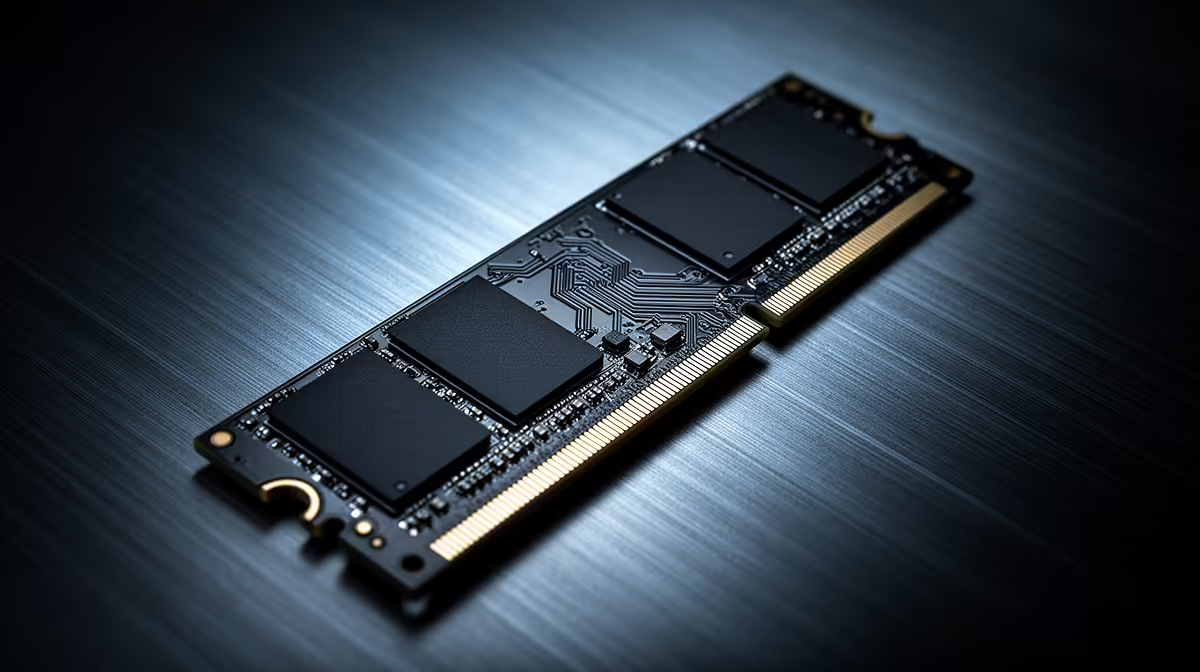
Load a game, alt-tab to a browser with twenty tabs open, then jump into a video call, and most small-footprint PCs start to show cracks somewhere in that chain. A gaming mini pc built around fast memory and a quick drive avoids those cracks by keeping every one of those tasks resident and ready rather than constantly swapping data in and out. That combination is less about a single headline number and more about how memory and storage work together under real use.
Quick Answer
The GR70 pairs 32GB of DDR5 with a 1TB NVMe SSD for R66,399, and that pairing is what keeps game loads, background apps and file transfers moving without the compact chassis ever feeling underpowered. Neither number matters much in isolation, since it is the memory holding active data while the drive feeds new data in fast enough to avoid a stall.
32GB of DDR5 as a Working Buffer 🧠
Memory is where your operating system, your game and everything running alongside it lives while you are using the machine. Thirty-two gigabytes gives enough room for a modern title, a browser with a serious tab count, a Discord call and background system processes all at once, without forcing Windows to page data out to storage. That headroom matters more the longer a session runs, since memory usage tends to climb the longer multiple applications stay open together.
Why More Headroom Beats Bare Minimums
Systems built around the bare minimum memory a game lists as required often run fine in isolation but stumble the moment anything else demands attention. Streaming software, voice chat and a handful of browser tabs can easily add several gigabytes on top of a game's own footprint, and 32GB of DDR5 absorbs that without forcing a slowdown.
A 1TB NVMe Drive Feeding That Memory 💾
Memory is only half the equation. Something has to load new data into it quickly enough that you never notice a wait, and that is the job of the 1TB NVMe SSD sitting inside the GR70. NVMe storage reads and writes at speeds a mechanical or older SATA drive simply cannot match, which shows up most obviously during game level loads, but also during file transfers, application launches and Windows itself waking from sleep.
A full terabyte of that fast storage means you are not immediately trimming a game library down to fit, either. Modern titles routinely reach past 50GB or 100GB each, and a single 1TB drive holds a reasonable rotation of games without needing external storage from day one.
NVMe Versus Older Drive Types
Compared with a SATA solid-state drive, NVMe storage connects more directly to the system, cutting out a layer of overhead that otherwise slows down every read and write. That difference is most obvious in the moments that used to involve waiting: booting Windows, alt-tabbing into a game that has been idle, or copying a large folder of files across the drive. On a compact build like this one, that speed also means the single drive bay does not become a constraint, since one fast 1TB volume does the work that might otherwise need two slower drives split across separate roles.
How Memory and Storage Work Together in Practice 🔄
The real benefit shows up when both components are working at once. Loading a new area in a game pulls fresh data off the NVMe drive into the 32GB DDR5 pool, and because both sides of that transfer are fast, the pause between hitting load and actually playing shrinks. Alt-tabbing out to check a guide or reply to a message relies on memory holding the game state exactly as it was, so switching back feels instant rather than like relaunching something. None of this depends on the CPU or GPU directly, which is part of why memory and storage deserve attention on their own rather than being treated as an afterthought behind the 16-core Ryzen 9 9955HX and RTX 5070 8GB.
Multitasking creators get a similar benefit. Exporting a video clip while a browser and chat app stay open leans on the same combination, fast reads and writes from the drive feeding a memory pool large enough not to bottleneck the process.
What This Means for Everyday Use 📊
In day-to-day terms, 32GB DDR5 and a 1TB NVMe drive translate into fewer moments where the system visibly hesitates. Windows updates install faster, big game patches unpack quicker, and switching between several open applications does not trigger the kind of stutter that comes from memory running short. You can see the full spec sheet, including how this memory and storage combination sits alongside the rest of the build, on the GR70's own listing.
Weighing this build against other compact desktops? The mini PC range gives a sense of how memory and storage configurations vary between models. And since none of this happens without a graphics card doing the rendering work alongside it, the graphics card deals page is worth a glance too, if only to see where an 8GB RTX 5070 sits against other GPU options at a similar price point.
Frequently Asked Questions
Is 32GB of DDR5 overkill for gaming alone?
For gaming in isolation it exceeds most current requirements, but the extra headroom pays off the moment streaming software, voice chat or heavy background tasks join the session.
Will a 1TB drive fill up quickly with modern games?
It depends on your library size, since some titles now exceed 100GB each, but 1TB comfortably holds a working rotation of several current games without immediate management.
Does DDR5 make a real difference over older memory types?
Yes, DDR5 offers higher bandwidth than previous generations, which benefits both gaming performance and general multitasking responsiveness.
Can I add more storage later if 1TB fills up?
External or additional internal storage remains an option down the line, though the pre-installed 1TB NVMe drive covers most users comfortably from the start.
Does more memory improve loading times directly?
Not on its own. Memory holds data once it is loaded, while the NVMe drive is what actually determines how fast that data arrives in the first place. Together they shape the overall feel of load times.
Is this combination enough for video editing alongside gaming?
For everyday clip editing and exporting, 32GB DDR5 and a 1TB NVMe drive provide enough headroom to keep the process smooth, particularly with a 16-core CPU sharing the workload.
Should I worry about running out of memory during long sessions?
With 32GB available, most gaming and multitasking combinations stay well within that ceiling, though running several heavy creative applications alongside a demanding game at the same time is where headroom gets tested most.
Ready to break down what 32GB DDR5 and 1TB NVMe get you?
View the GR70, ASUS's mini PC found in Evetech's mini PC shelf, marked at R66,399 and will pair fast memory with generous storage for real workloads.