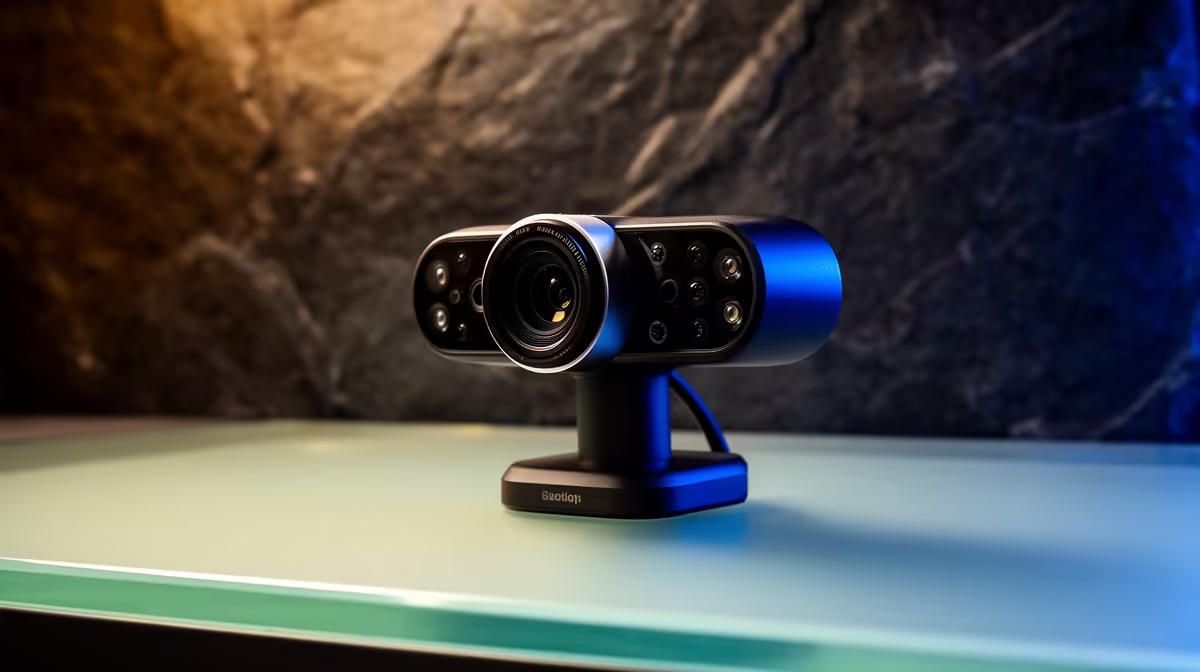
Webcam spec sheets now list AI features the way they once listed megapixels, as a proxy for quality that does not tell you whether any of it solves your specific problem. Auto framing, background blur, gesture shortcuts, and AI noise cancelling are four genuinely distinct capabilities that each solve something real. Every AI feature in modern streaming webcams exists for a defined scenario, and matching the feature to your actual use is what separates a useful upgrade from a spec you never switch on.
Quick Answer
Auto framing suits presenters and teachers who move while talking. Background blur helps messy or private rooms. Gesture control offers a hands-free shortcut for solo streams. AI noise cancelling is the single most broadly useful feature, cleaning up fan noise, keyboard clatter, and street traffic for anyone recording in a shared South African home or office.
🎯 Auto Framing for Presenters and Teachers
A 4K sensor captures far more pixels than a 1080p stream requires. Auto framing exploits that surplus. The camera captures the full 4K field, then software crops a 1080p or 1440p region out of that wider canvas and moves the crop to keep your face or body centred.
The practical effect is that you can stand up, step to a whiteboard, or reach across a desk and the frame follows rather than showing you drift out of shot. For a South African teacher on a university Zoom call, a content creator filming explainer videos solo, or a presenter walking through a product demonstration, this is the feature that makes the difference between having to remember your camera position and being free to move naturally.
The quality of the tracking depends heavily on how the camera is positioned to start with. A wide enough lens angle gives the AI room to follow you across a large space. Mount the camera too close or at an awkward angle and the framing starts clipping you before you have moved far. The feature works best when the initial setup gives it a generous tracking envelope to work within.
Auto framing and face tracking are closely related but not identical. Face tracking is the detection layer that locates your face and reports its position continuously. Auto framing is the output layer that shifts the crop region based on that position data. Both need to work accurately for the end result to look smooth rather than jerky.
🔆 Background Blur and Segmentation
AI background blur does not require a green screen. The camera's firmware, or the paired app, analyses each frame and constructs a boundary between the subject in the foreground and everything behind. Pixels behind that boundary are blurred; pixels in front stay sharp.
For a South African remote worker whose home office doubles as a bedroom or a shared lounge, this feature is genuinely practical. It removes visual distractions behind you without requiring you to rearrange furniture or hang anything on the wall. The segmentation algorithm works best with clear contrast between subject and background in terms of both colour and lighting. Poor lighting or clothing that matches a background surface reduces accuracy and produces a shimmering edge where the model loses confidence.
Some webcams run segmentation on-camera in dedicated firmware. Others offload it to the paired software application. On-camera processing keeps the CPU free for other tasks, which matters on a thin work laptop running a full conference call and screen sharing simultaneously.
Background replacement, a step beyond blur, substitutes a chosen image or virtual room for the real background. This is heavier processing and is almost always an application-side feature rather than on-camera, since it needs to render new content frame by frame.
Pro Tip ⚡
Test background segmentation against your specific wall colour and clothing before relying on it in a client call. Webcams running blur in on-camera firmware hold edges steadier under movement than app-based filters, which can lag by a frame or two. If your laptop is already stretched, an on-camera segmentation model saves you from dropped frames mid-presentation.
🎙️ AI Noise Cancelling in a SA Context
Noise cancelling in webcams attacks a different problem than background blur. The audio arriving through the webcam's built-in microphone picks up everything in the room: the ceiling fan, traffic from the N1, an air conditioner compressor, keyboards, and nearby conversation. AI noise cancellation builds a continuous model of the steady ambient noise signature and subtracts it from the audio stream, leaving speech prominent and the room quiet.
For South African creators and remote workers, the most common noise problems are urban traffic, industrial fans in older office buildings, and the general ambient hum of a Cape Town flat with windows open in summer. These are exactly the sustained, relatively predictable noise sources that AI cancellation handles best.
Sudden sharp sounds, a car door slamming or someone dropping something across the room, present a harder problem. The model needs time to characterise a new noise, so transient sounds can bleed through before the algorithm adapts. This limitation is worth knowing but rarely disqualifies the feature. The majority of background noise in a real home office is constant rather than sudden.
Webcams that run noise cancellation on-camera firmware deliver it across every app simultaneously. Those that push it into software, like the vendor's companion app or the operating system's audio processing layer, require the app to be active and add CPU overhead. For a work laptop handling Teams, a shared document, and a webcam feed at once, on-camera processing is the more stable option.
⚡ Gesture Control and Its Real Ceiling
Gesture recognition lets the camera's onboard processor detect specific hand signals, typically a raised palm, a thumbs-up, or a pointing gesture, and map each to an action. Common uses include starting or stopping a recording, switching between scene presets, or muting the microphone without touching a key.
For a solo creator who records without a second person in the room, gesture control genuinely removes friction. You can stand at the far end of your setup and trigger a recording start without walking back to the desk. The convenience is real.
The ceiling is narrow, though. A physical stream deck offers dozens of customisable shortcuts with tactile feedback. Gesture control typically supports four to six preset actions and has no feedback mechanism beyond the camera's response on screen. For a complex stream with scene transitions, overlay toggles, and alert queuing, gesture recognition is a supplement rather than a replacement. For a simple recording start and stop, it earns its place.
Accuracy depends on lighting and background contrast. A gesture made in front of a bright window or in a dim room may not register reliably. Positioning the camera with a stable, non-distracting background improves gesture recognition the same way it improves segmentation.
Frequently Asked Questions
Which AI feature is most useful for South African home-office users?
AI noise cancellation is the most broadly applicable feature for a South African home setup. Variable traffic noise, fans, and open-window ambient sound are consistent problems in urban homes and shared offices, and sustained noise is exactly what the cancellation model handles most reliably. Background blur is the close second for anyone presenting on video calls from a non-dedicated space.
Does AI background blur require a physical green screen?
No. The segmentation algorithm analyses each frame and identifies the boundary between subject and background using visual contrast. No physical backdrop is involved. The quality varies with lighting and how distinctly you stand out from what is behind you, but a green screen is not required to use the feature.
Can AI auto framing replace careful webcam placement?
It reduces the penalty for imperfect placement but does not replace it. If you are positioned too close to the lens, the crop runs out of room to follow you in any direction. A well-positioned camera with generous initial framing gives auto framing the range to track natural movement. Poor initial positioning limits what the AI can recover.
Why do some AI features strain the CPU and others do not?
Features processed on-camera in dedicated firmware, auto framing being the most common, place no load on your laptop or PC. Features processed in the vendor's software application, like many background blur and noise cancellation implementations, run on the CPU and can reduce system performance during busy calls. Check whether the feature runs on-camera or in the companion app before assuming it is free of system overhead.
Is webcam gesture control practical for a solo streamer?
For simple triggers like starting a recording or muting mid-stream, yes. The convenience of triggering an action from across the room without returning to the desk is genuine. For anything more complex, a dedicated control surface handles macros, scene switching, and audio adjustments with more precision than gesture recognition, which is limited to a small set of predefined signals.
Ready to find a streaming webcam whose AI features actually match your setup?
Browse the full streaming webcam range at Evetech and compare which models run auto framing, noise cancellation, and background blur on-camera rather than in software.