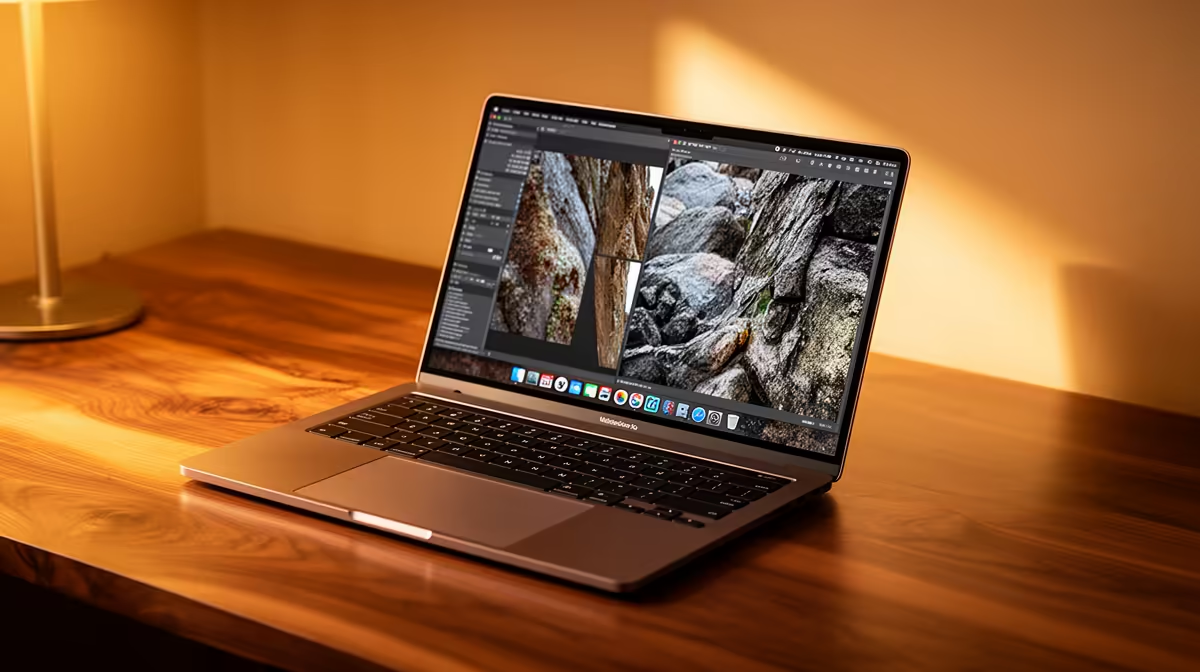
ASUS Vivobook S14 OLED at R10,719 suits an SA creator who wants a portable laptop for RAW photo work without paying gaming-machine money. The OLED spec matters because image review is easier when contrast and colour depth are the reason you picked the machine, while the price still stays close to the practical mid-range.
Best short answer for creators
The ASUS ExpertBook P5405 at R12,700 is the sensible step-up if you want a work-first machine rather than a flashy setup. Its ExpertBook positioning makes it a better fit for admin, client files, browser tabs, and editing sessions where the machine needs to feel composed on a desk.
Lenovo IdeaPad Slim 3 i7 at R13,400 is worth considering when CPU headroom matters more than screen flair. The i7 spec gives it a stronger productivity angle, especially if you sort large folders, export selections, and keep reference material open while working.
ASUS Vivobook X1504VA i7 at R13,999 sits in a similar lane, but with the Vivobook feel for buyers who want a straightforward daily notebook. If your editing is part of a wider student or small-business routine, that i7 spec is the main reason to keep it on the shortlist.
Creator desk reality in South Africa
Lenovo LOQ RTX3050 at R9,500 is the unusual value pick when graphics help matters more than slimness. The RTX3050 spec gives it a different role from the ASUS ExpertBook P1503 i5 at R9,858, which is better treated as an affordable office-first i5 option.
Ready to choose the right laptop?
Start the creator desk shortlist with ASUS ExpertBook P1503 i5 at R9,858, especially if battery laptop cope photo work points you toward its listed spec.