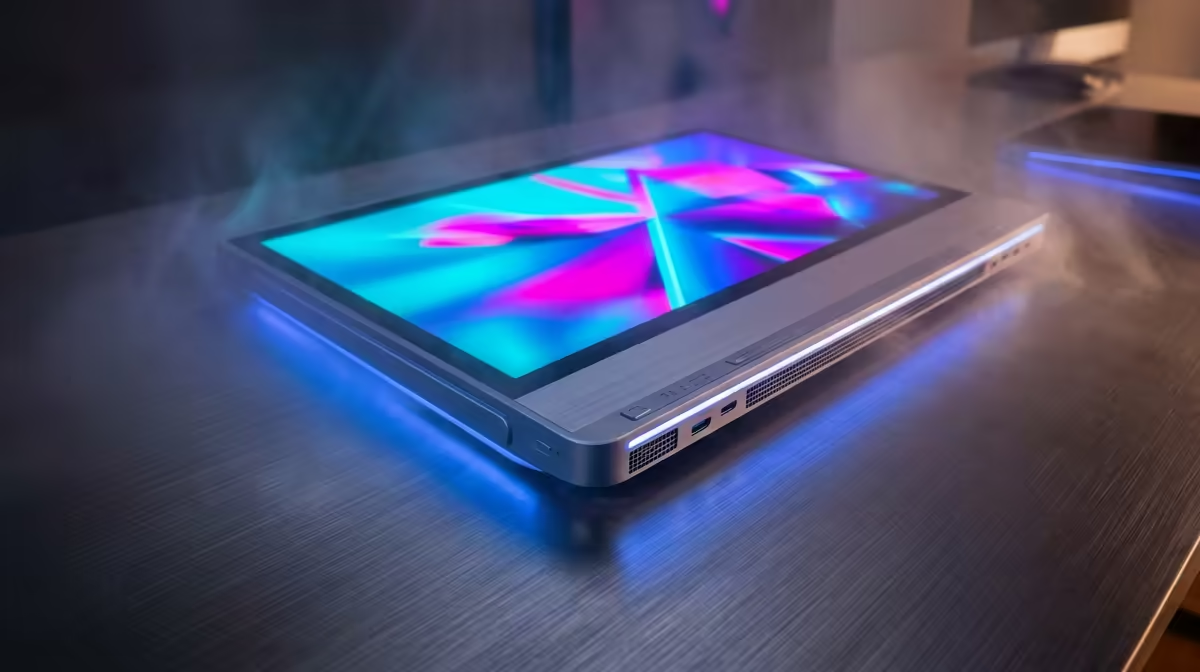
So, you’re ready to build a new PC in South Africa? That’s brilliant. But a truly powerful setup is more than just the tower. This isn't a guide for those sealed All-in-One computers; this is the ultimate all-in-one PC build guide for creating a complete, personalised gaming and productivity station from scratch. We’re talking the whole package—from the core components to the crucial network gear that gets you online. Let's get started. 🚀
First Steps: The Heart of Your Machine
Before we talk peripherals, let's quickly cover the engine room. Every great PC build starts with a solid foundation of a CPU, motherboard, RAM, and storage. Think of these as the non-negotiables. While this guide focuses on the complete setup, getting these core parts right is your first mission. Your choice here dictates everything from in-game FPS to how quickly your applications load.
This is the most exciting part of any custom build, where you balance your budget (we see you, fellow Saffas!) with your performance goals.
Beyond the Box: Assembling Your Complete Battlestation
A powerful PC tower is only half the story. A complete, all-in-one PC setup requires peripherals that match your new rig's capabilities. This is where your day-to-day experience is defined.
- The Monitor: Don't bottleneck your fancy new graphics card with an old 60Hz screen. A high-refresh-rate monitor (144Hz or more) is essential for smooth gameplay.
- Keyboard & Mouse: Mechanical or membrane? Lightweight or feature-packed? These choices directly impact your comfort and competitive edge.
- Audio: Whether it's a headset for clear comms in Warzone or speakers for immersive single-player adventures, don't forget sound.
Thinking about these elements from the start ensures your budget covers the full experience, not just the box.
Getting Connected: The Unsung Hero of Your Setup ⚡
You’ve built a beast of a machine. Now, how do you get it online reliably? Your network connection is the final, crucial piece of this all-in-one PC build guide. A poor connection means lag, stutter, and frustrating downloads, no matter how powerful your PC is.
Wired vs. Wireless: What's Best for You?
For the absolute lowest latency and most stable connection, nothing beats a direct line. A good quality LAN cable running from your router to your PC is the gold standard for competitive gaming, ensuring your connection is rock-solid. If your router is nearby, exploring reliable wired networking options is always the best first step.
However, running cables isn't always practical. Modern Wi-Fi is incredibly fast and convenient, offering a clean, cable-free setup. High-quality wireless networking adapters can deliver fantastic speeds, perfect for gaming, streaming, and everything in between.
Wi-Fi Pro Tip ✨
Is your home Wi-Fi a bit congested? Try logging into your router's settings and switching the 5GHz channel. Choosing a less crowded channel can significantly boost your wireless stability and speed, giving you a better online experience without spending a Rand.
Choosing Your Wireless Gear
When going wireless, the brand matters. You want something that offers a stable driver and consistent performance. For a great mix of speed, features, and affordability, you can't go wrong with established names. Exploring the range from a trusted brand like TP-Link gives you plenty of excellent choices for any budget.
On the other hand, if you're looking for maximum value, there are fantastic alternatives that deliver solid performance. For a reliable connection that won't break the bank, checking out the latest wireless adapters from Cudy is a savvy move for any builder.