Quick Answer
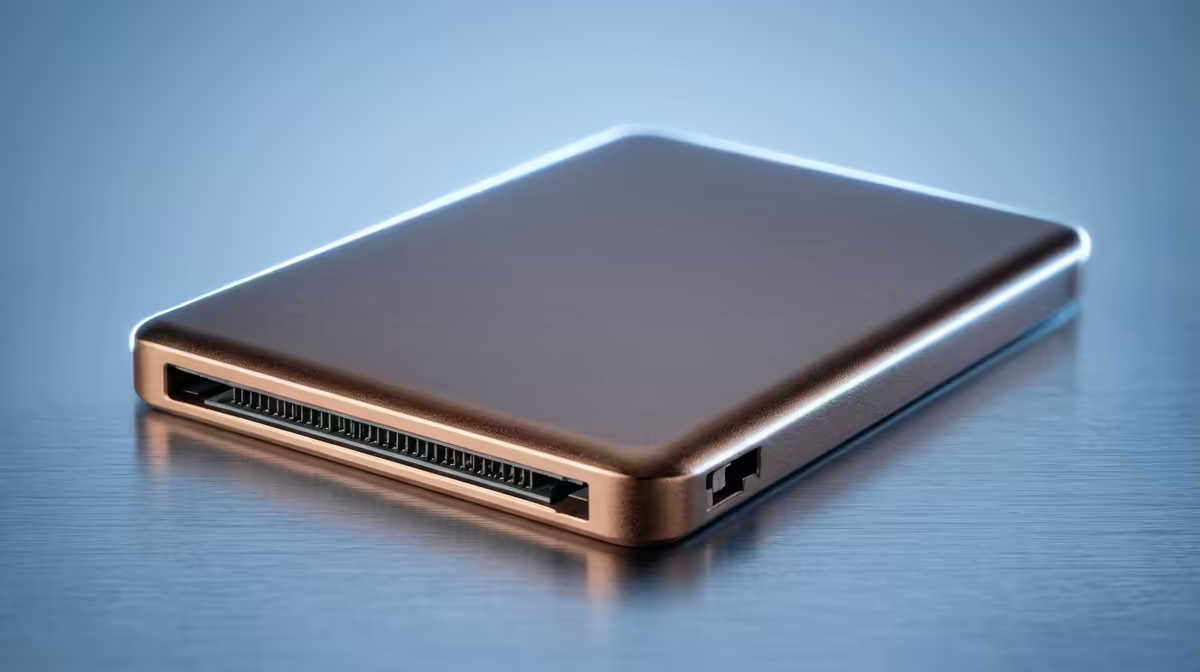
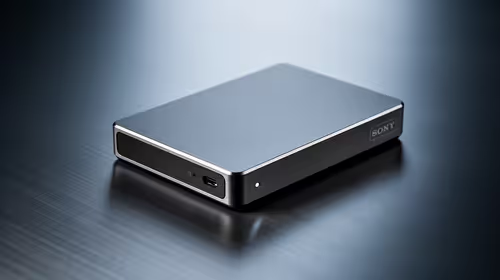
For a first-time builder, an AI-capable PC is worth paying up on storage when you plan to keep large models or datasets locally, fast 1TB-2TB NVMe near R1,800-R3,400 makes the difference. AI workloads read big files constantly, so generous, fast storage matters more here than on a basic first build. Otherwise, start at 1TB and upgrade later.
When storage is worth paying for on an AI PC
AI PCs, those with NPUs or capable GPUs for local AI, benefit from storage when you run local models, generate media, or hold training data, because these tasks move large files repeatedly. A bigger, faster NVMe drive keeps those loads snappy. If you mostly use cloud AI tools, storage matters far less and you can start small and add a second drive when needed.
A first builder's storage plan
Keep it simple: one fast NVMe drive for Windows and your main apps, sized to your real needs. 1TB is a sensible start; jump to 2TB if you will keep local models or large media. A second slot lets you add storage cheaply later, so you do not have to buy everything up front. Confirm your motherboard has the M.2 slots you want before buying, that detail is easy for first-timers to miss.
FAQ
Does an AI PC need more storage than a normal PC?
It does if you run local AI models or generate media, since those move large files repeatedly. For cloud-based AI tools, normal storage is fine and you can expand later.
How much SSD should a first-time AI builder start with?
1TB is a sensible starting point. Choose 2TB if you plan to keep local models or large datasets, and leave a free M.2 slot so you can add more cheaply down the line.
Should first-timers buy all their storage upfront?
No, start with what you need now and expand later. A second M.2 slot lets you add a drive without replacing the first, which keeps the initial build affordable.
Size AI-PC storage to your actual workload.
Go 2TB if you keep models locally, 1TB if you lean on cloud tools, and leave a free M.2 slot to expand later.