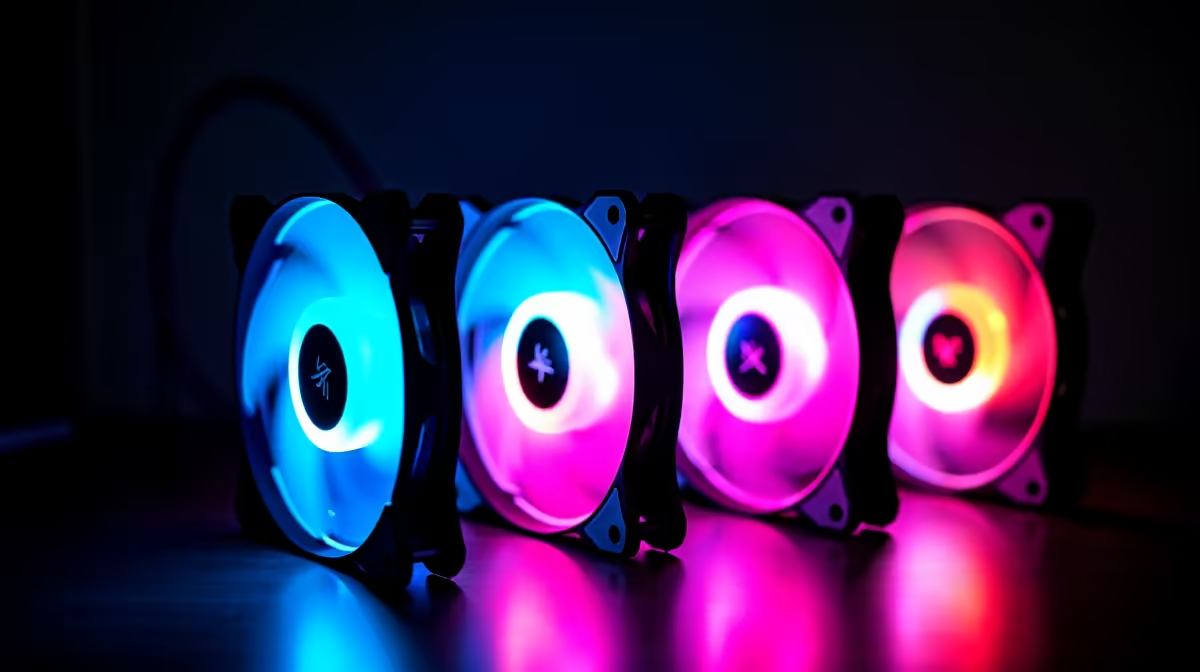
Choose case fans for a Stable Diffusion computer from the case mounts, radiator layout, graphics-card heat and acceptable noise, not from the project budget alone. More fans are not automatically better. A clear intake-to-exhaust path and unobstructed filters matter more than filling every opening.
Map heat through the enclosure
Record the case model, supported fan sizes, existing fan positions, CPU cooler and GPU clearance. Generate several representative images while monitoring GPU and CPU temperatures, clock behaviour and noise. Check whether poor performance comes from thermal throttling, insufficient video memory or software settings.
No case-fan SKU and current price are verified in the factpacks. The Palit RTX 5060 8GB graphics card is listed at R4,800 only as a GPU reference. Confirm its live power, case-clearance and cooling needs separately. Compare fans by size, connector, speed range, airflow direction, noise documentation, bearing, controller compatibility and warranty.
Add or reposition one airflow element at a time, then repeat the same image workload. Keep cables clear of blades, secure every screw and follow the case and motherboard guidance. Clean filters without using unsafe methods around components.
Buy fans only when measurements show a cooling or noise problem that the planned airflow can solve. A larger case or different cooler may be more appropriate when mounts are restricted.
Cooling an AI workstation? > Browse Evetech cases and cooling products for the measured thermal need.