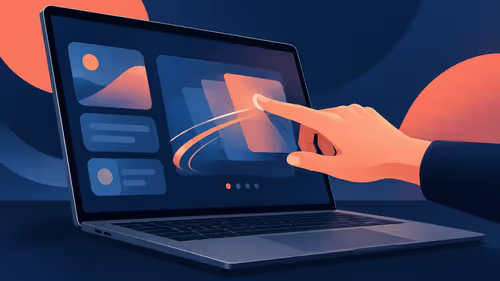
The browser fills the display and the controls you normally use seem to have gone. Edge exit full screen is a small shortcut question with a useful distinction: the browser, the window and a video player can each change the view. Identify the active state before touching the monitor configuration.
Quick Answer
Press F11 in Microsoft Edge on Windows to toggle browser full screen. If the keyboard uses the top row for media or device controls, check its function-key mode before trying the shortcut again. This is a R0 setting check; changing display resolution or buying another screen is unnecessary for a browser view toggle.
🪟 Start with the browser state
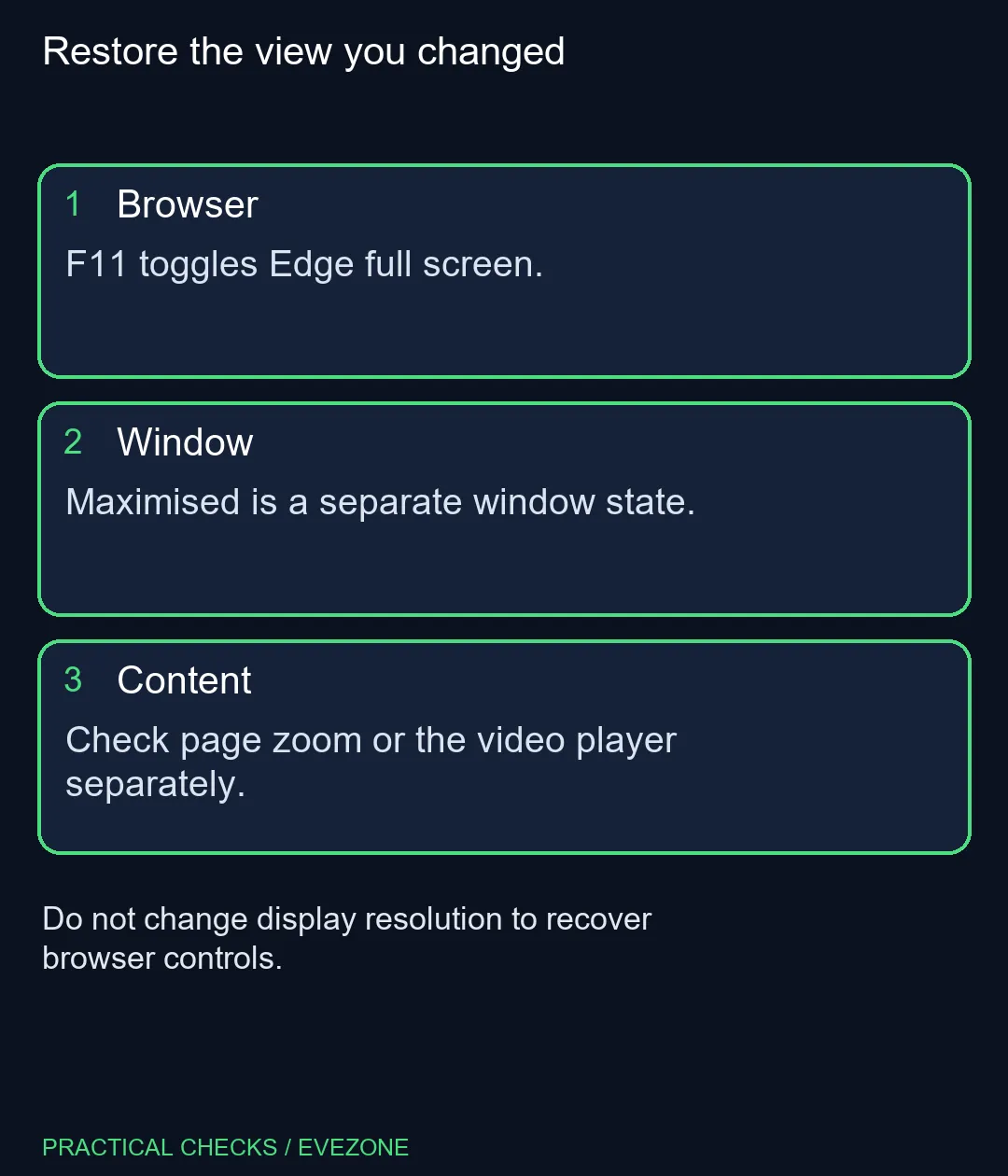
Focus the Edge window and use F11 once. Compare the view before pressing more keys. A maximised window can still show normal browser controls, while full-screen mode is intended to give the page more of the display. The two states should not be diagnosed as the same problem.
If the shortcut does not reach Edge, check which application is active. Laptop keyboards may give their top-row keys a second function, so consult the actual model instructions rather than assuming every Fn combination is identical. Test deliberately and stop once the ordinary browser view returns.
🎬 Check whether the player owns the screen
A video can have its own full-screen button. If only the player expanded, look for that player's control and identify what changes when you leave it. Repeatedly toggling browser full screen may alter the surrounding window while leaving the original player question unresolved.
After leaving the expanded view, confirm that the same page and playback remain open. There is no need to clear browsing data or reset the browser for a display mode you can identify. Keep the diagnosis close to the action that changed the view in the first place.
🔠 Leave zoom and system resolution separate
Ctrl+0 resets the page's zoom level. It is useful when the content size changed, but it does not perform the same job as F11. Windows text size and display resolution have wider effects again. Changing those controls together can make an ordinary full-screen question harder to untangle.
When comparing gaming monitors, evaluate screen size and resolution for the workspace you actually want. A missing browser toolbar alone does not show that the panel is faulty. Likewise, consider gaming keyboards if you have a confirmed physical key problem, rather than because the current layout needs a different function-key action. Restore the expected view first, then decide whether any hardware issue remains after the controls behave normally.
Frequently Asked Questions
Which key exits full screen in Edge on Windows?
F11 toggles the browser between full screen and its ordinary view.
Is a maximised window the same thing?
No. A maximised window and browser full-screen mode are separate states.
Will Ctrl+0 exit full screen?
Ctrl+0 resets page zoom. It does not serve the same purpose as the F11 full-screen toggle.
What if only the video fills the screen?
Check the video player full-screen control; the player can have its own display state.
Why might F11 need Fn on a laptop?
Some keyboards assign another function to the top row. Check the keyboard or laptop key-mode instructions.
Should I change monitor resolution first?
No. Identify the browser or player state before changing system-wide display settings.
Want a more comfortable browser workspace?
Recover the normal view first, then compare display size and keyboard layout for your everyday tasks.