



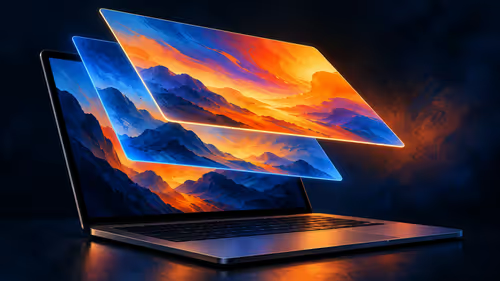
What Is the MacBook Pro PROLED XDR Display?
PROLED XDR is Apple's tandem OLED touchscreen for its new MacBook Pro. As at 29 October 2026, a separate 14-inch M5 Pro MacBook Pro with 1TB storage was listed at Evetech for R50,999.
Read morePROLED uses tandem OLED while the separate M6 MacBook Pro uses mini-LED. Compare how the panels produce light and which brightness figures Apple publishes.
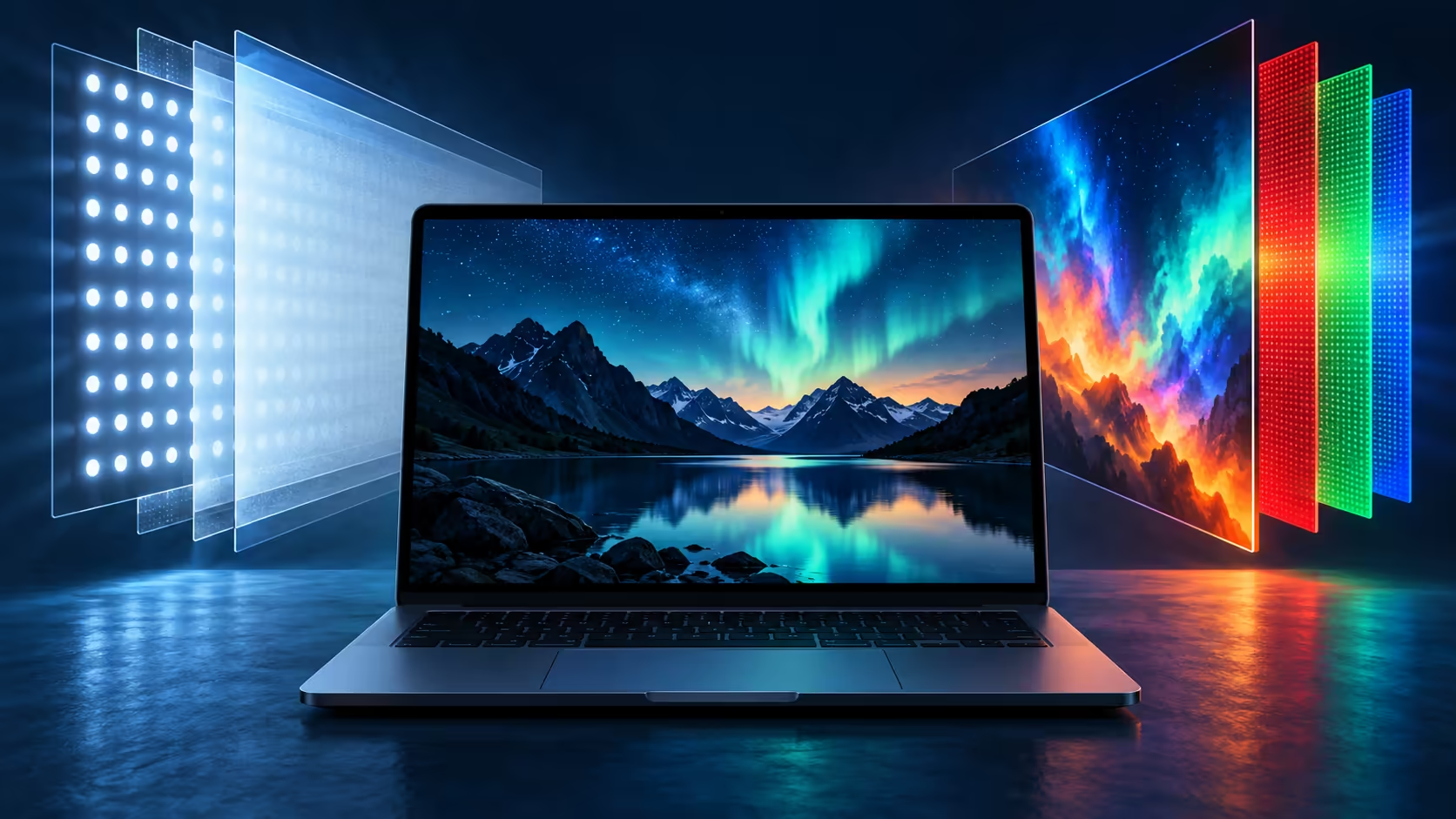
The panel inside a laptop is not just a label on a specification sheet. PROLED and mini-LED take different routes to producing an image, and the distinction matters if you are choosing a MacBook around a screen you will use every day.
PROLED XDR uses tandem OLED, while the separate 14-inch MacBook Pro with M6 uses a mini-LED Liquid Retina XDR display. As at 29 October 2026, Evetech's R50,999 South African catalogue example is the older 14-inch M5 Pro with 1TB, not a PROLED price.
Apple describes PROLED as a tandem OLED display with two self-illuminating layers. The layers produce light as part of the image itself. A mini-LED LCD instead uses a backlight behind the liquid-crystal panel. The two approaches can both display bright highlights and dark scenes, but they control light differently.
The announced PROLED panel also has touch and lists P3 plus Adobe RGB. Apple lists the separate M6 Liquid Retina XDR screen with P3. Those are concrete differences alongside the light source; both models still need to be judged against the viewing conditions and file being used.
Apple lists a 10,000,000:1 contrast ratio for PROLED and 1,000,000:1 for the 14-inch M6 Liquid Retina XDR display. Contrast describes the relationship between light and dark, not how accurately every colour will appear in an individual project.
Peak brightness figures carry conditions too. PROLED is specified at up to 2,000 nits for peak HDR and up to 2,000 nits for SDR outdoors, with up to 1,000 nits sustained full-screen. Apple lists up to 1,600 nits peak HDR for the M6 model. Avoid treating those peaks as the brightness of an entire screen in every situation.
The new PROLED MacBook Pro adds touch. The separate M6 model has the Liquid Retina XDR display; Apple's comparison identifies touch on the PROLED models. That is an input difference as well as a display-technology difference. It may be useful when a compatible app supports an action you want to perform directly on the screen.
Both the keyboard and trackpad remain relevant. Before making touch a deciding feature, identify a task you would actually use it for. Do not assume that the presence of a touch panel means every application has its own specialised gestures.
The R50,999 catalogue example is an existing M5 Pro configuration, not the new PROLED machine. Look at the complete specification when comparing the MacBook range, since two machines with a similar chip name can carry different screens.
If your laptop usually connects to a desk display, the screen in front of you during that work may be an external one. The OLED monitor range offers another category to investigate, but each monitor needs its own connection and display checks. Neither the internal panel's touch capability nor its brightness figures automatically apply to a monitor.
No. Apple describes PROLED XDR as tandem OLED; the separate M6 MacBook Pro uses a mini-LED Liquid Retina XDR panel.
No. The 29 October 2026 Evetech listing specifies an earlier M5 Pro, a 14-inch screen and 1TB of storage.
Yes. The announced PROLED panel supports touch, according to Apple.
No. For PROLED, Apple lists a peak of up to 2,000 nits under stated conditions and sustained full-screen brightness up to 1,000 nits.
Ready to compare MacBook screens? Explore the MacBook range and check the exact display and configuration against the work you do.
No. Apple describes PROLED XDR as tandem OLED; the separate M6 MacBook Pro uses a mini-LED Liquid Retina XDR panel.
No. The 29 October 2026 Evetech listing specifies an earlier M5 Pro, a 14-inch screen and 1TB of storage.
Yes. The announced PROLED panel supports touch, according to Apple.
No. For PROLED, Apple lists a peak of up to 2,000 nits under stated conditions and sustained full-screen brightness up to 1,000 nits.
PROLED XDR is Apple's tandem OLED touchscreen for its new MacBook Pro. As at 29 October 2026, a separate 14-inch M5 Pro MacBook Pro with 1TB storage was listed at Evetech for R50,999.
Read more
Apple lists P3 and Adobe RGB for the PROLED MacBook Pro. Understand what those colour spaces mean and why a file, display and final output are separate parts of a workflow.
Read more
Apple describes swiping, pinching, dragging and window gestures on the PROLED MacBook Pro. Understand what each action changes before comparing a South African laptop purchase.
Read more
Apple says macOS translates touches into clicks for many existing apps on its new PROLED MacBook Pro. Learn what that does and does not establish about custom gestures.
Read more
Apple describes marking ranges, moving clips and pinch zoom in Final Cut Pro on its new PROLED MacBook Pro. Compare that touch workflow with an existing M5 Pro configuration listed at Evetech in South Africa.
Read more
Touch adds gestures to the PROLED MacBook Pro while its trackpad remains available. A separate M5 Pro MacBook was listed at R50,999 at Evetech on 29 October 2026.
Read more
Edge default search engine controls searches typed in the address bar. Choose a supported search provider in browser settings, then test the address bar separately from a website search box or a new-tab page before assuming the change failed.

gaming headset short-list for Edenvale in - what's in needs a balanced, cautious look before buying. Compare fit, budget, workload, warranty support, and upgrade room so the choice makes sense for South African buyers.

A 2700RPM pump spins its impeller 2700 times a minute to push coolant round the loop. Faster flow moves heat from the CPU block to the radiator, though a quicker pump can be a little louder. The Antec Omni Matrix 360 at R999 pairs it with an ARGB head.

Plug the three pre-connected 120mm fans into one PWM fan header, since they run from a single cable. If the lighting has its own lead, send it to the addressable header, usually labelled ARGB. Evetech's Omni Matrix 360 at R999 follows that same plan.

Targus DOCK402 combines a mobile dock with a built-in GaN charger. Its useful buying checks are host power negotiation, USB-C video support and the single-display limit, rather than assuming every USB-C laptop gets the maximum charging and resolution.
Edge default search engine controls searches typed in the address bar. Choose a supported search provider in browser settings, then test the address bar separately from a website search box or a new-tab page before assuming the change failed.

Edge block pop-ups can stop unwanted windows while permitting a trusted site that needs one. Check the exact site exception and distinguish pop-up windows from adverts inside a page and website notifications before turning off protection broadly.

Edge website notifications are controlled per site. Block the unwanted origin in browser permissions instead of muting every Windows alert, then check whether the interruption was a site notification rather than a pop-up or a message inside a page.

Best student laptop for Midrand-based remote should be shortlisted around the job it must do. South African buyers should compare CPU, GPU, RAM, and screen quality, warranty path, and upgrade room before treating any pick as best.
Where Bedfordview gamers buy a ATX PC case should be shortlisted around the job it must do. South African buyers should compare airflow, clearance, noise, and upgrade room, warranty path, and upgrade room before treating any pick as best.
Should you upgrade or replace your gaming PC should be shortlisted around the job it must do. South African buyers should compare fit, performance, compatibility, and upgrade room, warranty path, and upgrade room before treating any pick as best.
Hdr vs text clarity in OLED monitors: what needs a workload-first comparison. For SA buyers, judge real performance, platform fit, warranty path, power needs, and upgrade timing before choosing either side.