



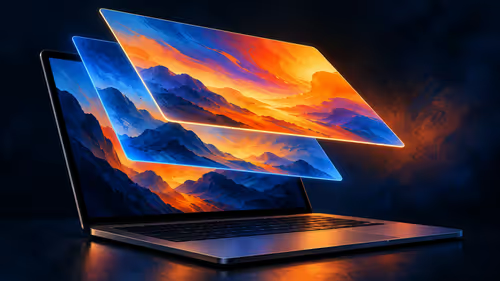
What Is the MacBook Pro PROLED XDR Display?
PROLED XDR is Apple's tandem OLED touchscreen for its new MacBook Pro. As at 29 October 2026, a separate 14-inch M5 Pro MacBook Pro with 1TB storage was listed at Evetech for R50,999.
Read moreApple says macOS translates touches into clicks for many existing apps on its new PROLED MacBook Pro. Learn what that does and does not establish about custom gestures.

A familiar app does not have to be rebuilt from scratch before you can try the new MacBook touch display. The important distinction is between a basic action that macOS can translate and a feature an app developer has designed specifically for a finger gesture.
Apple says its operating system can turn a screen tap into a click for many existing Mac apps on the new PROLED laptop. As at 29 October 2026, a R50,999 South African Evetech catalogue entry covered the earlier 14-inch M5 Pro with 1TB. That stocked laptop is a separate design from the new touch model.
Consider an ordinary button in an app. The operating system can translate a screen touch into the kind of click the app already understands. Apple describes this as a way for many existing apps to work with the new display immediately. That is broader than requiring every publisher to create an entirely new edition just to accept a touch.
The word "many" matters. It is not a promise that every button, menu or complex workflow will behave exactly as you expect. An app's interface was designed for particular controls, and a small target that works with a pointer may need a different approach when selected by hand.
Apple also describes system gesture tools that developers can use for experiences designed around touch. That is different from passing a click-like action to an existing app. A purpose-built gesture can reflect the task the app is trying to make easier; basic click translation does not automatically create it.
For example, Apple describes range marking, clip placement and pinch zoom in Final Cut Pro. Those specific actions should not be copied into a claim about an unrelated application. Check the features of the actual app and edition you plan to use.
Touch adds another way to interact with the PROLED MacBook Pro. The device retains a keyboard and trackpad, so a task can still be approached through familiar controls. That matters for precise selection, typing and shortcuts where you already have an established routine.
For example, activating a button by touch is a click-like action, whereas pinching to zoom is a gesture with a different purpose. Apple's description of translation establishes the former for many existing apps; it does not establish that every application implements the latter.
The existing R50,999 M5 Pro example is a current catalogue reference, not the newly announced PROLED laptop. In the MacBook range, check the display name and full configuration rather than assuming a chip label identifies touch support.
If you are still deciding which operating system and application combination suits your work, the laptop best sellers provide another place to compare listed machines. A local price helps set a budget; it does not prove that a particular program supports a gesture.
Apple says macOS can pass touches to many existing apps as clicks, though that does not guarantee every interaction.
No. Apple separately describes developer tools for creating touch-specific experiences.
Yes. The touch-equipped laptop retains Apple's Force Touch trackpad.
No. The 29 October 2026 entry describes the prior M5 Pro design, with 1TB storage and a 14-inch screen.
Ready to compare your laptop options? Explore the MacBook range at Evetech and match the model to your essential apps.
Apple says macOS can pass touches to many existing apps as clicks, though that does not guarantee every interaction.
No. Apple separately describes developer tools for creating touch-specific experiences.
Yes. The touch-equipped laptop retains Apple's Force Touch trackpad.
No. The 29 October 2026 entry describes the prior M5 Pro design, with 1TB storage and a 14-inch screen.
PROLED XDR is Apple's tandem OLED touchscreen for its new MacBook Pro. As at 29 October 2026, a separate 14-inch M5 Pro MacBook Pro with 1TB storage was listed at Evetech for R50,999.
Read more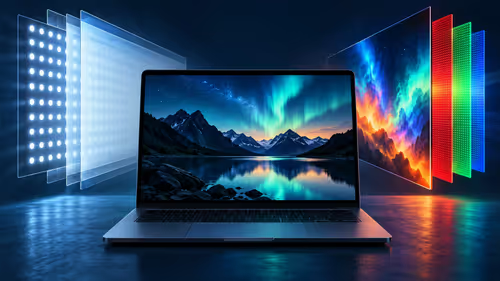
PROLED uses tandem OLED while the separate M6 MacBook Pro uses mini-LED. Compare how the panels produce light and which brightness figures Apple publishes.
Read more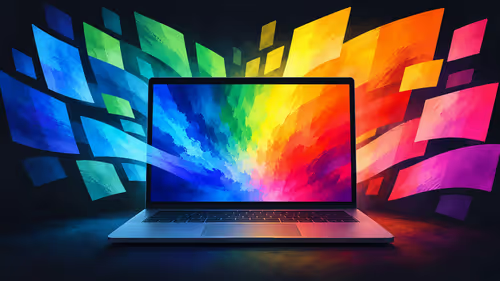
Apple lists P3 and Adobe RGB for the PROLED MacBook Pro. Understand what those colour spaces mean and why a file, display and final output are separate parts of a workflow.
Read more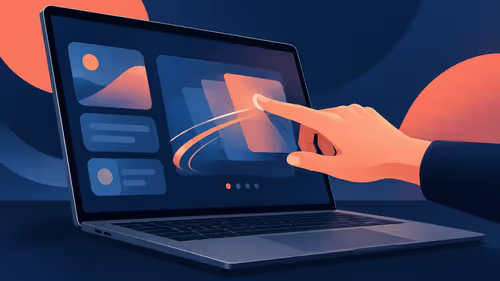
Apple describes swiping, pinching, dragging and window gestures on the PROLED MacBook Pro. Understand what each action changes before comparing a South African laptop purchase.
Read more
Apple describes marking ranges, moving clips and pinch zoom in Final Cut Pro on its new PROLED MacBook Pro. Compare that touch workflow with an existing M5 Pro configuration listed at Evetech in South Africa.
Read more
Touch adds gestures to the PROLED MacBook Pro while its trackpad remains available. A separate M5 Pro MacBook was listed at R50,999 at Evetech on 29 October 2026.
Read more
Edge default search engine controls searches typed in the address bar. Choose a supported search provider in browser settings, then test the address bar separately from a website search box or a new-tab page before assuming the change failed.

gaming headset short-list for Edenvale in - what's in needs a balanced, cautious look before buying. Compare fit, budget, workload, warranty support, and upgrade room so the choice makes sense for South African buyers.

A 2700RPM pump spins its impeller 2700 times a minute to push coolant round the loop. Faster flow moves heat from the CPU block to the radiator, though a quicker pump can be a little louder. The Antec Omni Matrix 360 at R999 pairs it with an ARGB head.

Plug the three pre-connected 120mm fans into one PWM fan header, since they run from a single cable. If the lighting has its own lead, send it to the addressable header, usually labelled ARGB. Evetech's Omni Matrix 360 at R999 follows that same plan.

Targus DOCK402 combines a mobile dock with a built-in GaN charger. Its useful buying checks are host power negotiation, USB-C video support and the single-display limit, rather than assuming every USB-C laptop gets the maximum charging and resolution.
Edge default search engine controls searches typed in the address bar. Choose a supported search provider in browser settings, then test the address bar separately from a website search box or a new-tab page before assuming the change failed.

Edge block pop-ups can stop unwanted windows while permitting a trusted site that needs one. Check the exact site exception and distinguish pop-up windows from adverts inside a page and website notifications before turning off protection broadly.

Edge website notifications are controlled per site. Block the unwanted origin in browser permissions instead of muting every Windows alert, then check whether the interruption was a site notification rather than a pop-up or a message inside a page.

Best student laptop for Midrand-based remote should be shortlisted around the job it must do. South African buyers should compare CPU, GPU, RAM, and screen quality, warranty path, and upgrade room before treating any pick as best.
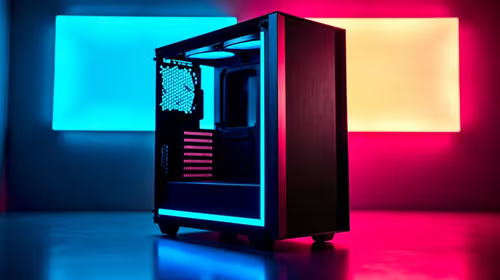
Where Bedfordview gamers buy a ATX PC case should be shortlisted around the job it must do. South African buyers should compare airflow, clearance, noise, and upgrade room, warranty path, and upgrade room before treating any pick as best.
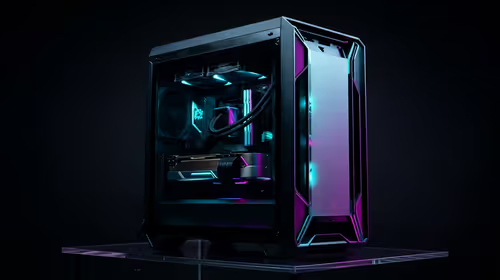
Should you upgrade or replace your gaming PC should be shortlisted around the job it must do. South African buyers should compare fit, performance, compatibility, and upgrade room, warranty path, and upgrade room before treating any pick as best.
Hdr vs text clarity in OLED monitors: what needs a workload-first comparison. For SA buyers, judge real performance, platform fit, warranty path, power needs, and upgrade timing before choosing either side.