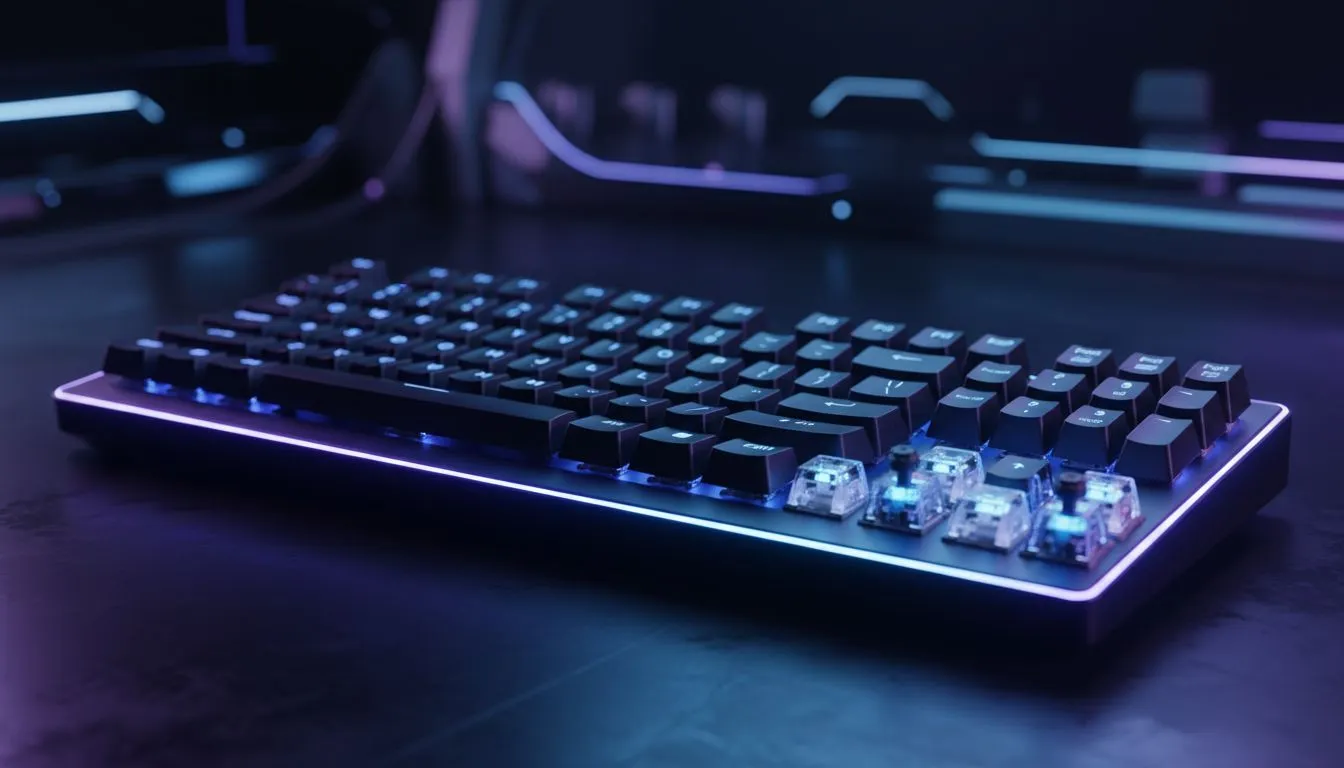
Analog keyboard inputs: How they mimic joystick movement
If you’ve ever felt a keyboard move like a joystick, you weren’t dreaming. Analog keyboard inputs translate partial key presses into variable movement, giving PC players a controller‑style nuance without switching devices. For South African gamers who want finer aim, walking speeds or vehicle control, this tech closes the gap between discrete keys and an analogue thumbstick 🚀.
Analog keyboard inputs in PC gaming: the basics
Analog keyboard inputs use sensors or graded actuation to report more than just “on” or “off.” Instead they send a range of values, so a half‑press can equal slow walk, and a full press equals sprint. That behaviour mimics how a joystick reports axis positions and makes precise inputs feel more natural.
Manufacturers and modders adopt different approaches. Some keyboards use optical or pressure sensors; others rely on firmware layers that interpret timing or multiple switch activations. Want to shop options and compare specs (prices shown in ZAR)? Check Evetech’s curated list of best gaming keyboard deals to start your research. (See official listings for current specs and pricing: https://www.evetech.co.za/best-gaming-keyboard-deals/x/055.aspx)
Analog vs digital: what changes in gameplay?
Analogue inputs change movement curves and acceleration. In competitive shooters, that can mean smoother strafing and micro‑adjustments while aiming. In racing or flight sims, it lets drivers feather throttle and pilots trim control without a separate peripheral. For a quick combo shopping option, Evetech also lists keyboard + mouse bundles that can save money for gamers upgrading their setup (https://www.evetech.co.za/buy-keyboard-mouse-combo/x/1583.aspx) ⚡.
Analog keyboard inputs and controller-style movement: practical tips
- Map movement to the analog layer only when you need it. Keep full digital input for precise toggles like sprint toggles or quick taps.
- Calibrate dead zones. Even small dead zones stop drift and make half‑press control useful.
- Test in a low-stakes session first; muscles need time to adapt.
If you’re on a budget and deciding between connectivity types, Evetech lists wired and wireless cheapest keyboards in separate categories — handy for filtering what suits your desk and latency needs (wired: https://www.evetech.co.za/components/buy-cheapest-gaming-keyboard-in-south-africa-52.aspx?attributes-connectivity=Wired; wireless: https://www.evetech.co.za/components/buy-cheapest-gaming-keyboard-in-south-africa-52.aspx?attributes-connectivity=Wireless). Want a broader look at affordable keyboards in South Africa? Browse the cheapest gaming keyboards collection for ZAR prices and stock updates (https://www.evetech.co.za/components/buy-cheapest-gaming-keyboard-in-south-africa-52.aspx).
Pro Setup Tip ✨
you’re testing analog keyboard inputs, create two profiles: one with linear response for sims and one with stepped response for FPS. Use a macro or onboard profile switch to swap instantly.
Analog keyboard inputs: quick micro-story & final nudge
A Cape Town streamer I coached switched to an analog‑capable keyboard and dropped errant strafes in her favourite shooter. She didn’t change aim; she gained control. Small hardware tweaks often outpace hours of training.
Ready to try analog control? Compare keyboards and combos, check ZAR pricing, and pick wired or wireless based on latency and desk layout. The listings above link directly to Evetech pages for specs and current deals — a practical first step before you commit.
Ready to Find Your Perfect Match?
The Mac vs Windows debate is complex, but for maximum power, choice, and value in South Africa, Windows is hard to beat. Explore our massive range of laptop specials and find the perfect machine to conquer your world.