


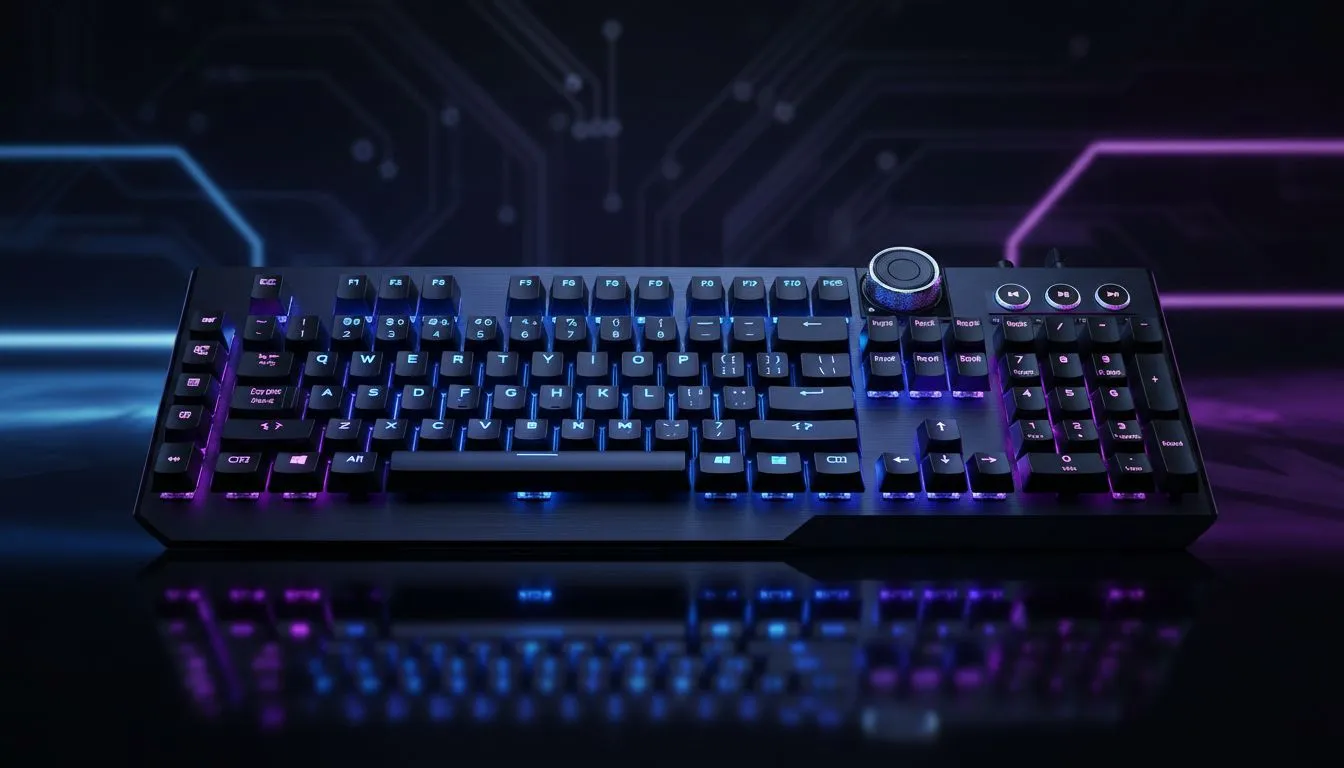
Full-Size Gaming Keyboard with Media Keys: Why They Still Matter
A crisp space bar, a full numpad and one-tap media control... sounds simple, but these features save seconds every match and hours every workday. For South African gamers who stream, edit clips or juggle playlists during raids, a full-size gaming keyboard with media keys keeps focus on play, not on hunting for volume or mute. 🔧
Full-Size Gaming Keyboard with Media Keys — Practical benefits for players and creators
Full-size layouts give you a dedicated numpad and extra keys for macros and shortcuts. Media keys mean you can mute, skip tracks or lower volume without tabbing out. That’s not just convenience; it’s a workflow improvement when you’re casting a stream or clipping highlights.
If you’re shopping smart, start by checking current deals on local stock to see real ZAR prices and promotions—Evetech lists the latest offers on gaming keyboards and combos that show what's in budget right now, often with clear ZAR pricing and specs see current gaming keyboard deals. Prices range broadly, so knowing what you need helps avoid overpaying.
Why wired or wireless still matters for media controls
Latency and battery life are the big considerations. Wired full-size gaming keyboards with media keys give zero-sweat connectivity and steady power for lighting and macros—handy for long LAN sessions. If you want portability and a cleaner desk, wireless models can deliver on media convenience, but watch battery specs and dongle reliability. Evetech lets you filter by connectivity to compare wired options directly compare wired keyboards or wireless picks explore wireless keyboards.
Full-Size Gaming Keyboard with Media Keys — choose by use case
- For streamers: prioritise a tactile switch and dedicated mute key for instant mic control.
- For MMOs: a full layout with programmable macros and a numpad can map consumables or quick commands.
- For office + gaming: a media row and volume wheel make music and alerts manageable between meetings.
If you want the best value-per-feature, browse Evetech’s curated budget section for affordable full-size options and clear ZAR listings to compare specs side by side browse cheapest keyboards. For a tidy desk or shared setup, consider a keyboard+mouse combo that covers both peripherals in one buy keyboard and mouse combos. ✨
Productivity Pro Tip ⚡
Windows, map your most-used media controls to dedicated keys or macros. Use the keyboard’s software to create a “streaming” profile: mute, record, and scene-switch on one keypress. This avoids accidental alt-tabs during live matches.
Full-Size Gaming Keyboard with Media Keys — final buying tips and local context
Buy where you can see stock and ZAR pricing, and check warranty details. If you like mechanical feel, sample switches in-store or read local reviews. For quick decisions, Evetech’s deals page highlights models on special so you can snap up a good unit when it’s in stock find special offers.
Thinking wired vs wireless? Try a wired option if you stream competitively; pick wireless if you value desk tidiness and occasional mobility. Whatever you choose, make media controls a checklist item — they’re small, but they save time and keep your focus where it matters: the game. 🚀
Ready to Find Your Perfect Match? The Mac vs Windows debate is complex, but for maximum power, choice, and value in South Africa, Windows is hard to beat. Explore our massive range of laptop specials and find the perfect machine to conquer your world.











