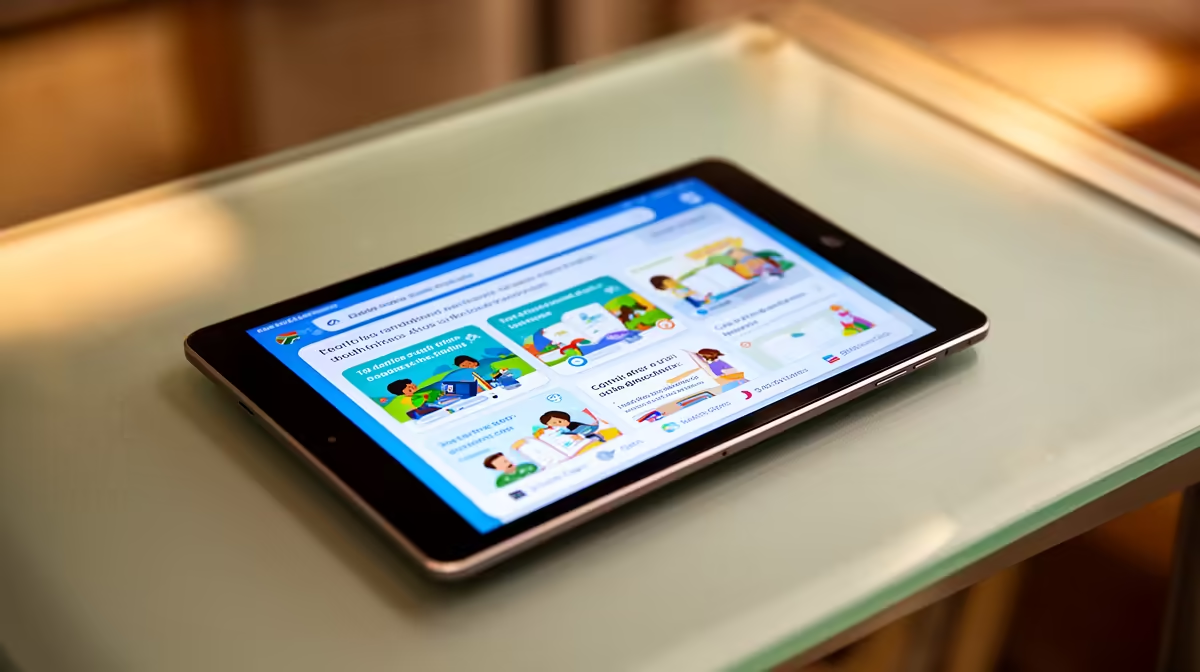
An Android tablet can work for online classes when the course uses browser tools, video meetings and simple document submission. It may fail with examination software, specialised applications or awkward file management. Students should test the complete class workflow before replacing a laptop with a touch device.
Check the learning platform
The factpacks do not supply a verified Android tablet with a price for this class workflow. The ASUS ExpertBook P1503 is a verified laptop comparison at R9,858 with a Core i5-13420H processor, 8GB memory, 512GB storage and Windows 11 Pro. Confirm the institution browser, proctoring, document and webcam requirements before choosing Android.
Rehearse a full lesson
Join a practice meeting, download a worksheet, edit it with the intended keyboard and submit the file. Check microphone pickup, camera angle, Wi-Fi recovery and battery life. Use a stable stand so the screen remains at eye level. Keep a charger and headset available without routing cables across the study area.
Choose the tablet for portable reading and light coursework when every platform step works. Use a laptop when desktop software, long typing or local file tools matter. Back up notes and recovery codes outside the device.
Keep one assignment exported as PDF and one editable copy to test how the tablet handles both submission formats.
Confirm that printed worksheets remain readable after the tablet exports them to PDF.
Choosing an online-class device? > Ask Evetech to compare supported laptops with current tablet availability.