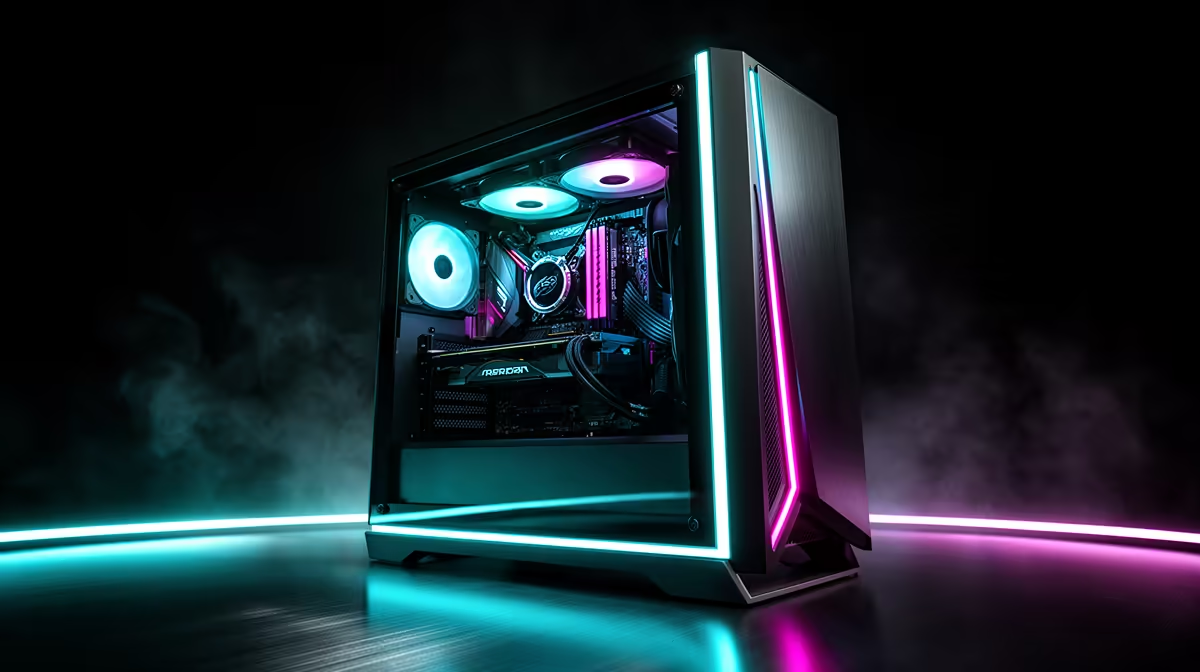
Prebuilt PCs have a stronger value case in 2026 because system builders can source memory and storage in volume while an individual buyer pays the current retail price for every part. That advantage varies by configuration. A self-build can still win through exact component control and well-timed deals.
Quick Answer
Choose a prebuilt when its complete specification costs less than a matching parts basket, the foundation parts are named and you value assembly plus one system support route. Self-build when you want exact control over motherboard, PSU, cooling and noise, or can source a better basket. Compare on the same day.
Memory pressure changes the arithmetic
A 32GB kit bought at retail can distort a self-build budget during a price spike. A system builder may hold stock bought earlier or purchase modules in larger quantities. That can let a prebuilt include the capacity at a lower effective cost.
The same applies to SSDs, cases and power supplies. Volume does not guarantee the lowest cost, and older stock can be priced above a new dip. It creates the possibility of value, which still needs a model-level comparison.
Prebuilt configurations can also use a plain memory bin, basic SSD or case bought for a production run. These choices lower cost. They are good value when the parts remain suitable and clearly identified.
Put the parts basket beside complete gaming systems and popular desktop choices. The named Ryzen 5 8500G DDR5 gaming PC gives a local full-system reference: R12,809 in July 2026.
Make the specifications equal before comparing
Start with CPU and GPU. These parts set most gaming performance. Match the exact models, then compare memory capacity and channel layout. A 32GB prebuilt and 16GB self-build are different systems.
Storage needs capacity and interface. A 1TB SATA SSD and 1TB Gen4 NVMe drive can serve gaming well, but they do not have the same performance or cost. Record the exact model where possible.
Motherboard and PSU are common blind spots. A board must support the CPU, memory, storage and intended upgrades. A PSU needs a named model, adequate connectors and sound platform quality. Vague descriptions deserve questions.
Add case, cooler, fans and networking. A self-build list that omits Wi-Fi or enough cooling looks cheaper on paper and costs more when completed.
What a prebuilt adds
Assembly saves time and removes the first-boot process. A configured system can arrive with cables routed, firmware set and hardware tested together. The value depends on how much you enjoy building and troubleshooting.
A system support route can simplify diagnosis. If a new PC fails, you have a clear place to start. Read the exact warranty and support terms; do not assume every component issue is handled the same way.
The machine should still use standard parts where possible. Proprietary power connectors or unusual case layouts can make later upgrades harder. Ask for the board form factor, PSU model and case clearance.
Prebuilt convenience does not excuse imbalance. A flagship CPU paired with an entry GPU can create a weak gaming system. Buy against the resolution and frame rate you want.
What self-building adds
You choose every model, from the PSU platform to the fan curve. This helps when silence, compact size, Linux support or a specific storage layout matters.
You can time deals across parts, though buying over many months creates risks. Components sit untested and return periods pass. A concentrated purchase lets you assemble and diagnose the complete machine.
Self-building also teaches the system. Future upgrades and troubleshooting can feel easier because you know each cable and setting. That experience has value if you enjoy it; it is a burden if you need a working PC this week.
Component warranties stay attached to individual parts. Keep every invoice, serial and box. Diagnosis may require proving which part failed before a claim starts.
Use a one-page comparison
Create two columns and list CPU, GPU, motherboard, memory, SSD, PSU, case, cooler, fans, networking and operating-system position. Put the current price beside each. Add assembly needs and support route as non-hardware lines.
Score upgradeability. Check memory slots, M.2 slots, PSU headroom and GPU clearance. A cheaper system that needs a new PSU and case for its first GPU upgrade can lose long-term value.
Score noise and cooling. A self-build may win through a chosen cooler and fans. A tested prebuilt can win when its airflow and fan tuning are documented.
Repeat the price check on the day you buy. Memory and promotion movements can change the result. The better route is a current answer, not a permanent rule.
Check the delivered system against the listing
On arrival, confirm each named component through the case window, BIOS or system tools. Check memory capacity and channel layout, SSD model, motherboard and GPU. Keep a screenshot or copy of the original specification.
Run a sustained CPU and GPU load while watching temperatures and fan noise. Test front and rear ports, networking and every display output you need. A prebuilt's value includes arriving as a working system, so prove that before moving all personal files.
If a component differs from the listing, pause upgrades and resolve the discrepancy through the stated support route. Adding memory or changing hardware first can complicate a clean comparison with what was ordered.
Keep the machine on stable default settings until this inspection is complete.
Ask how BIOS updates are handled before the first future CPU swap. A standard retail motherboard can still need a supported firmware path, and the process belongs in the upgrade value.
Frequently Asked Questions
Are prebuilts cheaper than self-builds in 2026?
Some are, especially when volume-sourced memory improves the configuration. Compare a matching current basket.
What should a prebuilt list disclose?
Look for exact CPU, GPU, RAM layout, SSD, motherboard, PSU, cooler and case details.
Does self-building always use better parts?
Only if you choose them. A poorly planned parts list can be less balanced than a good prebuilt.
How do warranties differ?
Prebuilts can provide a system starting point, while self-built components carry individual cover. Read the exact terms.
Which route upgrades better?
The route with standard parts, free slots, PSU headroom and case clearance. Check the exact system.
Put a named prebuilt beside a complete same-day parts basket and choose the route that wins on balance, support and upgrade room.