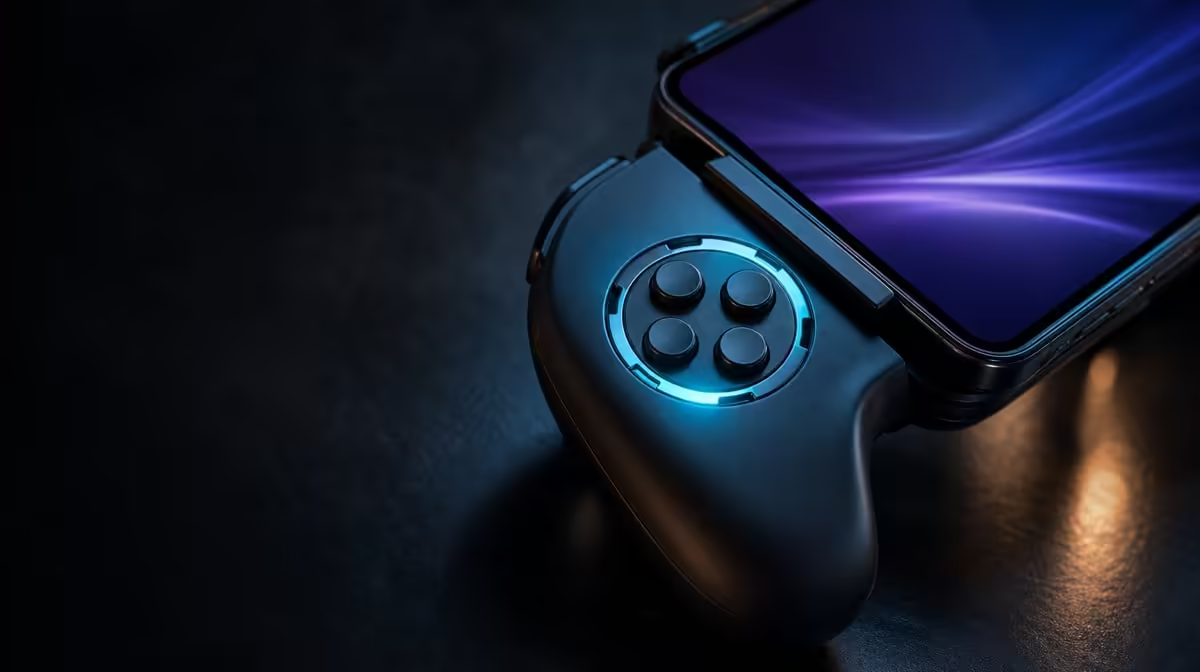
Button caps are useful when they make prompts easier to follow, not when they become decoration. Swappable ABXY buttons for game layouts help players who move among conventions and want the visible letters under their thumb to match. At R699, the GameSir X5s pairs physical ABXY changes with software customisation and Turbo, allowing labels, actions and repetition to be managed as separate layers.
Quick Answer
Yes, swappable ABXY buttons are useful when different games or platforms present different label conventions. The GameSir X5s costs R699 and lets players rearrange the physical caps, then use software customisation to align supported actions. Moving a cap alone does not automatically remap the command sent to the game.
🔤 Physical labels solve a visual problem
Players build muscle memory around button position, while games often communicate through letters. If the displayed prompt and the controller cap disagree, even a correct press can require extra thought. Swappable caps let the visible arrangement follow the convention a player prefers.
Before moving anything, photograph the original X5s layout. Decide which convention the target game or platform uses, then rearrange only the required caps. Inspect the final order before opening software.
Physical change is most valuable when the letters are regularly consulted. An experienced player who acts entirely by position may gain less. Someone learning a new platform, following on-screen prompts or moving between games can gain more.
Build a before-and-after map. Draw the four positions, record their original caps and then record the intended arrangement. This takes less time than reopening the controller profile later and trying to remember whether a visible mismatch began physically or digitally.
The Evetech gaming controller category provides a place to compare layout flexibility with other controller priorities.
🧩 Software decides the digital action
A cap supplies a letter; a mapping supplies a command. After arranging the physical ABXY set, open a neutral controller test or game menu and press each position. Write down the reported action.
If one command is wrong, remap that single action and repeat the test. Do not move the cap at the same time. Two simultaneous changes can cancel each other, create a new mismatch or make it impossible to identify what fixed the issue.
Games may maintain distinct menu and gameplay controls, so verify both. Android and PC can also present different prompts. Separate profiles make sense when the same X5s travels between devices, but an untouched default should remain available.
When the same game offers different input contexts, test a complete loop: navigate the menu, begin play, perform each important action and return to the interface. A cap arrangement earns its value when the letters remain helpful through that entire loop.
Ask another simple question after the test: did the new labels reduce hesitation? If the physical change looks tidy but prompts still create confusion, inspect the mapping and game convention again. The purpose is faster understanding, not a visually different controller.
Name profiles by device and game. A clear label reduces the chance of loading an Android arrangement on a PC title and then "repairing" a layout that was correct in its intended context.
⚡ Turbo is not part of the alphabet
Turbo repeats a suitable assigned input. It does not change the visible ABXY convention and should not be treated as a physical layout feature. This distinction matters when a button seems to send multiple actions.
Test Turbo after the cap order and mapping are correct. Apply it to one appropriate action in a controlled scene, observe the repeat, then disable it and confirm a normal single press. If repetition does not improve the game, remove it from that profile.
Software customisation can organise this behaviour, but it should solve a recurring task rather than turn every face button into an experiment. The X5s already covers magnetic stick sensing, graduated trigger input, six-axis motion and HD feedback, so its value does not depend on Turbo being enabled everywhere.
Turbo should also be considered against the game's rules and the nature of the action. A repeated command may be useful in one context and disruptive in another. Saving it per profile prevents accidental repetition when the controller moves to a different title.
Browse gaming accessories from Evetech after the controller's physical and digital layout works together.
🎮 Verify the layout in normal play
Isolated button presses are only the first test. Navigate a menu, enter gameplay and perform each important action in sequence. Watch whether prompts match the physical letters and whether the expected command appears.
Keep the connection stable during this verification. Bluetooth, USB-C and 2.4GHz are available on the X5s, but the 2.4GHz dongle is not included. Changing modes during mapping can add a recognition issue to a layout issue.
If the arrangement works on Android and not on PC, return to the default profile and identify whether the difference follows the platform, game or custom mapping. Preserve the working mobile setup while building the second profile.
Connection should be proved before layout diagnosis. A button that never reaches the game because the controller was not recognised is not a mapping problem. Confirm ordinary input first, then compare labels and actions.
Swappable ABXY caps are least useful when the player never consults labels, uses one fixed convention and has no mapping conflict. They are most useful when visible prompts create hesitation and a physical change can remove it. That conditional value is still real.
Their benefit can also extend to a shared setup without requiring any extra feature. A clearly labelled layout helps another player understand prompts sooner, while a saved personal profile lets the original user return to familiar actions. The value comes from reduced confusion, not from the plastic moving for its own sake.
Shared use makes documentation more important. Keep the cap diagram beside the profile name, and restore the expected arrangement before handing the controller over. This avoids one player's helpful change becoming another player's unexplained mismatch.
At R699, the X5s provides both the physical and software tools required for a coherent layout. The Evetech accessory favourites page can help with the surrounding setup after the face buttons feel predictable.
Finish by storing the original arrangement in your notes. If a later game uses another convention, you can change deliberately rather than guessing. A reversible system is the strongest argument for swappable buttons.
The final audit should cover cap letters, transmitted actions, game prompts and Turbo status. Four aligned layers produce a layout that feels obvious. If one remains different, repair that layer alone and preserve the rest.
Swappable controls are therefore most useful as part of a disciplined system. The X5s provides the physical caps and software tools at R699; the player supplies the clear convention and saved baseline that turn them into everyday value.
Frequently Asked Questions
Does moving an ABXY cap alter the transmitted command?
No. It changes the visible letter at that position. Use software or game mapping to change the digital action where needed.
Who benefits most from swappable buttons?
Players who move between layout conventions, follow on-screen letter prompts or maintain separate Android and PC profiles gain the clearest benefit.
Is Turbo another type of remapping?
No. Remapping changes the assigned action, while Turbo repeats a suitable action. Diagnose the two features separately.
How much does the swappable-button X5s cost?
The GameSir X5s is R699, with swappable ABXY caps, Turbo and software customisation included in its feature package.
Ready to make every prompt match the button under your thumb?
Compare customisable gaming controllers at Evetech and choose a layout system that remains clear across your devices.