



PCIe 5.0 vs PCIe 4.0 for Video Editing in 4K in SA
PCIe 5.0 and PCIe 4.0 differ most in lane support, compatibility, and upgrade value for video editing in 4k. SA buyers should match the choice to their actual hardware and games.
Read moreBoost sound quality with audio monitoring. 🔊 Learn how to set up audio mixing for your stream with Streamlabs and more.
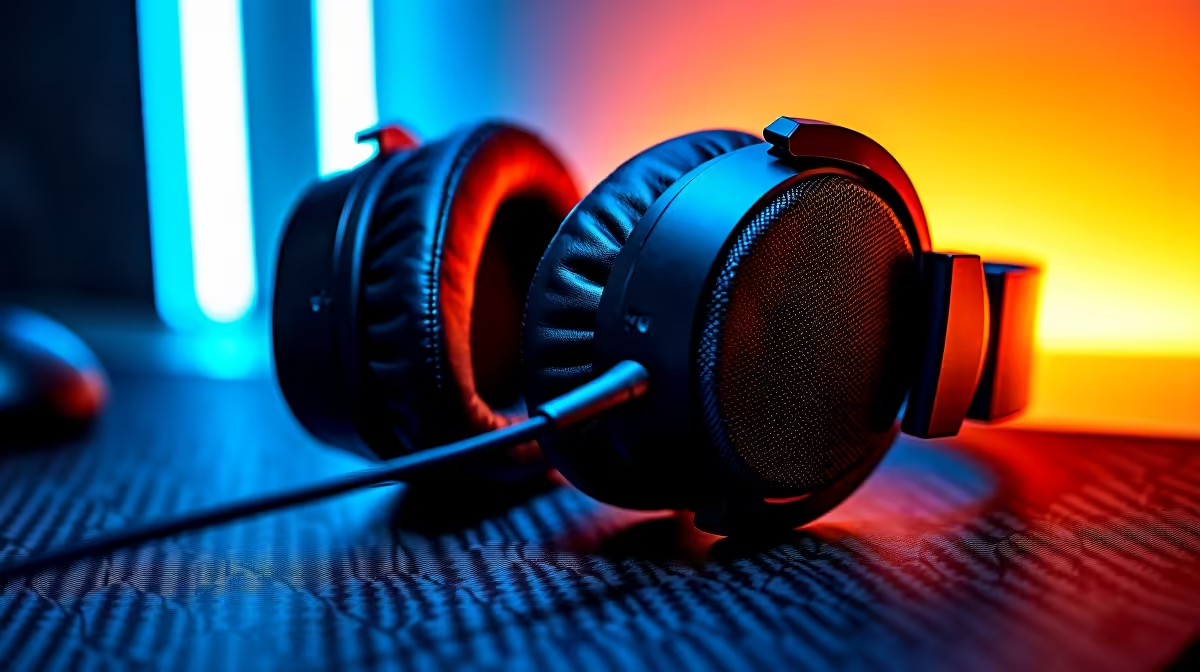
So, you've just wrapped up an epic three-hour stream. The gameplay was on point, the chat was buzzing, but then you check the VOD… disaster. Your mic was clipping, your game audio drowned you out, or a pesky background noise went unnoticed. Sound familiar? A proper streaming audio monitoring setup isn't a luxury; it's the essential tool that separates amateur streams from professional broadcasts. Let's get your audio dialled in. 🎧
Before you even think about fancy transitions or overlays, your audio needs to be flawless. Streaming audio monitoring is simply the act of listening to your own audio output in real-time, exactly as your viewers hear it. It’s your first line of defence against common stream-killing problems like peaking, distortion, or the dreaded "can you guys hear me?" moment.
Getting this right ensures your voice is crisp and clear over the loudest in-game explosions. It’s about creating a pleasant listening experience that keeps viewers engaged, not reaching for the mute button. Building a solid foundation starts with the right streaming essentials, and your audio gear is priority number one.
You don’t need a full-blown recording studio, but a few key pieces of hardware make a massive difference. This is the core of any effective streaming audio monitoring guide.
Always plug your headphones directly into your audio interface or USB mic's monitoring port, not your PC case. This bypasses your computer's processing delay, giving you a true real-time feed of your voice. It’s a simple change that makes effective audio monitoring possible.
Once your gear is connected, it's time to optimise. This process, often called gain staging, ensures a balanced and professional sound.
Start by speaking into your microphone at a normal, conversational volume. Adjust the gain (or input level) on your mic or audio interface until the meter in your software peaks around -12dB to -6dB. This sweet spot gives you plenty of headroom to get excited or laugh without distorting.
Next, balance your game, music, and Discord audio underneath your voice level. Your voice is the star of the show; everything else is just the supporting cast. Once your audio is pristine, you can add visual flair to your setup with cool ambient lighting from brands like Cololight to make your background pop.
Worried about the cost? You can achieve great results without spending a fortune. Many modern USB microphones come with a built-in headphone jack, offering a simple all-in-one solution for direct monitoring. These mics are a fantastic starting point for any new streamer.
Ultimately, the best streaming audio monitoring setup is one you use consistently. Make it a habit to listen to your own feed for a few minutes before you go live. You don't need to break the bank to sound good; you can find a fantastic range of streaming gear for under R6000 that will elevate your stream's quality immediately. 🔧
Ready to Sound Like a Pro? Stop guessing and start hearing exactly what your audience does. Explore Evetech's range of streaming essentials and give your stream the crystal-clear audio it deserves.
Use mixers, microphones, and monitoring software for streaming setups.
Check your software settings using Streamlabs for precise microphone adjustments.
Streamlabs, Audacity, and other platforms help with audio mixing and monitoring.
Reduce latency by optimizing hardware and settings in your streaming tool.
Monitoring ensures clear sound and professional quality for your viewers.
Connect mics and mixers, then configure your audio inputs for live streaming.
Fix issues like background noise and echo by using correct audio equipment and settings.
Use test samples and monitoring tools to check levels and adjust accordingly.
PCIe 5.0 and PCIe 4.0 differ most in lane support, compatibility, and upgrade value for video editing in 4k. SA buyers should match the choice to their actual hardware and games.
Read more
ATX 3.1 and ATX 3.0 differ most in connector handling and GPU power design. For SA gamers, the choice comes down to your graphics card, PSU quality, cable clearance, and whether a newer 12V-2x6-ready unit makes sense for the build.
Read more
80+ Platinum or 80+ Titanium for cinematic should be shortlisted around the job it must do. South African buyers should compare fit, performance, compatibility, and upgrade room, warranty path, and upgrade room before treating any pick as best.
Read more
AM5 and AM4 can both work for competitive esports, but the real-world difference is platform headroom. SA players should compare CPU choices, memory speed, latency goals, monitor refresh, and future upgrade plans.
Read more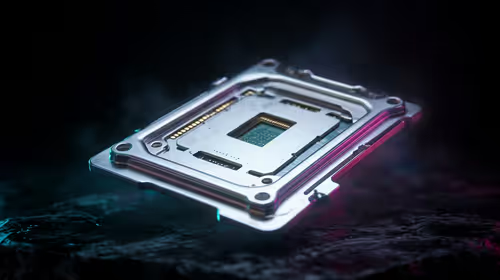
LGA 1851 and LGA 1700 differ most in CPU support, compatibility, and upgrade value for couch co-op gaming. SA buyers should match the choice to their actual hardware and games.
Read more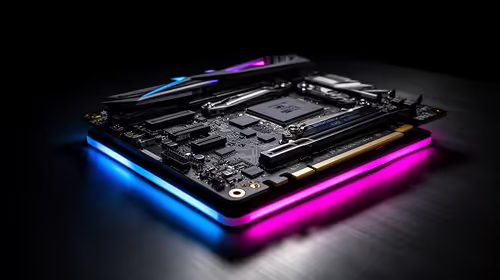
DLSS 4 and DLSS 3 differ most in game support, compatibility, and upgrade value for streaming on twitch and youtube. SA buyers should match the choice to their actual hardware and games.
Read more
RTX 5090 on a 1200W PSU has usable headroom when the supply is strong and the build is measured. For SA gamers, OC potential depends on CPU draw, cooling, cabling, stability targets, and how much safety margin you keep.

How to fix low FPS on gaming laptop starts with power mode, drivers, heat, and game settings. Use this South Africa-focused checklist to confirm charger use, GPU selection, RAM pressure, and cooling before changing parts or tweaking every setting.

Real world difference between b850 b650 mmo live service games sits in stability, networking, storage, and upgrade room. SA players should compare LAN quality, USB layout, RAM support, and SSD slots for always-updated games.

Dead Pixel on Wi-Fi 7 Router is likely a display-path or source-title issue, so check the screen, cable, driver state, and related system symptoms before blaming the device itself.

Put the headphones in pairing mode, open Bluetooth and devices in Windows 11, then add the headset. If it fails, remove the old pairing and check charge, range and drivers.

Microsoft says upcoming Windows 11 work will target memory use on 8GB PCs and improve boot and sign-in responsiveness. There is no public release date or measured uplift yet.

Windows 11 does not show CPU temperature in its standard Settings pages. Use your CPU maker's supported utility or a trusted monitor, then read idle and loaded temperatures in context.

The Colorful MEOW X16 Pro pairs a Ryzen 7 8745HX with a 115W RTX 5060 Laptop GPU. It is a China-only launch for now, so local RTX 5060 pricing is the practical benchmark.

Industry reports point to another roughly 10 percent Intel processor increase from 5 October, but Intel has not published a consumer price list confirming the scope. South African buyers should treat it as a risk signal, not a guaranteed Rand change.

Tests reported audio capture and local-network scanning on a specific LG television with its screen off. LG says supported standby modes can keep voice and connected-device features active, so owners should review model-specific settings.

Thermalright's AXP120-X77 is a 77 mm top-down cooler with six heatpipes and a slim 120 mm fan. Local availability is not confirmed, so compact-PC builders should verify case height, memory clearance and socket support before comparing it with stocked coolers.

One-sided sound can come from balance settings, a dirty or loose connector, Bluetooth pairing data, firmware, the source device or a failed cable or driver. A short swap test isolates the cause before you reset software or replace the headset.