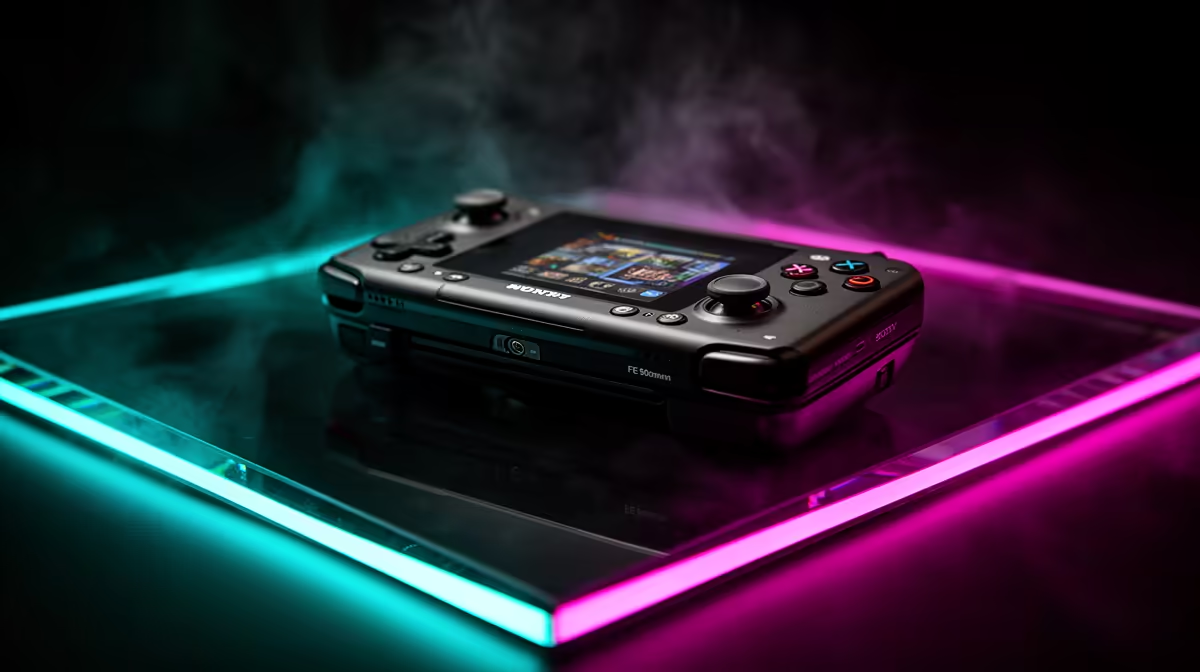
An Odin 2 can be configured with different memory and storage, so a converted launch price tells you little about the unit you would receive. The AYN Odin 2 price in South Africa in 2026 should include the exact variant, accessories, shipment route and a plan for software and faults. Compare that package with current local handhelds.
Quick Answer
There is no permanent South African Rand price for every Odin 2 variant because seller routes, exchange rates and fulfilment batches change. A unit sent from overseas can add freight, customs duty and return transport. Evetech's live handheld gaming page shows current local alternatives for a fair complete-package comparison.
🧮 Price the exact configuration
Record the full Odin 2 model name, memory, storage and colour. Do not combine the lowest advertised variant with the performance or capacity of a higher one.
Memory can affect multitasking and demanding software, while storage controls how many games and media files stay internal. Buy for a defined library rather than the largest number.
Confirm removable-storage support and performance. A large card can expand capacity but may load more slowly or require careful formatting.
Read the written box list for charger and cable. Add a case, screen protection and dock only when you will use them.
Check whether the seller is offering in-stock hardware, a pre-order or a later batch. The dispatch promise belongs beside the price.
Save the exact listing and terms. If a variant changes before shipment, you need evidence of what was purchased.
🕹️ Match Android performance to real games
The Odin 2 is used for retro emulation, Android games and streaming. Each workload needs different software and controls.
For emulation, check the exact game and emulator on current firmware. Use game and system files only where you have the right to do so.
For Android titles, confirm controller support, account services and aspect ratio. Some games expect touch controls even on a device with buttons.
For streaming, test Wi-Fi latency in the intended room. The host PC, router and network load can matter more than the handheld processor.
Use a frame cap and sensible resolution. Maximum performance can raise heat and battery drain without making a small display look better.
Record software versions that work and maintain a supported recovery method. Back up saves outside the handheld before updates.
🖥️ Test portable and docked use
Play for an hour and note grip comfort, weight and heat near the hands. Test every stick, trigger, shoulder button and direction through raw input.
Check display touch, brightness and motion on plain backgrounds and real games. Listen to both speakers and the headphone path.
If you plan docked play, confirm display output and external-controller support for the exact device. Test whether charging keeps up while video and USB devices are connected.
Controller order can change after a dock or sleep cycle. Map the external pad in each important app and record the working sequence.
Keep vents clear in a stand. A dock should support the shell without pressing buttons or blocking cooling.
Evetech's PC best-sellers offer another local route for docked gaming. A laptop or desktop may suit a permanent screen and controller setup better.
📦 Calculate landed cost and fault distance
Start with the dated seller quote and international delivery to your address. Add Rand conversion, border assessment, carrier processing and any final-area charge.
Customs treatment follows current South African rules, product classification and valuation. Consult the relevant authority and carrier. Do not invent one duty percentage for every handheld.
Compare the total with an Evetech handheld listing that covers the same core games. Add case, storage and required accessories to both sides.
Get written warranty steps. Ask where the display, controls, battery and mainboard go for diagnosis and who handles transport.
On arrival, photograph the package and serial. Test all controls, ports, wireless functions, charging and a long gaming load before discarding packing.
Use a raw-input display for the controls. Move each stick through slow circles, hold it near the edge and release it. Press triggers through their full travel and test shoulder buttons under a normal grip.
For a used Odin 2, verify memory and storage in system settings. Remove seller accounts, inspect the shell and battery area, then create a clean game test.
Run a full storage-health check and copy a large legal file through the USB connection. Test the card slot with separate known-good media. A seller's game library cannot prove that storage writes remain stable.
Measure battery decline at fixed intervals. Check charger behaviour during a demanding title and after the device warms. Stop if the case deforms or develops concentrated heat.
Test the display on solid colours at high and low brightness. Look for dead touch areas, flicker, pressure marks and uneven tint. Listen to centred speech through speakers and headphones to catch channel imbalance.
If docked play matters, connect the display, controller, network and charging one item at a time. Record which connection creates a dropout. A dock can work with a mouse and fail once video and power share bandwidth.
Try sleep and resume both handheld and docked. Save the game first. Confirm that audio, controller order and network return before making suspension your travel routine.
Create an ownership record with model code, serial, software versions, card brand, charger details and backup location. Store it away from the handheld with the invoice and seller terms.
Frequently Asked Questions
Is the AYN Odin 2 sold in South Africa in 2026?
Exact-model availability can change. Check current sellers and Evetech's live handheld category on the day you plan to purchase.
Does Odin 2 come in several memory or storage options?
Variants can differ. Confirm the current configuration, model code and seller's written contents rather than relying on a family overview.
How much duty should I add?
There is no safe universal amount. Use current SARS or responsible-authority guidance and carrier information for the exact invoice and classification.
Is Odin 2 only for retro emulation?
No. Its use can include Android games and streaming, subject to software, network and controller support. Keep game use lawful.
Does it support external controllers?
Android supports many controllers, but app mapping and dock behaviour differ. Verify the exact pad and software you intend to use.
What locally warrantied handheld can I compare?
Evetech's current handheld page lists the local options available now. Compare the live warranty wording and product specification.
Ready to compare complete handheld packages?
Check Evetech's live handheld range and price the device, storage and accessories against the exact Odin 2 variant.