Quick Answer
The best 240Hz monitor available to Germiston buyers at Evetech is the ASUS TUF Gaming VG279QM (27", 1080p, 280Hz IPS, 1ms GTG) at R5,800 — it over-clocks beyond 240Hz and delivers to Germiston within 1 business day. For 1440p 240Hz, the MSI MAG 274QRFX (R6,500) is the next step up.
Why 240Hz Matters (and When It Doesn't)
At 240Hz, each frame is displayed for 4.17ms versus 6.94ms at 144Hz — a difference clearly visible in fast-moving FPS games like CS2, Apex Legends, and Valorant. Player reaction advantage at 240Hz over 144Hz is measurable: approximately 10–15ms faster stimulus-to-response in competitive studies. In slower-paced or single-player games (FIFA, RPGs), 240Hz vs 144Hz is not perceptible. GPU requirement at 1080p 240Hz is lower than 1440p 144Hz — an RTX 3060 or RX 6700 XT can consistently push 240 fps in CS2 at 1080p.
Best 240Hz Options by Category
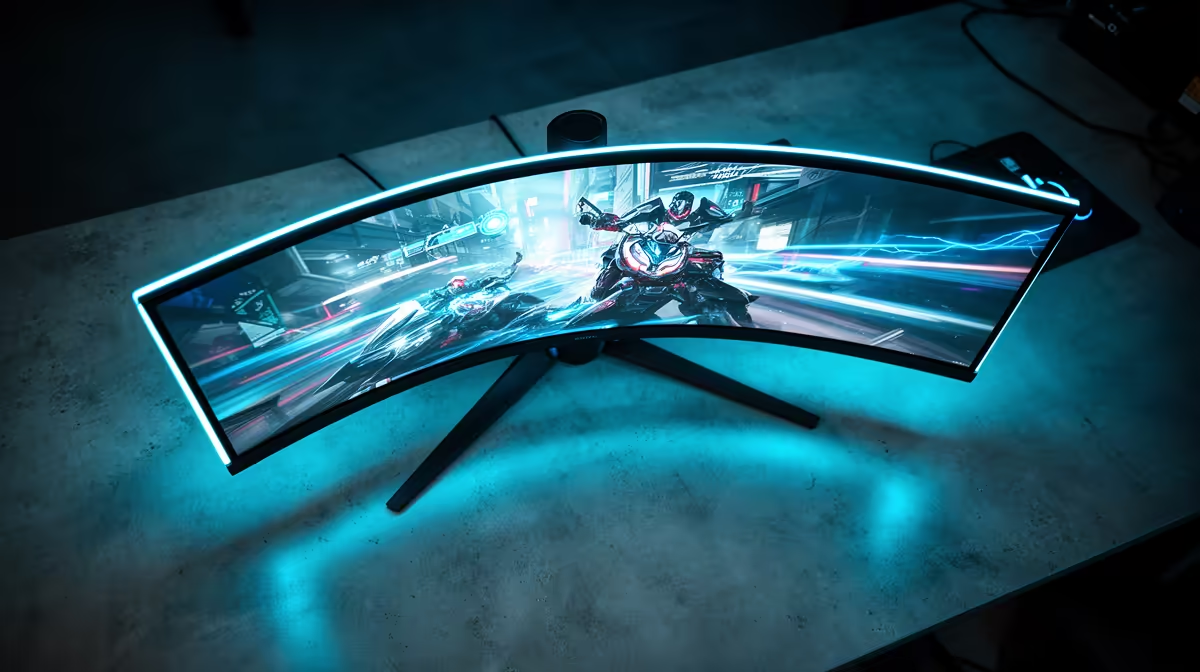
Best value (1080p): ASUS TUF VG279QM — R5,800 | 27" | 280Hz IPS | 1ms | G-Sync Compatible. Best 1440p 240Hz: MSI MAG 274QRFX — R6,500 | 27" | 1440p | 240Hz Rapid IPS. Best curved 240Hz: Samsung Odyssey G7 — R7,500 | 32" | 1440p 240Hz VA | DisplayHDR 600. Fastest 360Hz (competitive extreme): ASUS ROG Swift PG259QN or similar — R9,000+. All stocked at Evetech.
What to Check Before Buying a 240Hz Monitor
Verify your GPU output: HDMI 2.0 caps at 240Hz on 1080p but not on 1440p — use DisplayPort 1.4 for 1440p 240Hz. Enable the refresh rate in Windows Display Settings (it defaults to 60Hz). Check for G-Sync or FreeSync compatibility: VRR eliminates tearing across the full refresh range, making a 240Hz panel smooth even when GPU output dips below 240 fps. The ASUS VG279QM is both G-Sync Compatible and FreeSync Premium.
FAQ
Does 240Hz reduce input lag?
Yes — at 240Hz the maximum frame display latency drops to 4.17ms compared to 6.94ms at 144Hz. Combined with a 1ms GTG panel response time, total display latency (GPU render + display time) drops by roughly 10–12ms versus a 60Hz panel. This is meaningful in competitive FPS gaming, less so in single-player games.
Can a PS5 use a 240Hz monitor?
No — PS5's maximum output is 4K/120Hz or 1080p/120Hz via HDMI 2.1. It cannot output 240Hz to any monitor. A 240Hz monitor works with PS5 but the console will only drive it at up to 120Hz. For PS5 console gaming, a 144Hz or 120Hz monitor is more than sufficient.
What is the delivery time for Evetech orders to Germiston?
Germiston is about 20km from Evetech in Johannesburg. Delivery to Germiston typically takes 1 business day with Evetech's standard courier service. Orders placed before 11am on weekdays dispatch same day and usually arrive the next morning.
DisplayPort 1.4 cable separately — most monitors ship with HDMI 2.0 cables, which cannot carry 1440p 240Hz. The ASUS VG279QM includes a DP cable in the box, but double-check before your first setup.