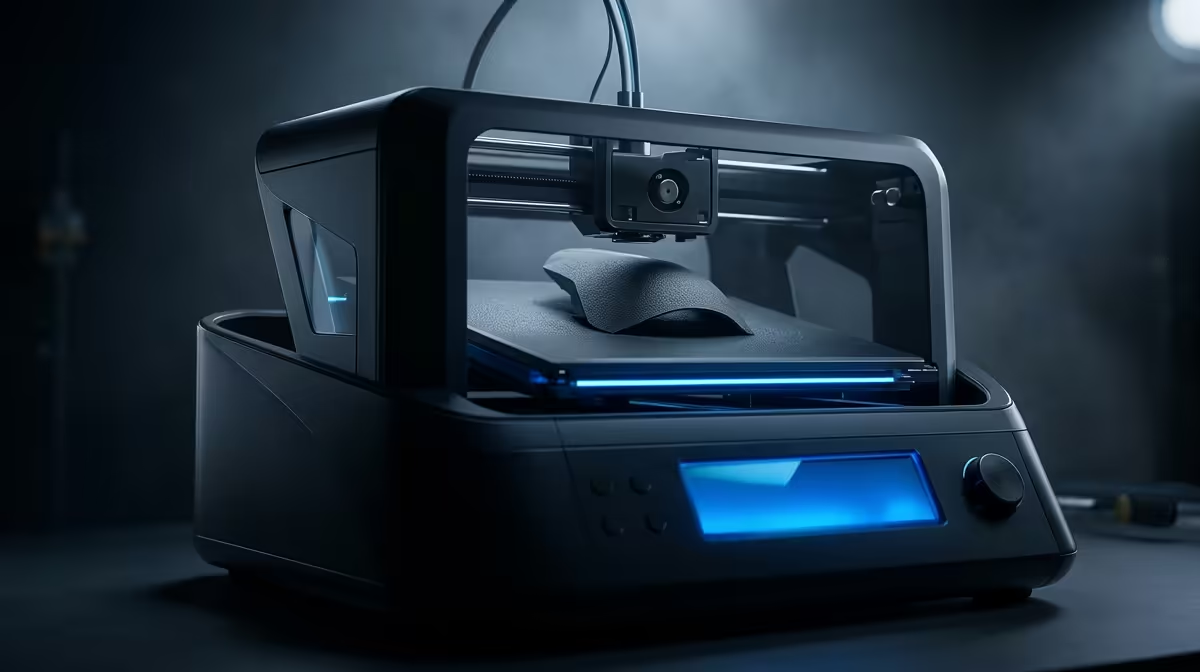
A monitor riser that fits your exact desk, a headset hook printed to clip onto a specific shelf edge, a joystick mount sized to your throttle quadrant: these are the parts a 3D printer for gaming gear mods and desk accessories turns out by the dozen, and the gap between owning one and outsourcing every small fix is enormous. The Bambu Lab A1 has become the desk-sized machine most South African gamers reach for first, and the reasons go well beyond its price.
Quick Answer
The Bambu Lab A1 at roughly R7,999 is the strongest pick for printing gaming mods and desk accessories in South Africa. Auto-calibration means you can go from a downloaded model file to a finished part in a single morning, and its build area handles most monitor risers, controller stands and cable trays without splitting the model into pieces.
Why the A1 Suits Gaming Mods Specifically
Most printer reviews talk about miniatures or engineering prototypes. Gaming and desk accessories are a different workload: short prints, frequent filament colour swaps, and parts that need to clamp, hook or sit flush against existing hardware. That favours a printer that calibrates itself every time rather than one you fuss over between jobs.
The A1 runs flow calibration and bed levelling automatically at the start of a print. For a gamer who prints a headset hook on Saturday and a keyboard wrist support on Sunday, that consistency matters more than raw top speed. You are not chasing a perfect first layer across a cold garage; the machine sorts it out and gets on with the part. To check which models are in stock locally and what each kit includes, the 3D printer range at Evetech puts every machine on one page for an easy comparison.
Build Volume Versus Your Desk Parts
The A1's build area comfortably fits the vast majority of desk accessories in a single piece. Most monitor risers, controller stands, cable trays and small mounts sit well within its footprint, so you avoid the hassle of splitting a model into sections and gluing them together afterwards. Only the largest single-piece risers or unusually long brackets push the limit, and those are rare for a gaming desk. For everyday mods, the volume is right where it needs to be.
Speed That Matches Short Print Jobs
Gaming accessories are mostly small, so a printer's behaviour on short jobs matters more than its showroom speed on a giant model. The A1 reaches a usable part quickly because it is not stopping to ask you to level the bed or babysit the first few layers. That turnaround is what makes same-morning printing realistic: download a model after breakfast, print it, and have it on the desk before lunch.
The Mods Worth Printing First
Start with parts that earn their print time every day. A monitor riser is the obvious one: a few centimetres of height fixes neck strain and clears space underneath for a keyboard or a stream deck. Printed in PETG it shrugs off the warmth of a desk near a window and holds a heavy ultrawide without sagging.
Headset and Controller Holders
A headset hook that screws or clamps under the desk edge keeps the cans off the surface and away from spills. Controller and joystick mounts are next, and this is where printing your own pays off, because a generic stand rarely matches the exact base of your throttle or flight stick. Model it once, print it in an evening, and it fits like it was made for the unit, which it was.
Cable Management and Small Fixes
The unglamorous wins add up fastest: cable combs, adhesive clip mounts, SSD trays, fan grilles, and bracket adapters for mounting a small screen or capture device. None of these are worth a separate purchase individually, but together they are the difference between a tidy battlestation and a tangle.
Filament Choices for Desk Parts
PLA is fine for purely decorative pieces and dimensional accuracy, and it prints easily on the A1 with no enclosure. For anything that bears weight or sits in a warm spot, step up to PETG, which resists heat and flexes rather than snapping. ABS gives the most durability but smells and ideally wants ventilation, so most home users stick to PETG for the structural parts and PLA for the rest.
A reel of PLA or PETG runs a modest amount and prints a long list of accessories before it runs out, which is what makes the running cost of this hobby so reasonable once the machine is paid for.
Multi-Colour Without a Second Machine
Many gaming mods look far better in two or three colours, a black riser with a coloured accent, a logo inset in a contrasting filament, or team colours on a controller stand. The A1 supports filament swapping for multi-colour work, so you can print a part that looks deliberate rather than a single flat slab of plastic. It is a meaningful upgrade in finish for desk pieces that sit on display.
Print Quality and Accuracy
Accuracy is what separates a mount that clicks onto your hardware from one that almost fits. The A1 holds tolerances tightly enough that printed clips, slots and snap-fits land where they should, which is exactly what you need for parts that have to grip an existing piece of gear. A joystick cradle or a bracket adapter only works if the printed dimensions match reality, and a self-calibrating machine helps keep that consistent from one print to the next.
Layer finish matters for parts on show. Risers and stands that sit at eye level benefit from clean, even layers, and dialling in a sensible layer height gives a smooth surface without dragging out print time. For purely functional parts hidden under the desk, you can print faster and coarser to save time, choosing quality per job rather than per machine.
Who Should Buy It and Who Should Not
If you tinker, stream, or simply hate paying for plastic brackets that almost fit, the A1 earns its keep quickly. If you only ever want one or two parts, a friend with a printer or a local print service is cheaper than buying a machine. For the gamer who keeps finding the next thing to mount, hook or raise, owning the printer is the better call. Pairing it with the right finishing bits and grip pads from the accessories best sellers rounds out a setup that looks deliberate rather than improvised.
Frequently Asked Questions
Is the Bambu Lab A1 good for beginners?
Yes. Auto-calibration and a guided setup mean a first-time user can get a clean print on day one without manually levelling the bed or tuning flow. It is one of the friendlier machines to learn on.
What can I actually print for my gaming setup?
Monitor risers, headset hooks, controller and joystick mounts, cable combs, SSD trays, fan grilles and bracket adapters are all common. Anything that holds, hides or raises your gear is fair game.
Do I need an enclosure for desk accessories?
No, not for PLA and PETG, which cover the vast majority of gaming desk parts. An enclosure mainly helps with ABS and other materials that warp in a cool room.
How long does a typical desk part take to print?
Small parts like hooks and clips can finish in under an hour. A full monitor riser might run a few hours depending on size and infill, but you start it and walk away.
Is PLA or PETG better for these parts?
Use PLA for decorative or precise pieces and PETG for anything load-bearing or sitting in a warm spot. PETG handles desk heat and the occasional knock far better.
Ready to start printing your own gaming mods? Browse the current 3D printer range at Evetech, compare build sizes and filament support, and pick the machine that matches your bench.